⚠️ Disclosure: This post contains affiliate links. We may earn a commission at no extra cost to you.
⚠️ Disclosure: This post contains affiliate links. We may earn a commission at no extra cost to you.

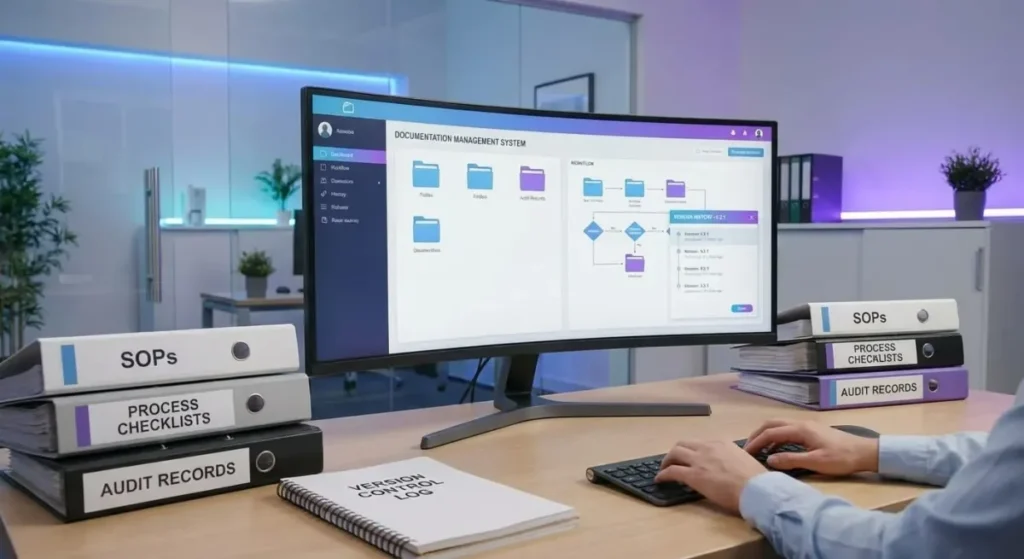
how to create SOPs for virtual assistants is harder than it sounds. You've got one VA handling email, another doing bookkeeping, and a third managing social media. Each role needs different documentation depth. Yet you want consistency across your entire remote team.
Per ISO 9001 documentation principles, effective process records reduce variation by up to 40 percent when maintained properly. But most businesses skip the hard part: figuring out which processes deserve detailed SOPs and how detailed they should be based on task complexity and VA experience level.
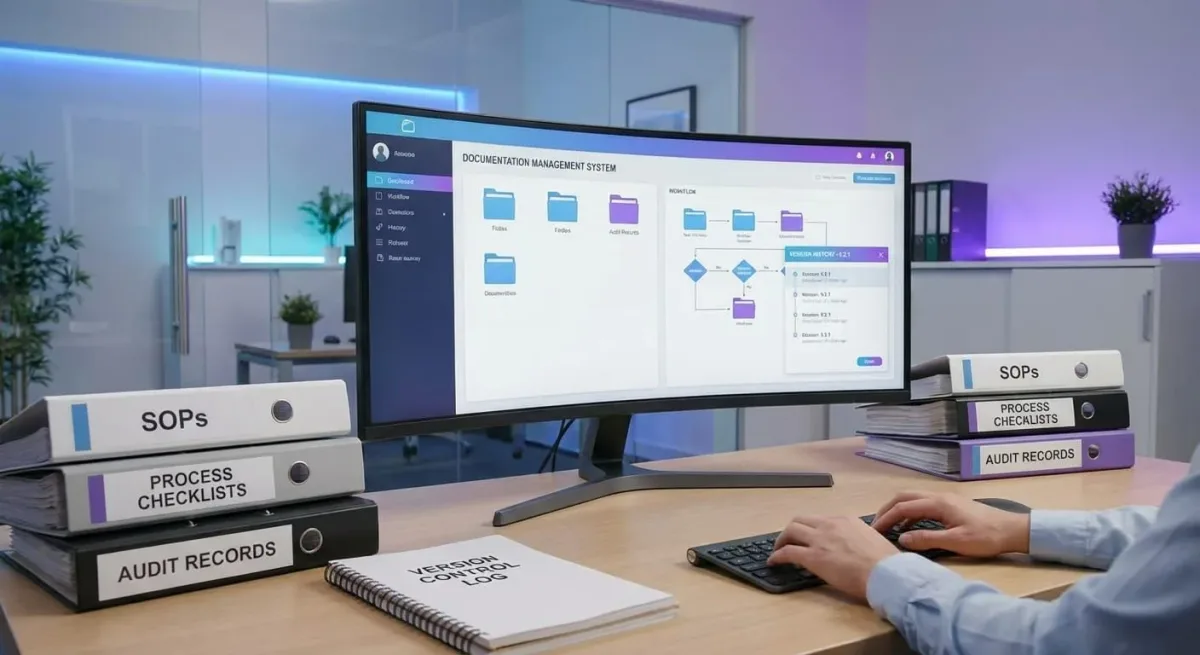
how to create SOPs for virtual assistants starts with mapping your core workflows. Document steps in plain language with visual proof. Assign each process an owner.
Test every SOP with an actual VA before launch. Review quarterly to stay current.
Most businesses make one critical mistake upfront: they decide on format before analyzing their actual processes. A single format never fits all workflows. Your social media VA needs something totally different from your bookkeeper's documentation requirements.
Not every task deserves a full manual. Routine tasks that happen daily work best as quick checklists. Complex processes requiring judgment calls need step-by-step guides with decision branches.
Think of it this way: booking a client call takes three clicks. Resolving a payment dispute requires evaluating multiple scenarios.
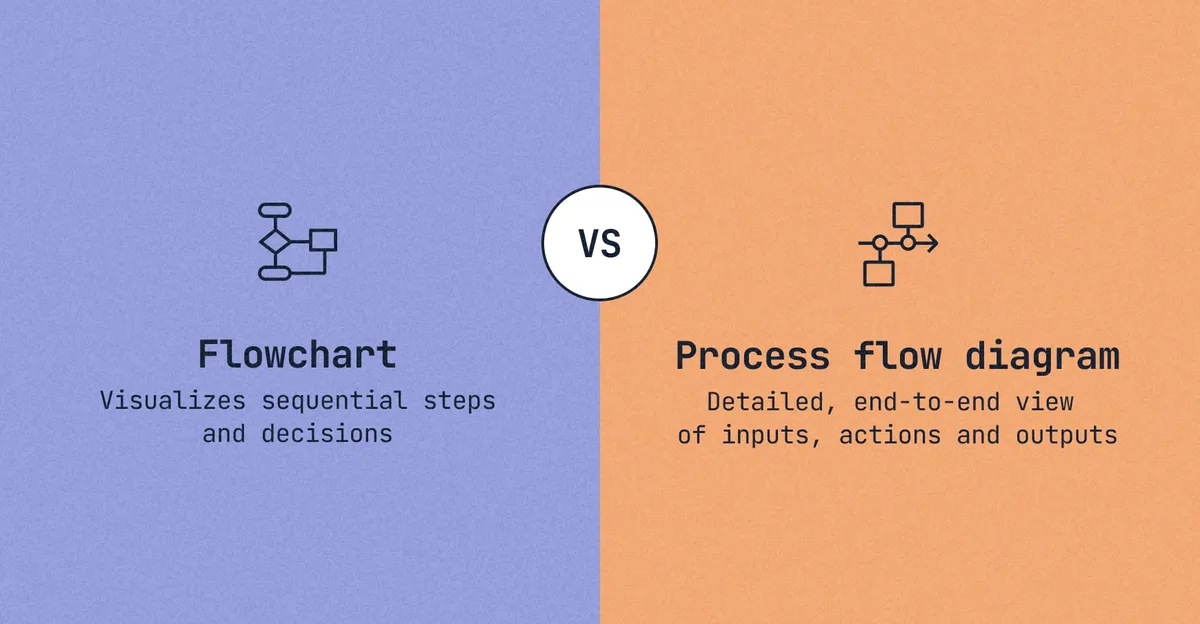
When to Use a Checklist:
When to Build a Detailed Process Map:
Your choice depends on three factors: task frequency, error severity, and VA seniority. Here's a practical breakdown.
| Task Frequency | Error Impact | VA Experience | Best Format |
|---|---|---|---|
| Daily | Low | Experienced | Lightweight checklist |
| Daily | High | Experienced | Process map with shortcuts |
| Weekly | Medium | Junior | Full step-by-step guide |
| Infrequent | High | Any level | Detailed process map with screenshots |
| One-time | Any | Any level | Process map with decision branches |
If you're scaling beyond two VAs, investing time in proper process maps pays off immediately. The virtual assistant for content creators crowd understands this well because content workflows are complex enough that lightweight checklists fail quickly. As TaskVive notes, standardized processes are what separate scalable operations from chaotic ones.
Building an SOP feels overwhelming until you break it into repeatable steps. Once you've selected the right format for your workflow, here's the practical process to turn that process into documentation your team will actually use.
Start by listing every recurring task your team handles. Then rank them using this criteria: which processes cause the most errors, consume the most time redoing incorrectly, or involve your highest-value clients? Those top performers get documented first.
Don't document everything at once. That's a recipe for burnout and abandoned projects. Pick your top three pain points and build SOPs for those.
You'll see immediate results and learn from each iteration before tackling the next batch.
Raw task lists aren't SOPs. An effective procedure includes conditional logic, which means you spell out what happens when X occurs or when Y doesn't go as planned. This branching thinking separates a basic list from an actual operational guide.
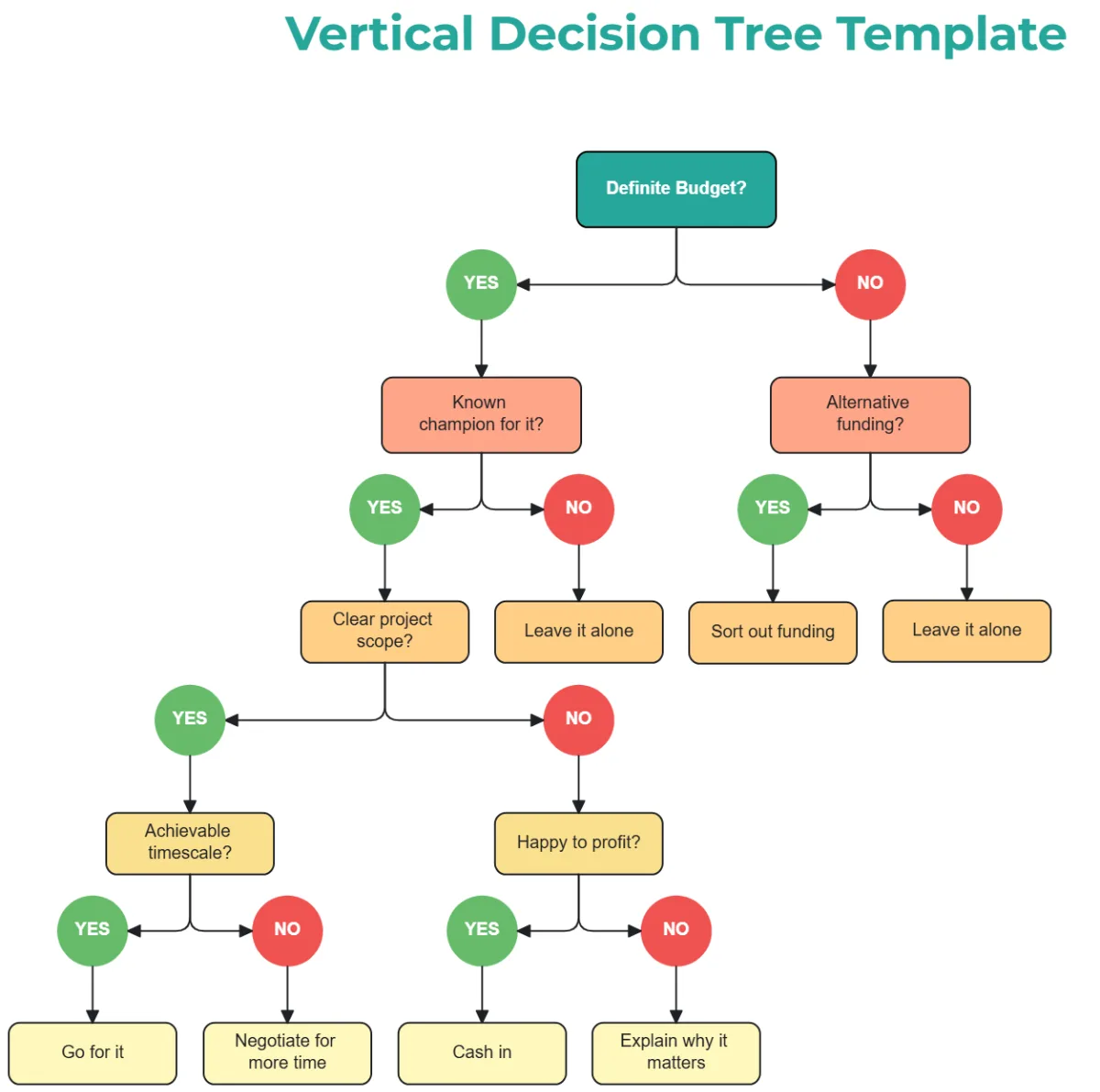
Start each process with a clear trigger. What event or request initiates this workflow? Then walk through each decision point.
Ask yourself: where might a VA hesitate? Where do you typically catch mistakes? Those hesitation points need explicit guidance built in.
A scheduling task might include a branch like this: "If the meeting involves a C-level executive, confirm the agenda 24 hours before. If it's a routine weekly sync, add it directly to the calendar." That second sentence alone could prevent an entire category of errors.
Good SOP writing follows one rule. Write for someone seeing the process for the very first time. Assume zero familiarity with your tools, your terminology, or your shortcuts.
This isn't about dumbing things down. It's about removing assumptions that create confusion.
Each step should contain one action only. Avoid compound instructions like "set up the spreadsheet and format the columns and save it to the shared drive." Break that into numbered steps. Each step gets its own line.
Each line describes one physical action.
Include exact tool names, button locations, and field labels. "Click the green Submit button at the bottom right of the form" beats "submit the form." If a screenshot helps, add it. Visual proof reduces misinterpretation faster than any amount of careful wording.
Screenshots matter more than you think. They eliminate the guesswork about which menu item to click or where a particular setting lives. Use your screen capture tool to show the exact screen your VA will see.
Annotate with arrows or boxes highlighting the critical element.
Video walkthroughs work even better for complex multi-step processes. Tools like Loom let you record your screen while narrating each action. Embed those videos directly in your SOP.
A two-minute video replaces two pages of text and eliminates entire categories of follow-up questions.
Version control keeps everyone on the same page, literally. Always date your documents. Note what changed and why.
Store them in a central location rather than scattered across personal drives. This prevents the nightmare scenario where five VAs have five different versions of the same procedure.
You've read the advice on what to do. Now let's talk about what goes wrong. These pitfalls are easy to fall into, especially when you're rushing to get documentation finished.
Recognizing them early saves hours of rework.
The most common SOP sin is over-documenting. Your team won't read a twenty-page manual. They'll skim the first page, miss the important details, and come back to ask you the questions the document was supposed to prevent.
Conversely, under-documenting happens when you write just enough to jog your memory but not enough to guide someone else. Both extremes produce useless documents. The sweet spot sits somewhere in between: comprehensive enough to complete the task independently, concise enough to be referenced in five minutes or less.
An untested SOP is just hope dressed as documentation. Before you publish anything, have an actual VA complete the task using only your written guide. Watch where they pause, re-read, or make mistakes.
Those friction points tell you exactly what your document is missing.
This testing phase costs real time upfront but saves enormous time downstream. Fixing problems after release means updating, retraining, and answering repeated questions. Catching errors during creation means a cleaner launch and faster adoption.
Here's the brutal truth: a stale SOP is worse than no SOP at all. An outdated document gives false confidence. VAs follow old procedures that no longer reflect reality, creating inconsistent output and avoidable errors.
Set calendar reminders for quarterly reviews. Mark each SOP with an expiry date tied to your review schedule. When changes occur, update the document immediately rather than saying you'll do it someday.
The moment you stop maintaining your SOPs is the moment they start causing harm instead of helping.
Creating the first round of SOPs is a milestone. Maintaining them long-term is where most organizations stumble. Good documentation systems require ownership, clear location, and regular evaluation.
Without these three elements, your effort will degrade quietly over months.
Every SOP needs a named owner. Not a department, not a team, one specific person. This person is responsible for accuracy, updates, and triggering reviews.
Without clear ownership, documentation becomes everyone's responsibility, which means nobody's.
Establish a review cadence tied to process complexity. High-stakes financial workflows might need monthly checks. Standard administrative tasks can stretch to quarterly reviews.
The key is having a rhythm, not ad-hoc updates whenever someone remembers something changed.
Scattered documents are invisible documents. If your VAs can't find the SOP quickly, they'll either wing it or bother you with questions. Both outcomes defeat the purpose of creating documentation in the first place.
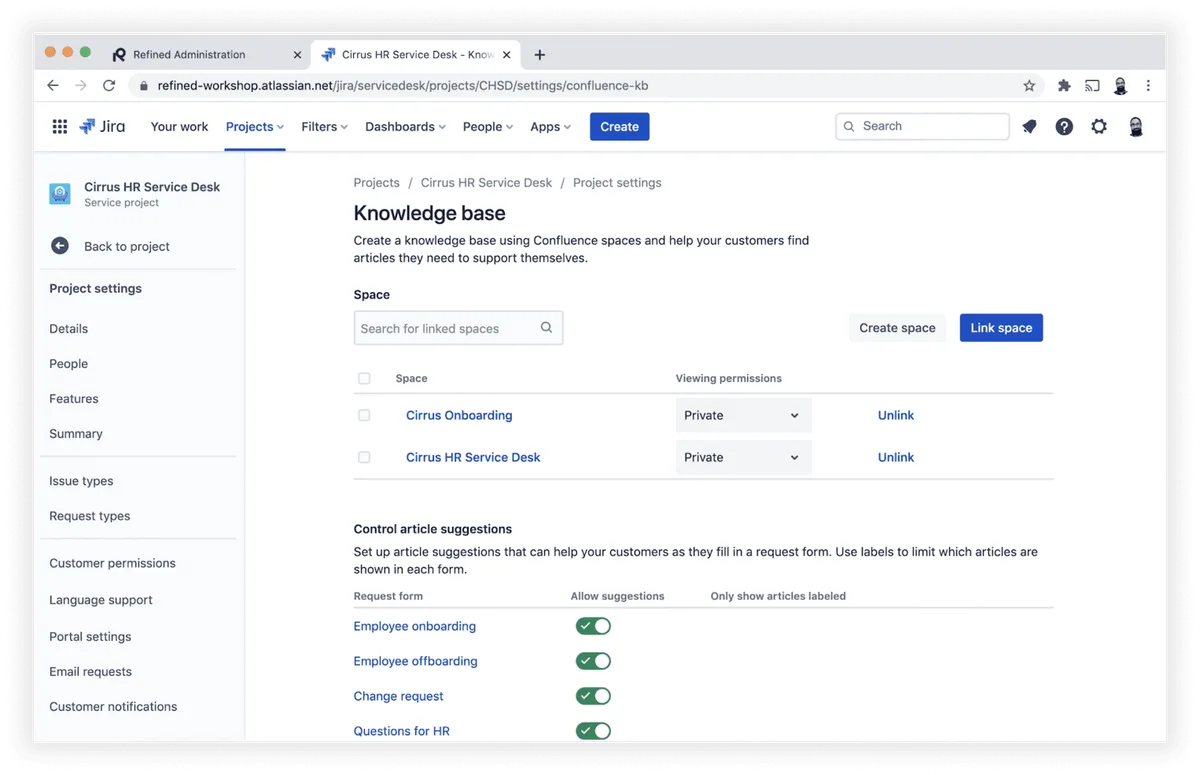
Use a dedicated knowledge base platform rather than shared drives or random folders. Tools like Notion, Confluence, or ProcessStreet offer search functionality, version history, and permission controls out of the box. Make finding documentation as simple as typing keywords into a search bar.
Tag every SOP with relevant categories like task type, department, client, and skill level required. Tags enable filtering and make it easier to surface related procedures when someone works through a complex multi-step project.
Without metrics, you're guessing whether your SOP program works. Track these indicators to validate your effort and identify gaps.
Time-to-proficiency for new VAs completing their first solo tasks. This should drop noticeably as SOP quality improves.
Error rate in documented processes compared to undocumented ones. Even rough estimates reveal patterns worth investigating.
Help desk volume for questions related to existing SOPs. Declining repeat questions signal effective documentation.
SOP utilization rates within your knowledge base. Low search-to-view ratios might indicate poor discoverability rather than poor content quality.
Review these metrics alongside your quarterly SOP audits. The data will highlight which documents need attention and which are performing well enough to become templates for future documentation efforts.
A detailed SOP for a moderately complex task typically takes two to four hours including research, drafting, screenshots, and initial review. Simple checklists can be built in thirty to sixty minutes. Budget extra time if the process involves multiple stakeholders or regulatory requirements.
Write the first drafts yourself since you understand the nuances. External writers or consultants excel at polishing and structuring existing content. A hybrid approach often works best: you document the raw process, then refine the presentation for clarity and consistency across your team.
SOPs provide comprehensive context including decision logic, escalation paths, and troubleshooting guidance. Checklists are quick reference tools listing sequential actions without explanation. Use both: a checklist for routine execution, an SOP for exceptions and training purposes.
Adopt a lightweight documentation philosophy for fast-moving environments. Record decisions in a change log rather than rewriting entire documents. Keep SOPs updated at the source, modify the live document immediately when a process shifts, don't schedule updates for later.
AI tools can accelerate drafting by transforming rough notes into structured prose and suggesting improvements. However, AI lacks your institutional knowledge. Always review AI-generated content against actual practice.
Treat AI as a drafting assistant, not a replacement for human expertise in your processes.
Don't just hand them a document link. Schedule a walkthrough session where you navigate through a live SOP together. Have the new VA complete their first task using only the documentation while you observe silently.
Address confusion points immediately. This combined approach builds confidence and catches gaps in your materials.
















Every business owner eventually hits the same wall: there are only so many hours in a day, yet the to-do list keeps growing. If you’re wondering “how do I…

Marketing an online course isn’t about shouting louder than competitors. It’s about building a system that consistently attracts the right learners…

The way businesses handle repetitive work, customer interactions, and back-office processes is changing fast. More teams now rely on virtual…