⚠️ Disclosure: This post contains affiliate links. We may earn a commission at no extra cost to you.
⚠️ Disclosure: This post contains affiliate links. We may earn a commission at no extra cost to you.

If you’re a virtual assistant (VA) juggling 3+ clients, billable hour leakage, scope creep, and endless back-and-forth with clients about hours worked, you know time tracking isn’t just a productivity hack — it’s the backbone of a sustainable, profitable VA business. Accurate time logs prove you delivered on client agreements, eliminate billing disputes, and help you spot unprofitable work eating into your income. Following time tracking best practices outlined by the International Virtual Assistants Association helps you avoid client disputes and ensure fair compensation for your work ivaassociation.org. The right tool eliminates manual timesheet entry, auto-logs hours spent on client tasks, and even generates invoices for you, cutting your admin time by hours every month.
We tested 10 of the most popular time tracking tools on the market, evaluating them specifically for VA use cases: multi-client support, invoicing features, ease of use for solo operators, and integrations with the tools VAs use daily. Below is our curated list of the best options to make your VA job easier, plus guidance on how to choose the right one for your business model.
 Watch our walkthrough of the best time tracking tools for VAs
Many VAs skip time tracking when starting out, assuming they’ll remember their hours or that clients won’t question small discrepancies. In practice, this leads to thousands in lost billable income annually for even part-time VAs, per guidance from the U.S. Small Business Administration sba.gov. For VAs, consistent time tracking solves 4 core pain points:
Use this quick reference table to find the tool that matches your VA business needs at a glance:
| Tool | Best For VAs | Starting Price | Top VA-Specific Feature |
|---|---|---|---|
| Timecamp | VAs managing 5+ clients with invoicing needs | Free | Automatic time tracking + built-in invoicing |
| Timeneye | Solo VAs prioritizing simplicity | $5/user/month | Visual project dashboards with no learning curve |
| Clockify | VAs on a tight budget or part-time | Free | Unlimited users/projects on free plan |
| Time Doctor | VAs working with enterprise clients requiring proof of work | $7/user/month | Screenshot + activity monitoring |
| Toggl Track | VAs using 10+ third-party tools (project management, CRM) | Free | 100+ native integrations |
| Harvest | VAs who bill hourly and need expense tracking | Free | Expense tracking + professional invoicing |
| Hubstaff | VAs managing subcontractors or field-based clients | $7/user/month | GPS tracking + payroll automation |
| RescueTime | VAs struggling with distractions and procrastination | Free | Automatic habit tracking + focus blocking |
| Everhour | VAs embedded in Asana/Trello workflows | $8/user/month | Native project management tool integration |
| Paymo | VAs offering full project management services to clients | Free | End-to-end project management + invoicing |
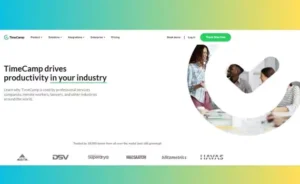 Timecamp’s customizable dashboard lets VAs filter time by client and project in one click
Timecamp is a top pick for VAs who juggle multiple clients and want to combine time tracking with invoicing in one tool, no extra subscriptions needed. In practice, many VAs report saving 2-3 hours a month on admin by syncing tracked time directly to client invoices instead of manually entering hours.
Timecamp’s interface is built for speed, with no unnecessary features cluttering the dashboard for solo operators. Key features for VAs include:
A common mistake new VAs make is forgetting to tag time entries by client, which makes invoicing a headache later. Timecamp’s auto-tagging feature pulls client and project data from your Google Calendar or Calendly bookings to assign tags automatically, eliminating this extra step.
Timecamp integrates with over 100 tools, with standout integrations for VAs:
Start your free Timecamp trial to auto-log billable hours today
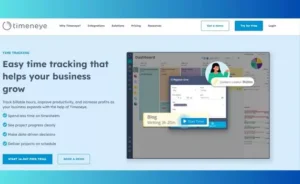 Timeneye’s no-fuss interface is ideal for entry-level VAs with basic tracking needs
Timeneye is built for solo VAs who want a no-fuss time tracking tool without a steep learning curve, no unnecessary enterprise features cluttering the interface. It’s ideal for part-time VAs working 20 hours a week or less across 2-3 small clients, who don’t need advanced project management or invoicing features.
Timeneye’s core strength is its simplicity: you can set up the tool and start tracking time in 2 minutes, no training required. Key features for VAs include:
Unlike many other tools, Timeneye does not offer a free plan, so it’s best for VAs who have a steady client income and can justify the $5/user monthly cost.
Timeneye is purpose-built for:
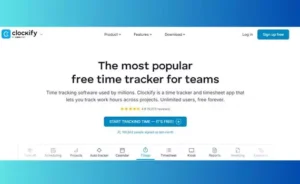 Clockify’s free plan supports unlimited users and projects for growing VA businesses
Clockify is the best free time tracking tool for VAs on a budget, especially those just starting their business or working part-time with multiple small clients. Its free plan includes features most other tools lock behind paid tiers, making it a favorite for new VAs who don’t want to invest in software before they have steady client income.
Clockify’s pricing is structured to scale with your VA business:
For most solo VAs, the free or Basic plan is more than enough to track billable hours and send timesheets to clients for approval.
Clockify’s features are built to reduce admin work for VAs:
Sign up for Clockify’s free plan to start tracking billable hours in minutes
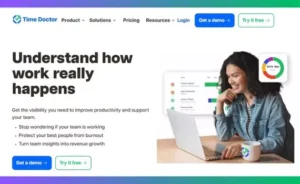 Time Doctor’s screenshot and activity tracking features meet strict client compliance requirements
Time Doctor is the top choice for VAs who work with enterprise clients, government contractors, or industries with strict compliance requirements (like healthcare or finance) that require proof of work hours and activity. It goes beyond basic time tracking to offer productivity monitoring features that give clients full visibility into your work, without you having to send weekly progress reports.
Time Doctor’s monitoring features are optional, so you can turn them off if your client doesn’t require them, but they’re a huge selling point for high-value clients who need accountability:
Time Doctor’s reports are built for client check-ins, eliminating the need to manually compile progress updates:
All reports can be exported as PDF or CSV to share with clients or add to your own business records.
Try Time Doctor free to generate compliance-ready work reports for clients
 Toggl Track’s one-click timer works across browser, desktop, and mobile devices
Toggl Track is the most versatile option for VAs who use a stack of different tools for client work, from project management platforms to CRM to scheduling apps. It has the largest library of native integrations of any time tracking tool on this list, so you can auto-log time for almost any work task without manual entry.
Toggl Track is famous for its minimalist, intuitive interface that requires zero training to use:
Toggl Track’s mobile app is just as easy to use as its desktop version, with features built for VAs on the go:
Start your free Toggl Track trial to sync time across all your work tools
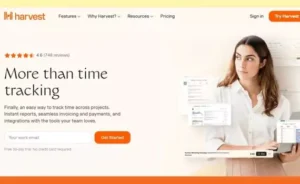 Harvest lets VAs send branded invoices and track expenses directly from the tool
Harvest is the best all-in-one tool for VAs who bill hourly and need to track expenses alongside time, no separate accounting software required. It combines time tracking, invoicing, and expense tracking in one intuitive platform, cutting down on the number of subscriptions you pay for each month.
Harvest’s invoicing tools are built specifically for freelancers and VAs, with features that eliminate manual billing work:
You can also track which clients pay on time vs. late, so you can adjust your payment terms or drop unprofitable, late-paying clients over time.
Harvest’s project management features help you avoid scope creep and stay on budget for client projects:
Try Harvest free to send branded invoices to your clients in one click
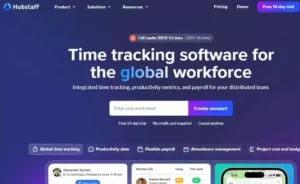 Hubstaff’s GPS and payroll features are ideal for VAs working with local or mobile clients
Hubstaff is ideal for VAs who manage a team of subcontractors or work with field-based clients like real estate agents, event planners, or local business owners who need verification that work was completed on-site. It combines time tracking, employee monitoring, and payroll automation in one tool, making it perfect for VAs who have outgrown solo operation and are scaling their business.
Hubstaff’s GPS tracking is a standout feature for VAs working with local or mobile clients:
This feature is invaluable for VAs who coordinate event staff, local delivery runs, or in-person client visits, as it provides verifiable proof of work for both you and your clients.
If you hire subcontractors to help with overflow client work, Hubstaff’s monitoring tools help you manage your team without micromanaging:
All monitoring features are optional, and you can turn off screenshots and activity tracking if you trust your team to log their own hours.
Start your free Hubstaff trial to automate payroll for your VA subcontractors
 RescueTime runs in the background to auto-log time spent on work apps and sites
RescueTime is the best tool for VAs who struggle with distractions while working from home, helping you stay focused and log time automatically without manual entry. Unlike other tools that require you to start/stop a timer for each task, RescueTime runs silently in the background of your computer and phone, logging time spent in work apps, websites, and meetings automatically.
RescueTime’s focus features are designed to eliminate the distractions that plague remote workers:
RescueTime’s automatic reports give you full visibility into how you spend your workday, no manual entry required:
 RescueTime’s free plan includes focus blocking and weekly productivity reports
Try RescueTime free to auto-log your billable hours without manual entry
 Everhour lets VAs log time directly on tasks in Asana, Trello, and Basecamp
Everhour is built for VAs who work directly inside project management tools like Asana, Trello, or Basecamp, eliminating the need to switch between apps to log time. If you and your clients already use these tools to manage projects, Everhour’s native integration lets you log time directly on the task you’re working on, so all stakeholders can see progress in real time.
If you work as part of a VA team or collaborate with other freelancers on client projects, Everhour’s collaboration features keep everyone aligned:
Everhour’s budget features help you avoid working for free on client projects:
Start your free Everhour trial to log time directly in your project management tool
 Paymo combines time tracking, task management, and invoicing for end-to-end client support
Paymo is the best all-in-one tool for VAs who offer full project management services to clients, not just basic administrative support. It combines time tracking, task management, and invoicing in one platform, so you can manage every part of a client project from kickoff to final invoice without switching between 5 different tools.
Paymo’s task management features are built for VAs who manage end-to-end client projects:
Paymo’s invoicing features eliminate the admin work of billing clients:
Check Paymo’s current pricing for exclusive discounts for new users
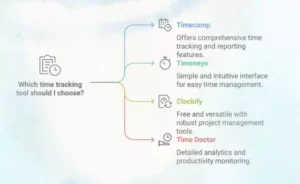 Match your time tracking tool to your VA business model and client needs
With so many options on the market, it’s easy to get overwhelmed. Use these guidelines to pick the tool that matches your current business model:
Not all time tracking tools are built for VAs. When evaluating options, prioritize these features to avoid wasting money on a tool that doesn’t fit your needs:
Clockify is the top free pick for most VAs, with unlimited users, unlimited projects, and basic time tracking and invoicing features on its free plan. It’s ideal for new VAs or part-time operators with a small number of clients.
No — screenshot capture is fully optional, and you can blur sensitive information (like client passwords or confidential data) or disable the feature entirely if your client does not require proof of work for compliance.
Yes — all the tools on this list let you tag non-billable time for tasks like email management, scheduling, and team meetings. Tracking this time helps you see how much of your workweek is spent on non-revenue generating tasks, so you can adjust your pricing or outsource these tasks to free up time for higher-paying client work.
Most leading time tracking tools are GDPR compliant and offer end-to-end encryption for user data. If you handle sensitive client information like healthcare or financial data, always check the tool’s privacy policy to ensure it meets your industry’s compliance requirements.
Yes — tools like Hubstaff and Paymo offer built-in payroll features that let you calculate pay based on tracked hours and send payments via PayPal, Wise, or direct deposit automatically, eliminating the need for separate payroll software.
The right time tracking tool can cut your VA admin time in half, eliminate billing disputes, and help you earn more by protecting every billable hour you work. For solo VAs on a budget, Clockify or Timeneye are more than enough to get started. For VAs working with enterprise clients, Time Doctor or Harvest offer the compliance and invoicing features you need to impress high-value clients. For VAs managing a team or offering full project management services, Hubstaff or Paymo will scale with your growing business.
If you’re looking to level up your VA skills alongside optimizing your workflow, check out our guide to the best virtual assistant courses in 2026 to learn how to land higher-paying clients and build a sustainable business. Pick a tool from this list today and set up your first time tracking project in 10 minutes or less — you’ll be surprised how much income you’ve been leaving on the table.

Ms.Sultana brings over 16 years of expertise working with global Clients by providing different skills and Services. For the last 5 years working as an Affiliate marketer, specializing in high-ticket campaigns that drive exponential growth. She holds a degree in Computer Science and Engineering as well as achieved many more skills certificates from different institute/academies/Platform. As part of the Elite Global Marketing team, Sultana has helped clients generate millions in revenue through strategic partnerships, innovative funnels, and data-driven insights.











I know you’ve spent way too many mornings playing Tetris with your schedule across four or five different apps. A virtual assistant to manage multiple…
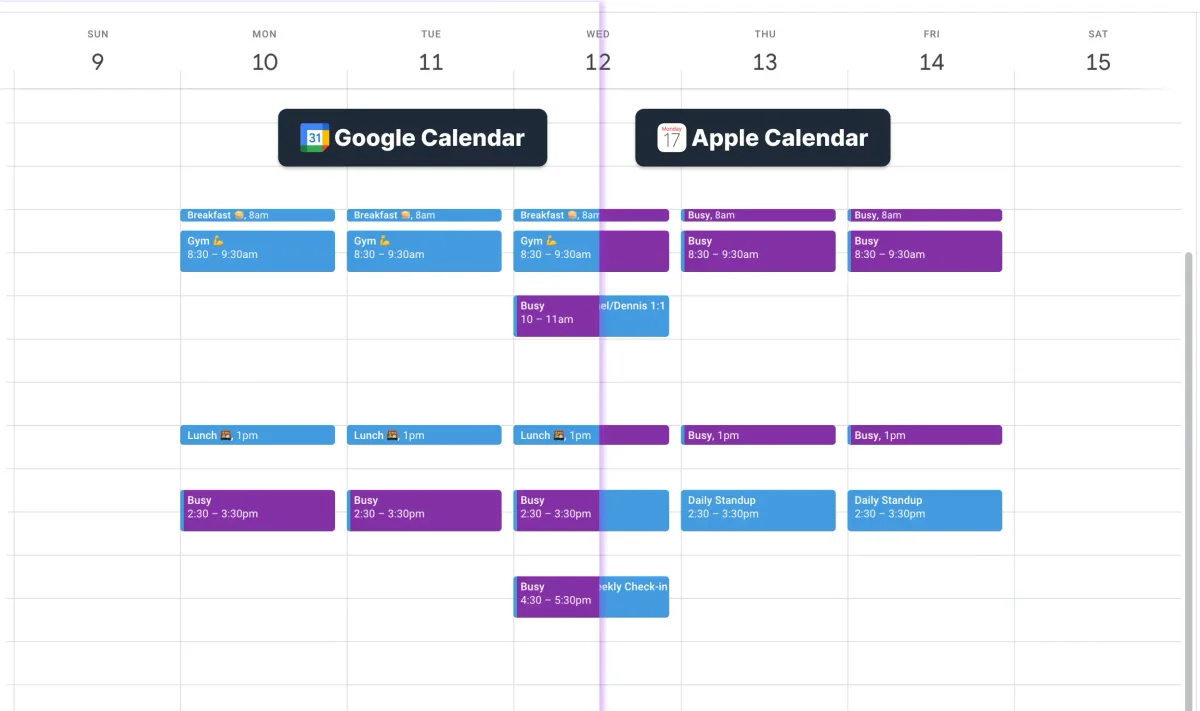
A virtual assistant to prevent double booking is a software tool or service that monitors your calendar and blocks two appointments from landing in the same…
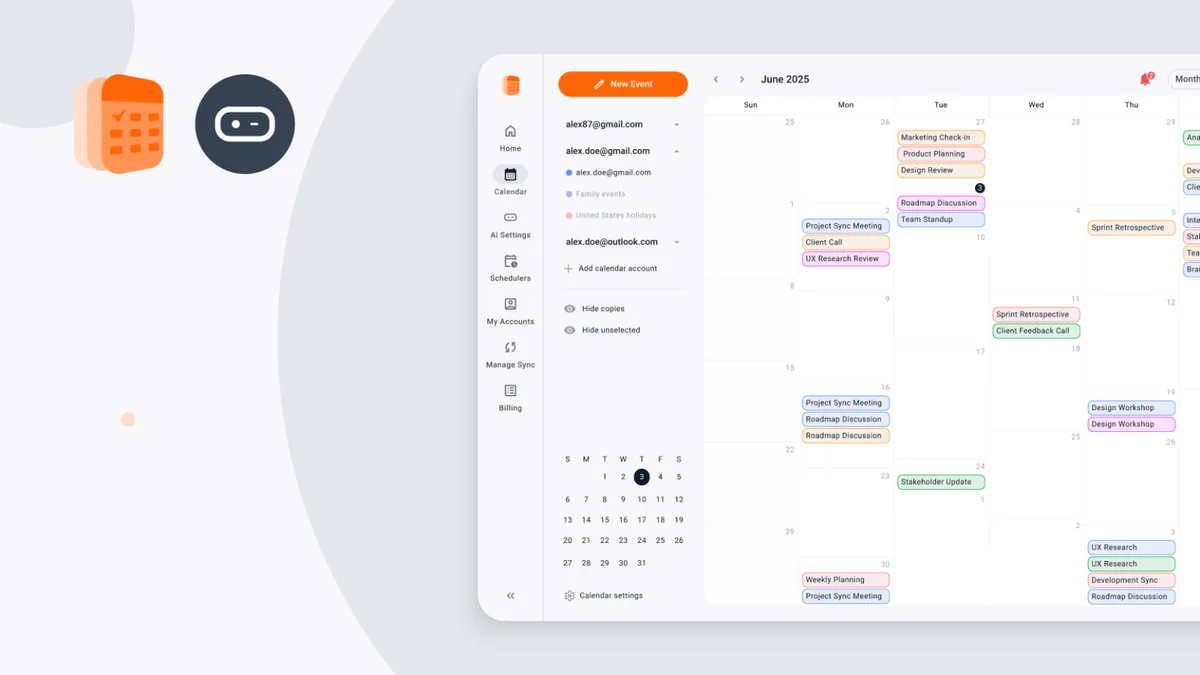
 Image source: Web (Bing) / calendarbridge.com (Web image (fairuse…