⚠️ Disclosure: This post contains affiliate links. We may earn a commission at no extra cost to you.
⚠️ Disclosure: This post contains affiliate links. We may earn a commission at no extra cost to you.


The world of work has changed. In 2026, being a Virtual Assistant (VA) isn’t just about answering emails or “checking off” tasks. The most successful VAs are now AI Managers. They don’t do all the work themselves; they use smart software to get ten times more done in half the time.
If you are a VA looking to earn more and work less, you need a modern “tech stack.” This guide breaks down the 11 best AI tools that will make you essential to your clients this year.
AI Virtual Assistant Tools are computer programs that use artificial intelligence. They help virtual assistants do their jobs faster and better. These tools can write text, plan your day, and even connect with other apps. They are like helpers who never get tired.
In the past, a VA was someone who did the “grunt work.” Today, clients want someone who can manage systems. Think of yourself as a conductor of an orchestra. The AI tools are the instruments, and you are the one making sure they play the right notes at the right time.
| Feature | The Old Way (Pre-2024) | The New Way (2026) |
| Writing every reply by hand. | Reviewing AI-drafted personal replies. | |
| Meetings | Taking manual notes for an hour. | Reviewing a 2-minute AI summary. |
| Scheduling | Sending “Are you free?” emails. | Using AI calendars that auto-fix conflicts. |
| Research | Spending hours on Google Search. | Getting cited answers in seconds from LLMs. |
Meetings are where productivity often goes to die. Otter.ai has evolved significantly in 2026. It doesn’t just record audio; it understands the context of the business.
Why it’s a game-changer: You no longer need to spend two hours after a meeting “cleaning up” notes. The AI does it for you.
Generic AI writing is easy to spot. Jasper is different because it learns your client’s “Brand Voice.” In 2026, “AI-generated” content only works if it feels human.
Simple Example: If your client is a “tough-love” fitness coach, Jasper won’t write a “fluffy” email. It will write a direct, motivating message that fits their style.
Most calendars are just static boxes. Motion uses “Context-Aware AI” to build your day for you. If a task takes longer than expected, Motion reshuffles your entire afternoon so you still hit your deadlines.
In 2026, you don’t need to be a graphic designer to produce professional work. Canva Magic Studio allows VAs to create high-end brand assets using simple text prompts.
Many clients are now “Content Creators.” They record long videos but don’t have time to make “Shorts.” OpusClip is a specialist tool that uses AI to find the most “viral” moments in a long video.
Zapier Central is the bridge between all your other tools. In 2026, you can train “AI Agents” to perform complex workflows across 6,000 different apps without writing a single line of code.
Notion is the gold standard for organizing information. Its AI is now a full-fledged research assistant. As a VA, you are often the “keeper of knowledge” for a business. Notion AI makes that easy.
As part of the Google ecosystem, Gemini 3.1 Pro is the best LLM (Large Language Model) for VAs who handle a lot of data. It can read thousands of pages of PDFs or hundreds of rows in a spreadsheet in seconds.
Traditional Google searching is slow because of ads and “SEO fluff.” Perplexity is an AI search engine that gives you a direct, cited answer. This is critical for AEO (Answer Engine Optimization).
Clients pay a premium for “Peace of Mind.” Brand24 monitors the internet for your client’s name. If someone says something good (or bad), you know within minutes.
ElevenLabs is the world leader in AI audio. For VAs, this tool is perfect for creating professional-sounding voiceovers for client presentations, training videos, or “Thank You” messages.
The best starting tool is Gemini 3.1 Pro or Notion AI. These tools act as a general-purpose assistant that can help with writing, organizing, and analyzing data.
VAs stay relevant by becoming “AI Orchestrators.” Instead of fighting the technology, learn to manage the tools that automate the work. This makes you more valuable because you can handle more clients with higher quality.
Many have free versions, but a professional “AI Stack” for a top-tier VA usually costs between $50 and $100 per month. This investment is often paid back by the ability to take on more clients.
Canva and Jasper are great places to start because they are easy to use and help with daily tasks like writing and design.
No. AI can do tasks, but it cannot care about a client or think creatively like a human can. The best VAs use AI to become “Super VAs.”
Many of these tools have free versions. As you grow your business, you can pay for the “Pro” versions to get more features.
Many offer free plans. Paid plans start from $5 to $30 per month.
Yes, tools like Jasper can generate articles, emails, and social media posts quickly.
ClickUp AI is popular for organizing tasks and team collaboration efficiently.

Ms.Sultana brings over 16 years of expertise working with global Clients by providing different skills and Services. For the last 5 years working as an Affiliate marketer, specializing in high-ticket campaigns that drive exponential growth. She holds a degree in Computer Science and Engineering as well as achieved many more skills certificates from different institute/academies/Platform. As part of the Elite Global Marketing team, Sultana has helped clients generate millions in revenue through strategic partnerships, innovative funnels, and data-driven insights.




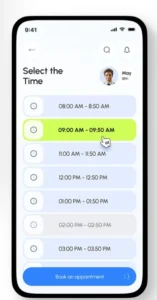
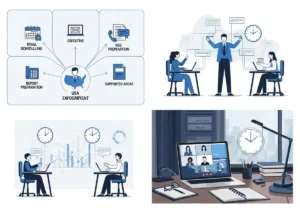
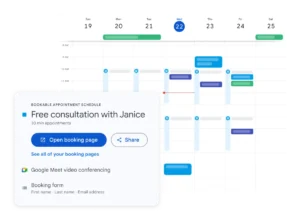
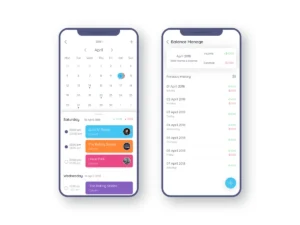

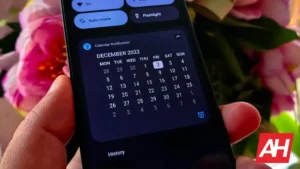
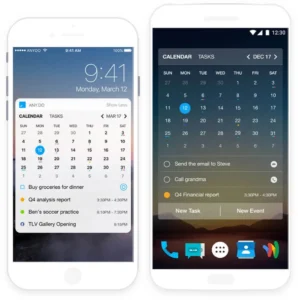

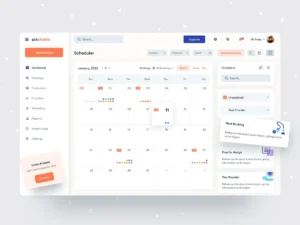


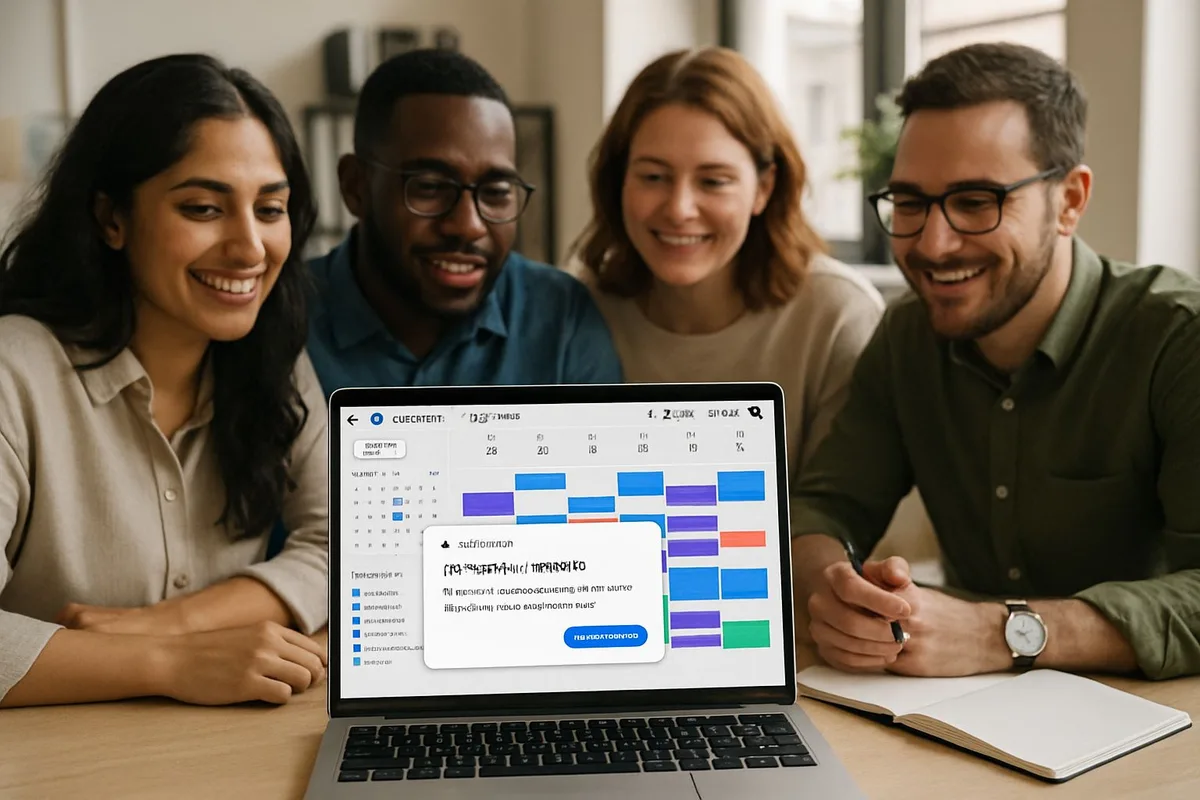
You are juggling meetings, tasks, and backandforth emails just to find 30 minutes for deep work. An AI calendar management tool steps in and handles the heavy…
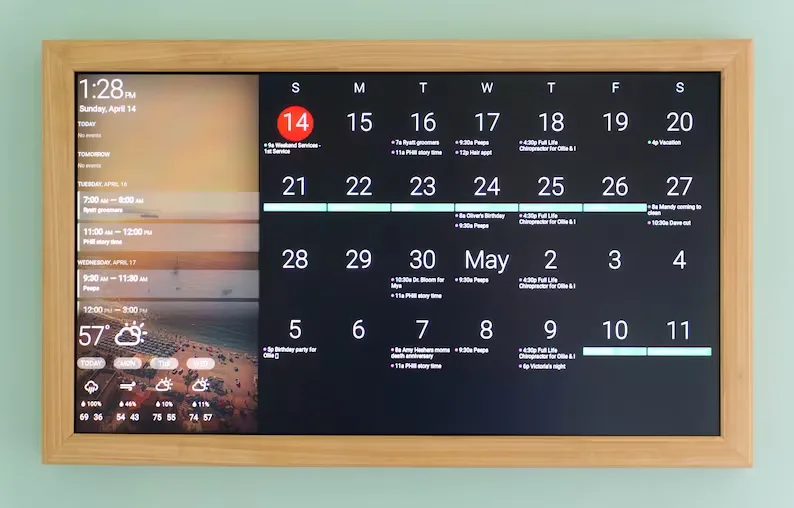
Virtual assistant meeting reminders are the silent guardians of our busiest days, turning chaotic schedules into manageable routines. By learning how these…
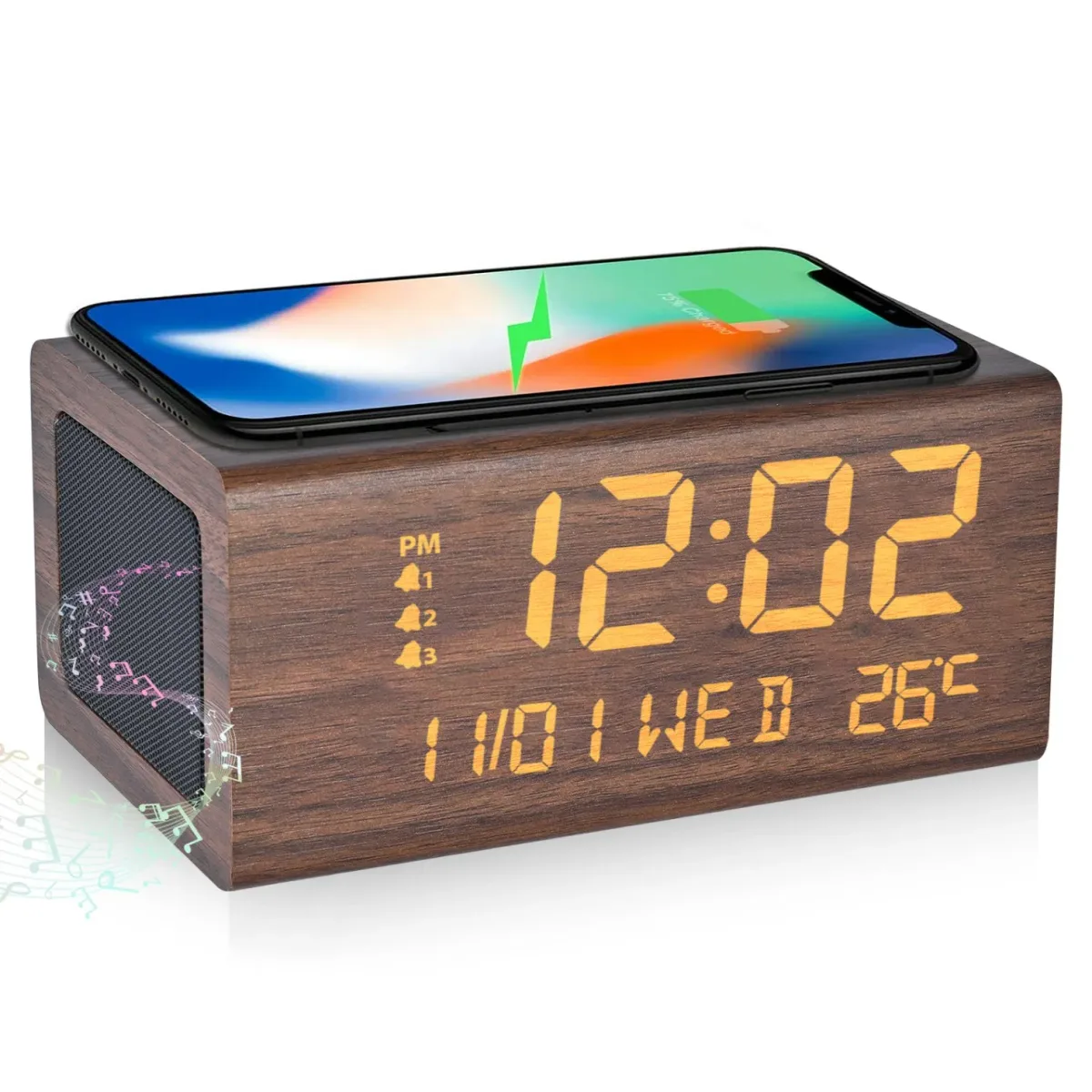
Virtual assistant calendar organization uses tools and techniques to automate scheduling, sync multiple calendars, and reduce manual planning tasks. Whether…