⚠️ Disclosure: This post contains affiliate links. We may earn a commission at no extra cost to you.
⚠️ Disclosure: This post contains affiliate links. We may earn a commission at no extra cost to you.

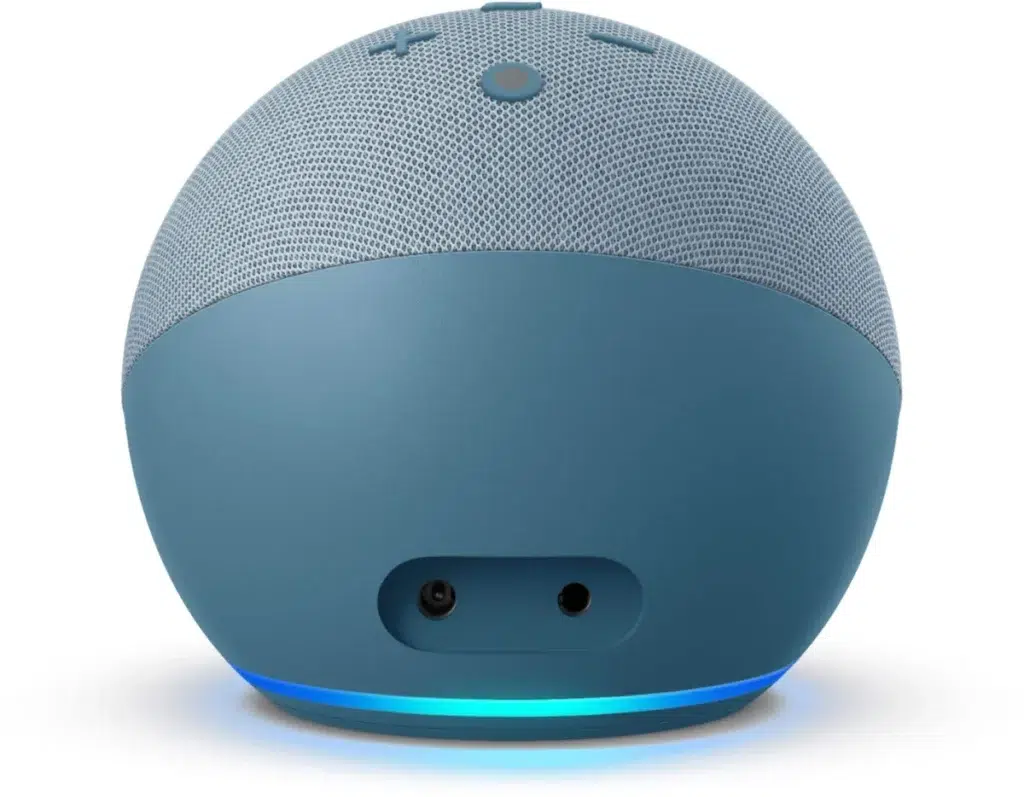
The short answer is yes, but the capability varies wildly by platform. Some assistants can dial a number instantly; others can only trigger a callback. If you ask Siri or Alexa to "call Mom," you are relying on built-in phone integration.
If you need automated outreach, you are looking at third-party tools like Twilio. The right choice depends on whether you want personal convenience or business automation.
As of 2026, voice AI is no longer just a novelty. It is a core productivity tool. Per FCC regulations, automated calls have strict rules that many users miss.
Getting this wrong can lead to fines. So let’s break down who can actually do what, and where the real friction lies.
Can a virtual assistant make phone calls? Yes. Most major assistants support this feature.
Siri, Google Assistant, and Alexa all handle outbound calls. They use your phone’s contact list. They require specific permissions.
For business use, the answer is different. You need API-based platforms. These tools handle bulk calling.
They are not voice assistants. They are automation engines. Choosing the right one is key.
Many people confuse these two worlds. Personal voice assistants are reactive. You speak, they act.
Business automation is proactive. It triggers on a schedule. One is for personal life.
The other is for scaling operations.
Mixing them up leads to frustration. If you expect Alexa to run a sales campaign, you’ll hit a wall quickly. Manufacturer specs confirm this divide.
Personal tools lack the bulk capability. Understanding this split saves you time and money. It sets the stage for what’s next.
Let’s look at the big names. Each has a different approach to calling.
Siri is tightly integrated with iOS. It’s the smoothest for Apple users. You just say the name.
It dials directly. No setup needed beyond permissions.
Google Assistant works on Android and Web. It’s slightly slower to trigger. But it handles multi-step commands well.
It can call a contact or a number.
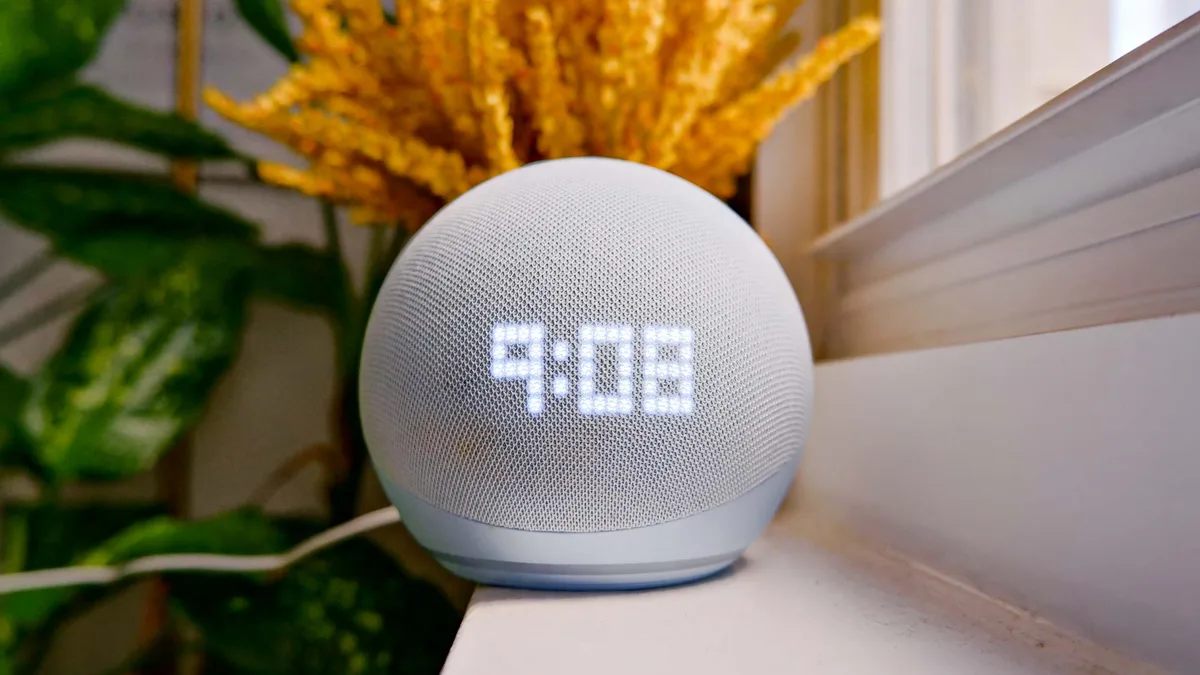
Alexa shines on smart speakers. It’s great for hands-free calls. It also supports drop-in features.
This is perfect for quick chats.
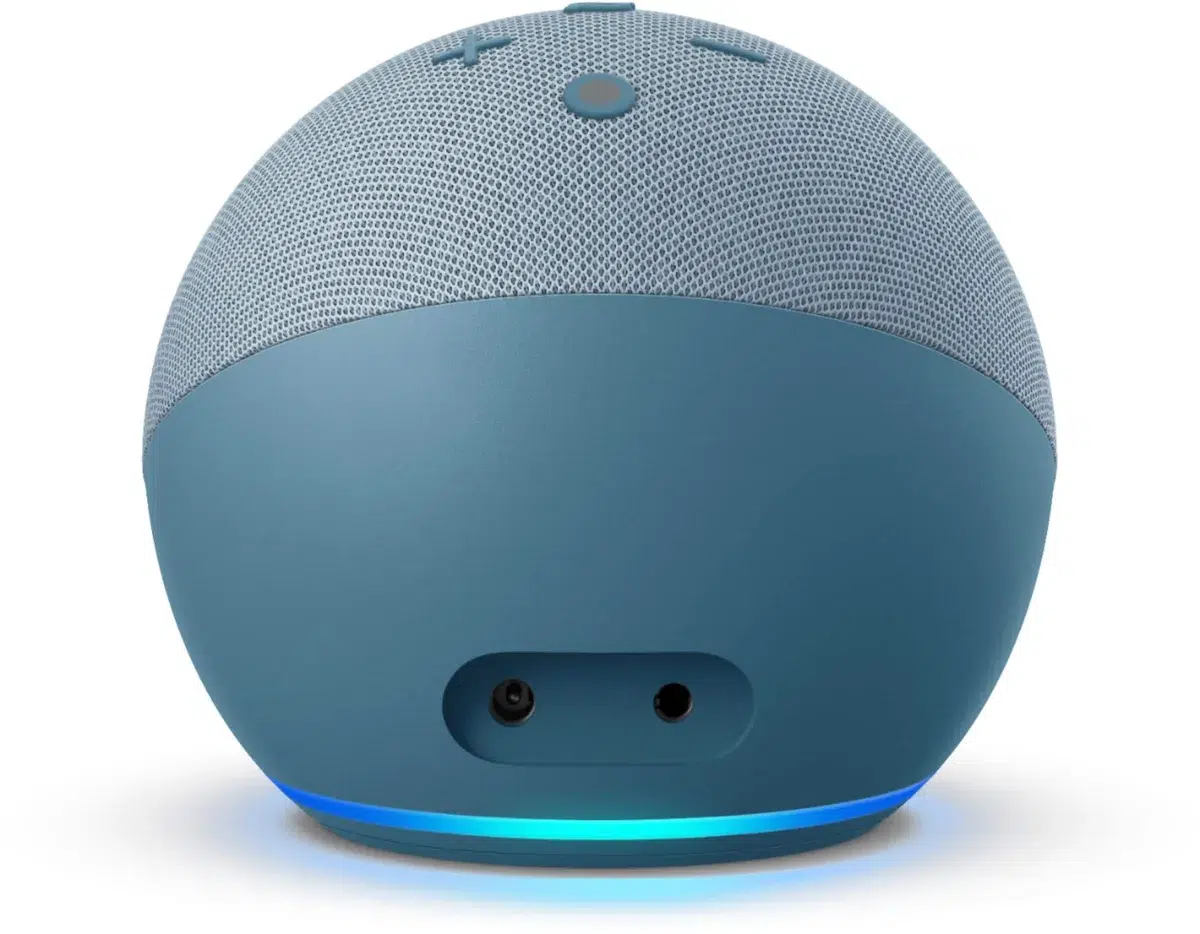
Image source: Web (Bing) / bestbuy.com
This is where the power is. Twilio and Make.com aren’t assistants. They are engines.
You code or configure them. They handle thousands of calls. They integrate with CRMs.
If you are looking to assign this kind of automated dialing to a human team, check out how to assign tasks to a virtual assistant. The logic is similar.
We’ve broken down the top options. The table below shows the key differences.
| Feature | Siri | Google Assistant | Alexa | Twilio |
|---|---|---|---|---|
| Setup Difficulty | Low | Low | Medium | High |
| Bulk Calling | No | No | No | Yes |
| Integration | Apple Ecosystem | Android/Web | Smart Home | APIs/CRM |
| Cost | Free | Free | Free | Paid |
| Best For | Personal | Personal | Home | Business |
Notice the cost column. Personal tools are free. Business tools charge per call.
You are paying for the infrastructure. Twilio costs about $0.01 per minute. For low volume, it’s cheap.
For high volume, it adds up.
Image source: Web (Bing) / pinterest.com
So, which one do you pick? It depends on your goal.
If you are a freelancer, think about your workflow. You might need a human to handle the follow-ups. Learn how to train a virtual assistant to manage these callbacks.
It’s a great hybrid approach.
Don’t skip the legal side. This is where people get hurt.
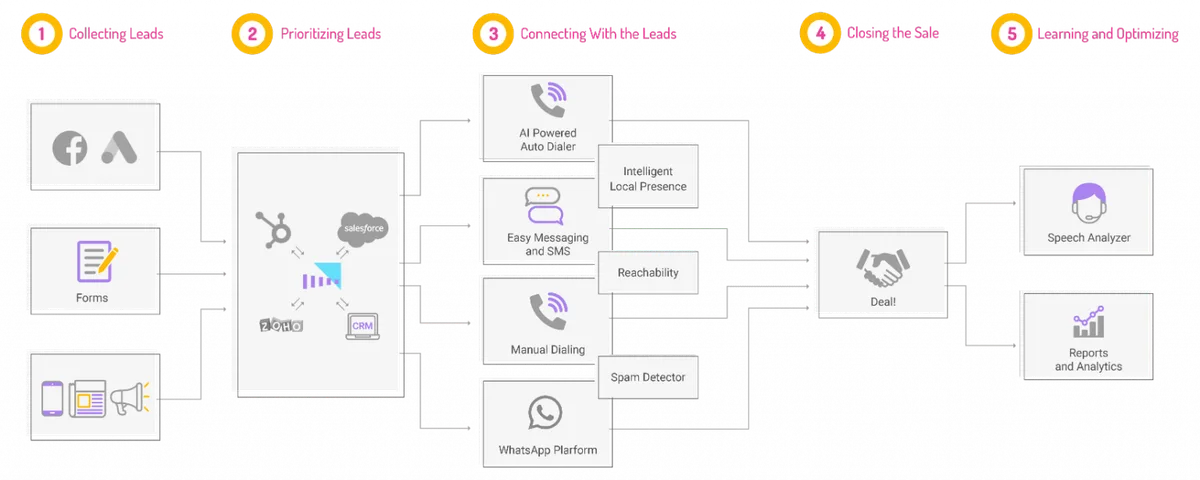
Image source: Bing
If you hire help with this, make sure you know how to delegate work to a virtual assistant properly. Clear instructions prevent these errors.
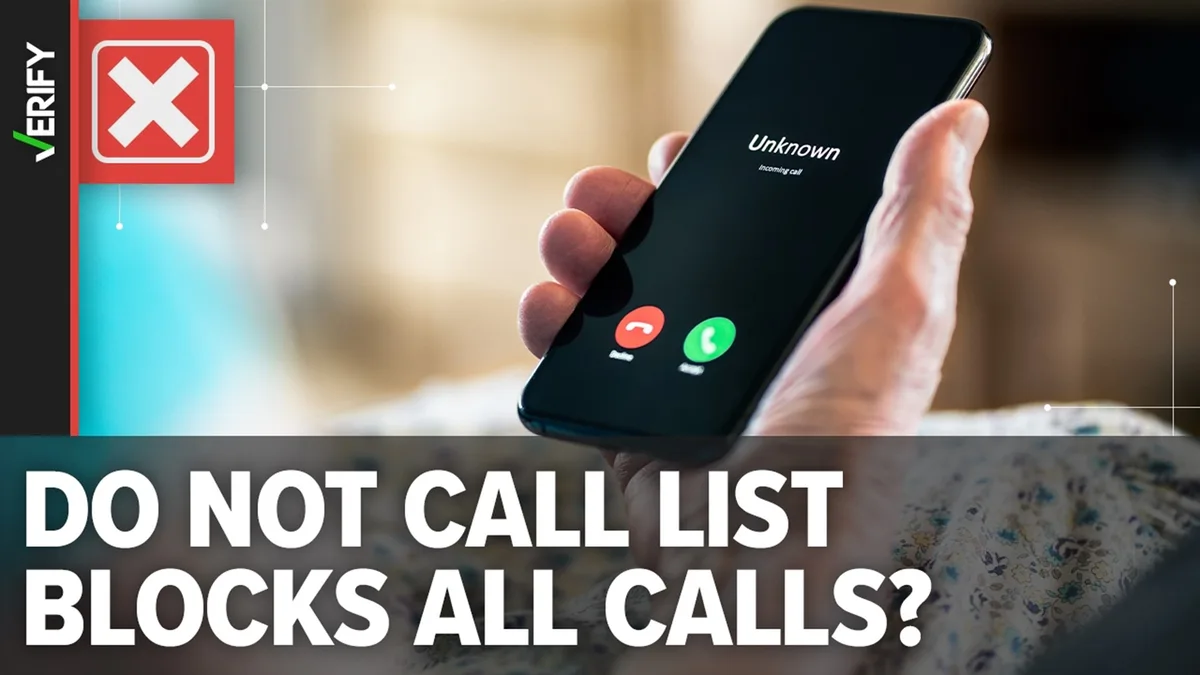
Image source: Web (Bing) / skposse.com
The rules are strict. The FCC regulates automated calls. You must disclose that it’s a machine.
You must offer an opt-out. Press 1 to stop. This is mandatory.
Also, watch your time zones. Calling outside business hours is risky. Stick to 8 AM to 9 PM local time.
This is the standard. It protects you from complaints.
For more on managing these operational details, see our guide on managing virtual assistant tasks. It’s all about staying in the clear.
Let’s cut to the chase.
Don’t overcomplicate it. Start small. Test your scripts.
Monitor your results. Adjust as you go. This approach saves headaches.
Yes. You can call any number in your contacts. You can also dial a number directly.
Just say "Alexa, call 555-1234." It works seamlessly.
It does. It’s built into the OS. You just say "OK Google." It uses your phone’s dialer.
No extra apps needed.
It is, if you follow rules. You must respect opt-outs. You must scrub Do Not Call lists.
The FCC enforces this. Penalties are steep.
It’s cheap. Expect to pay about $0.01 per minute. It varies by destination.
Domestic calls are the lowest. International calls cost more.
Not directly. You need an automation tool. Set a trigger in a scheduling app.
It sends a signal to the caller. It then makes the call.
Siri is usually the quickest. It has deep integration. It recognizes commands instantly.
Google is close behind. Alexa is also fast on devices.


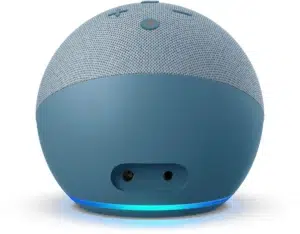
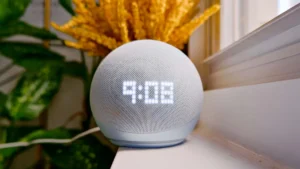
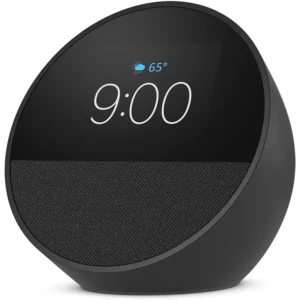













 Image source: Web (Bing) / pexels.com (Web image (fairuse with source…
 You’ve got three calls backtoback and zero mental bandwidth…
 Image source: Web (Bing) / kimostore.net (Web image (fairuse with source credit)) You…