
You rely on virtual assistants to handle important tasks, but have you thought about how secure your data really is? Protecting your information isn’t just a tech issue—it’s about keeping your business, your clients, and your peace of mind safe.
You’ll discover simple yet powerful ways to lock down your data and avoid costly mistakes. Ready to take control and keep your virtual assistant’s work secure? Keep reading, because your data’s safety depends on what you do next.
Risks Facing Virtual Assistants
Virtual assistants help with many tasks. They save time and make life easier. But they also face risks that affect data security. Understanding these risks helps protect your information better.
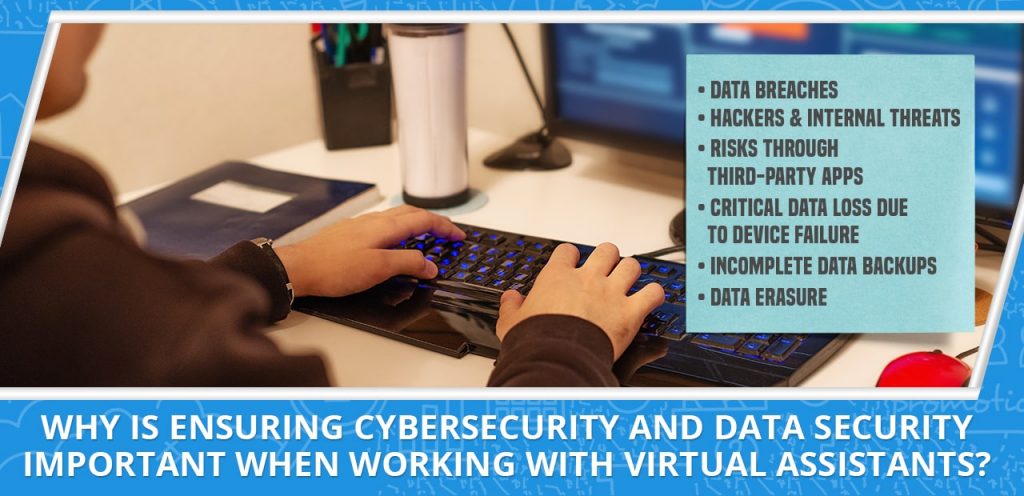
Virtual assistants process a lot of personal and sensitive data. This makes them a target for hackers and cyber attacks. Knowing the risks helps users stay safe and protect their privacy.
Common Data Threats
Data threats include hacking, phishing, and malware attacks. Hackers try to steal personal details or control devices. Phishing tricks users into giving away passwords or data. Malware can damage systems or steal information silently.
Vulnerabilities In Voice Recognition
Voice recognition is key for virtual assistants. But it has weak points. Voice commands can be recorded without permission. Attackers may use fake voices to trick systems. Background noise can cause errors and misinterpretations.
Privacy Concerns
Virtual assistants collect voice and personal data. This raises privacy questions. Data may be stored or shared without clear consent. Users worry about who accesses their conversations. Ensuring privacy means controlling data use and access.
Securing Communication Channels
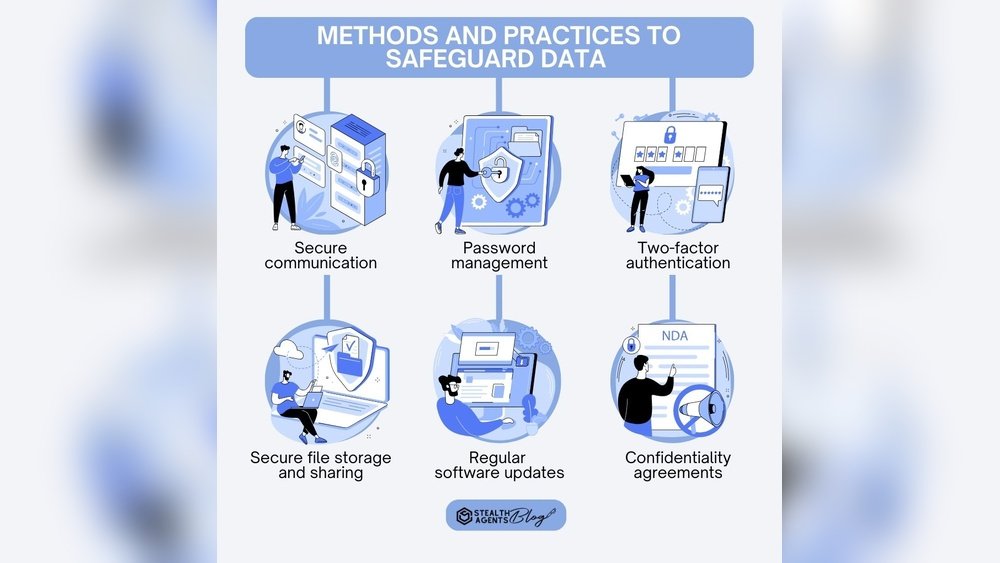
Securing communication channels is vital for virtual assistants. Sensitive information flows through emails, chats, and calls every day. Protecting these channels stops data from falling into wrong hands.
Strong security keeps client trust and ensures privacy. Using the right tools and habits can make communication safe. Simple steps help avoid cyber threats and data leaks.
Encryption Methods
Encryption changes data into code during transmission. It hides information from hackers and unauthorized users. End-to-end encryption is the safest method. It protects messages from sender to receiver without gaps.
Use apps and services with built-in encryption. Email encryption tools also secure your messages. Encrypt files before sharing to add extra protection. Always check if your platform supports strong encryption.
Secure Network Practices
Use private and trusted networks for all work communication. Public Wi-Fi can expose data to cybercriminals. A virtual private network (VPN) adds a layer of security. It encrypts internet traffic and hides your IP address.
Keep software and devices updated to fix security flaws. Avoid clicking on unknown links or attachments. Regularly change passwords and use two-factor authentication. These habits reduce risks and protect your communication channels.
Authentication And Access Control
Authentication and access control are key to protecting data for virtual assistants. They ensure only the right people access sensitive information. Strong controls stop unauthorized users from causing harm or stealing data.
These methods add layers of security. They reduce risks and build trust with clients. Simple passwords are not enough. More secure steps must be taken to keep data safe.
Multi-factor Authentication
Multi-factor authentication (MFA) uses two or more ways to verify identity. It asks for something you know, like a password, and something you have, like a phone.
MFA makes it hard for hackers to get access. Even if a password is stolen, the second step blocks entry. Virtual assistants must use MFA on all accounts.
This adds a strong security layer. It protects emails, cloud files, and communication tools. MFA is easy to set up and worth the effort.
Role-based Access
Role-based access gives people only the permissions they need. Each user gets access based on their job role. This limits who can see or change data.
Virtual assistants can control access to sensitive files. They prevent mistakes and insider threats. Role-based access helps keep data organized and secure.
Setting clear roles is a simple step. It cuts down on risks and improves security. Always review roles to keep access rights up to date.
Credit: 20four7va.com
Data Storage And Management
Data storage and management are key for virtual assistants to keep client information safe. Proper handling of data prevents loss and unauthorized access. It also helps maintain trust with clients. Using smart storage methods ensures data stays secure and easy to find.
Encrypted Storage Solutions
Encryption locks data with codes only authorized users can read. This protects sensitive information from hackers and leaks. Virtual assistants must use encrypted storage tools. Cloud services with built-in encryption are good options. Encryption works both for stored data and data in transit.
Regular Data Backups
Backing up data means making copies regularly. These copies keep information safe if the original is lost or damaged. Virtual assistants should schedule backups daily or weekly. Store backups in separate locations to avoid total data loss. Regular backups reduce risks and provide peace of mind.
Software Updates And Patch Management
Software updates and patch management are key parts of data security for virtual assistants. They help fix security problems and keep software running smoothly. Ignoring updates leaves systems open to attacks. Regular updates reduce risks and improve performance.
Virtual assistants manage sensitive information. Their software must be secure and current. Updates close security gaps and protect data from hackers. Patch management means installing fixes as soon as they are available. This stops attackers from exploiting weak spots.
Importance Of Timely Updates
Timely updates block new threats quickly. Cyber attackers find and use software flaws fast. Delayed updates let hackers enter systems easily. Quick updates protect client data and work files. Staying updated keeps the virtual assistant’s work safe. It also prevents costly data breaches and downtime.
Automating Patch Deployment
Automating patch deployment saves time and effort. Manual updates may be forgotten or delayed. Automation ensures patches install as soon as released. It reduces human error and keeps software secure. Virtual assistants can focus on tasks, not updates. Automation keeps all devices protected without extra work.
User Education And Best Practices
User education is key to protecting data for virtual assistants. Understanding risks and learning best practices help keep information safe. Virtual assistants handle sensitive data daily. Training users reduces mistakes and security breaches.
Simple habits make a big difference in data security. Clear guidance and regular reminders support safe behavior. Awareness about common threats builds stronger defenses against attacks.
Recognizing Phishing Attempts
Phishing tries to steal data by pretending to be someone trusted. Look for suspicious emails or messages asking for passwords or personal info. Check the sender’s address carefully. Avoid clicking unknown links or downloading attachments from strangers. Verify requests by contacting the source directly. Learn to spot urgent or threatening language that pressures quick actions. Awareness stops phishing before damage happens.
Safe Usage Habits
Use strong, unique passwords for all accounts. Change passwords regularly and avoid sharing them. Keep software and apps updated to fix security gaps. Use two-factor authentication for extra protection. Avoid using public Wi-Fi for sensitive tasks. Log out of accounts after use, especially on shared devices. Back up important data to prevent loss. Practice these habits daily to keep information secure.
Legal And Compliance Considerations
Legal and compliance issues are crucial for virtual assistants handling data. These rules protect users and keep data safe. Ignoring them can lead to fines and lost trust. Virtual assistants must follow laws closely to avoid risks.
Data Protection Regulations
Data protection laws vary by country but share common goals. They require secure storage and limited use of personal data. Virtual assistants must know which laws apply to their users. Examples include GDPR in Europe and CCPA in California. Compliance means protecting user data from leaks and breaches.
Following these laws means updating security regularly. It also means training teams on legal requirements. Keeping records of data handling helps prove compliance. Ignoring regulations can lead to heavy penalties and damage to reputation.
User Consent Management
User consent is a legal must before collecting personal data. Virtual assistants should ask clearly and simply for permission. Users must understand what data is collected and why. Consent should be easy to give and withdraw.
Tracking consent helps show compliance during audits. It also builds user trust by respecting their privacy. Avoid using complex language or hidden consent forms. Clear communication leads to better user relationships and legal safety.
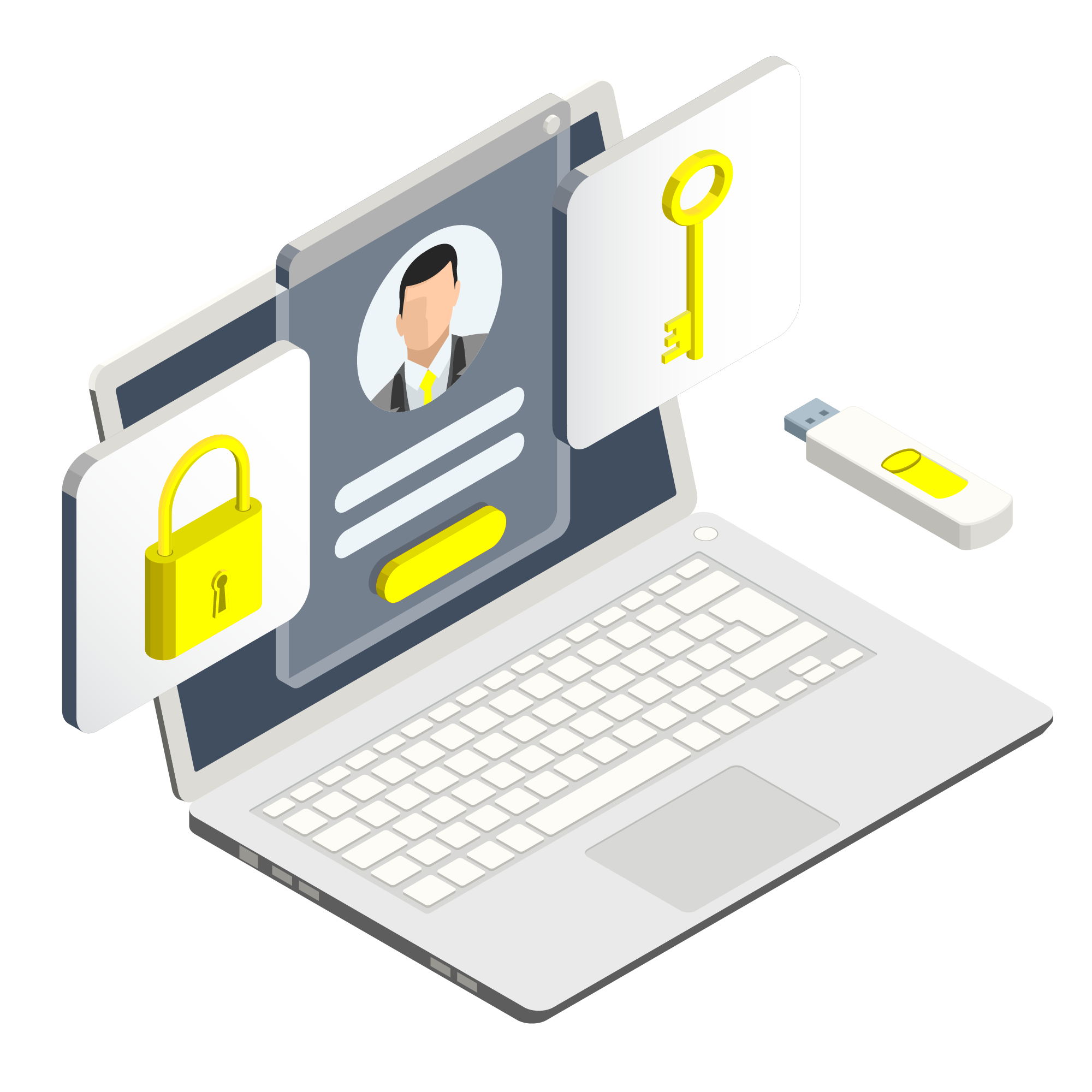
Credit: rocketstation.com
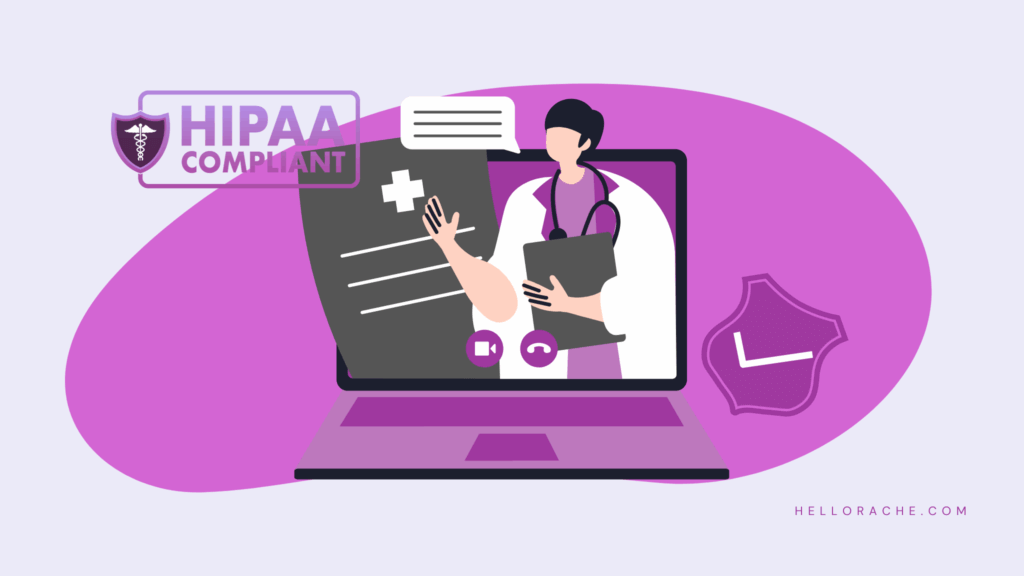
Credit: hellorache.com
Frequently Asked Questions
What Are Common Data Security Risks For Virtual Assistants?
Virtual assistants face risks like phishing, data breaches, and unauthorized access. These threats can expose sensitive client information. Strong passwords, encryption, and regular security updates help reduce these risks effectively.
How Can Virtual Assistants Protect Client Data Effectively?
Using encrypted communication tools, secure cloud storage, and two-factor authentication enhances data protection. Regularly updating software and avoiding public Wi-Fi also safeguard client data from cyber threats.
Why Is Data Encryption Important For Virtual Assistants?
Data encryption converts information into code, preventing unauthorized access. It protects sensitive client data during transmission and storage, ensuring confidentiality and compliance with privacy regulations.
What Are Best Password Practices For Virtual Assistants?
Use complex, unique passwords with a mix of letters, numbers, and symbols. Change passwords regularly and use password managers to keep them secure and manageable.
Conclusion
Data security keeps virtual assistants and their clients safe. Protect sensitive information every day. Use strong passwords and update software often. Avoid sharing private data on public networks. Stay alert for phishing and suspicious emails. Simple habits make a big difference.
Secure your work and build trust with clients. Keep learning about new security tips. Your safety matters in the digital world.

Sofia Grant is a business efficiency expert with over a decade of experience in digital strategy and affiliate marketing. She helps entrepreneurs scale through automation, smart tools, and data-driven growth tactics. At TaskVive, Sofia focuses on turning complex systems into simple, actionable insights that drive real results.