
A human resources virtual assistant handles HR tasks remotely to save time and boost compliance.
I have built and run HR teams that used virtual assistants. This guide shares clear steps, real lessons, and actionable tips on using a human resources virtual assistant. Read on to learn how this role can cut costs, improve hiring, and keep your team focused on the work that matters.
What is a human resources virtual assistant?
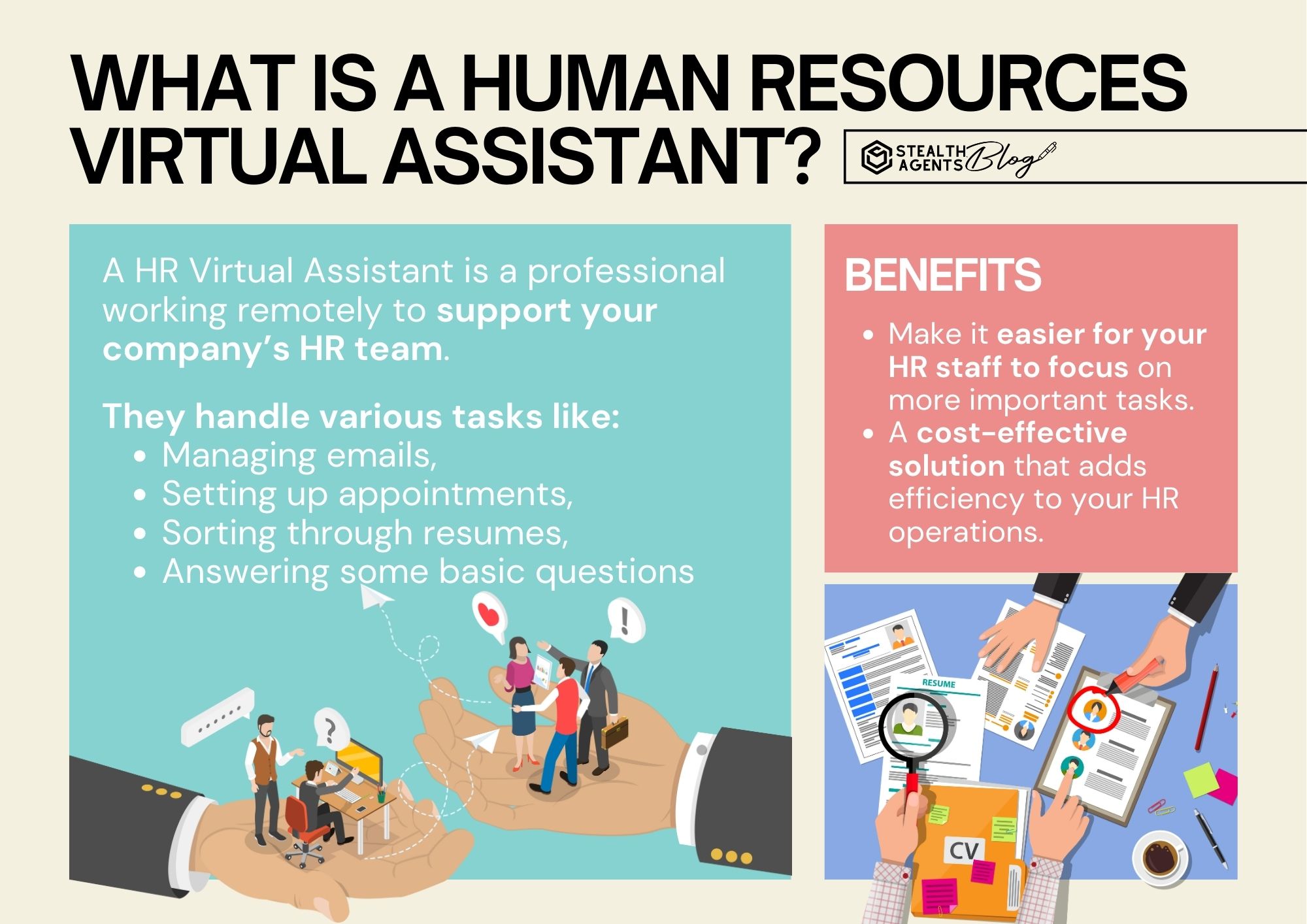
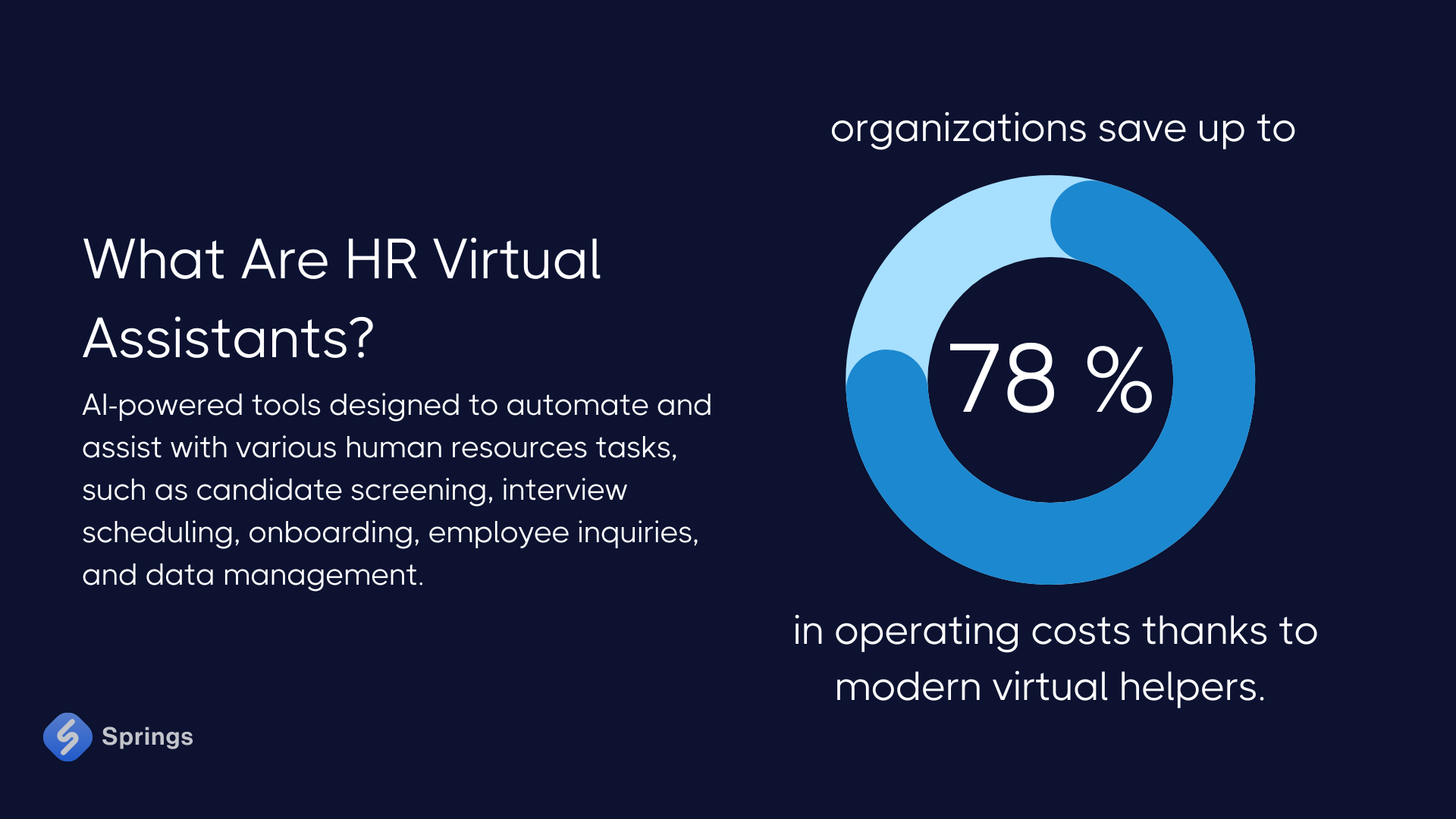
A human resources virtual assistant is a remote professional or AI tool that supports HR tasks. They handle admin work, hiring support, onboarding, benefits questions, and basic employee relations.
This role frees HR leaders to focus on strategy. It also helps small teams get skilled HR support without hiring a full-time employee. A human resources virtual assistant can be a person, a team, or software that connects to your HR systems.
Key tasks and responsibilities
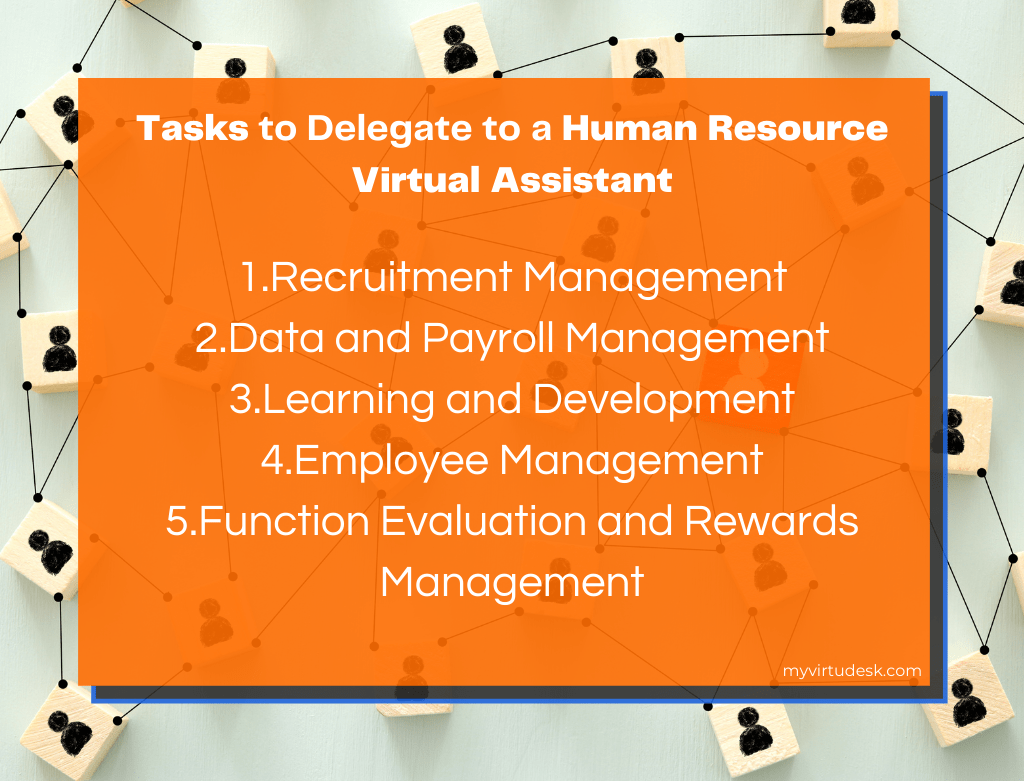
A human resources virtual assistant can handle many routine and semi-complex tasks, such as:
- Scheduling interviews and screening candidates
- Posting job ads and managing applications
- Running background and reference checks
- Onboarding new hires with forms and orientation schedules
- Managing employee records and HRIS updates
- Handling benefits enrollment and basic inquiries
- Drafting standard HR documents and offer letters
- Tracking time off requests and leave balances
- Assisting with policy updates and acknowledgments
- Preparing basic HR reports and metrics
These tasks reduce busywork. They free HR pros to lead culture, training, and strategy.
Benefits for small businesses and enterprises
Hiring a human resources virtual assistant offers clear benefits:
- Cost savings: Lower overhead than a full-time HR hire and flexible billing.
- Speed: Faster posting, screening, and onboarding cycles.
- Scalability: Use more support during peak hiring and cut back when needed.
- Consistency: Standard processes reduce errors in paperwork and compliance.
- Access to expertise: Specialized virtual assistants may bring niche HR skills.
- Better experience: Faster responses improve candidate and employee satisfaction.
For enterprises, virtual assistants can augment teams in other regions. For small businesses, they provide HR muscle without long-term costs.
How to choose and implement a human resources virtual assistant
Follow these steps to pick and onboard the right option:
- Define needs
- List tasks to outsource and expected outcomes.
- Prioritize must-haves like payroll access or ATS experience.
- Choose model
- Decide between a freelance assistant, an agency, or an AI-powered tool.
- Match model to volume, budget, and security needs.
- Check skills and references
- Ask for case examples and client references.
- Verify expertise in local labor laws if needed.
- Pilot small
- Start with a 30–90 day trial on a defined task set.
- Set measurable goals like time saved or hires completed.
- Integrate systems
- Give access to ATS, HRIS, and calendars with least-privilege access.
- Use clear naming and folder rules to keep records tidy.
- Measure and refine
- Track key metrics and hold regular check-ins.
- Adjust scope and scale based on results.
A clear plan makes implementation smooth and fast.

Tools and integrations to look for
A strong human resources virtual assistant works well with common HR tools. Look for these integrations:
- Applicant Tracking System (ATS) compatibility
- HRIS or payroll platform access
- Calendar and email tools like Google Workspace or Outlook
- Secure file sharing and e-signature tools
- Communication apps like Slack or Teams
- Time tracking and PTO management systems
- Reporting and analytics connections
- Background screening and identity verification services
These integrations cut manual work and improve data accuracy.
Cost, pricing models, and ROI
Costs vary by model. Typical options include:
- Hourly freelance rates for ad hoc tasks.
- Monthly retainer for a fixed set of services.
- Per-hire or per-transaction fees for recruitment tasks.
- Subscription pricing for AI or SaaS virtual assistants.
Estimate return on investment by tracking time saved and faster hires. For example, if a virtual assistant reduces hiring time by two weeks, your team fills roles faster and cuts lost productivity. Many small businesses recoup costs within months.

My personal experience and lessons learned
I used a human resources virtual assistant across two startups. Here are honest takeaways:
- Start with one clear task. We began with interview scheduling and lost fewer slots.
- Security matters. We limited HRIS access and used role-based permissions.
- Communication rules saved time. A simple daily summary cut endless status emails.
- Expect a learning curve. Train the assistant on your tone and templates.
- Measure results. We tracked time saved and candidate drop-off rates and changed processes based on the data.
A few mistakes we made that you can avoid:
- Giving full system access too early.
- Skipping a trial period before a long contract.
- Not setting SLAs for response times.
If you follow these tips, you will get faster wins and avoid early pitfalls.
Best practices and compliance considerations
Keep these best practices in mind when you use a human resources virtual assistant:
- Limit data access with least-privilege principles.
- Use encrypted tools for sensitive files and signatures.
- Keep a documented audit trail of actions and approvals.
- Ensure the assistant understands local labor laws and privacy rules.
- Train the assistant on your company policy and culture.
- Keep a backup plan for critical tasks and system outages.
Always be clear about data retention policies. Be ready to update agreements for changes in law or scope.
Frequently Asked Questions of human resources virtual assistant
What can a human resources virtual assistant not do?
They typically do not replace strategic HR leaders. Complex employee relations, legal defense, and senior leadership work still need human HR leaders.
Is a human resources virtual assistant secure with employee data?
They can be secure if you use role-based access, encrypted tools, and clear data rules. Always get written agreements on data handling.
How fast can a human resources virtual assistant start helping?
A simple task like scheduling can start within a day or two. Deeper work, like full onboarding, may need a few weeks to set up.
Can a human resources virtual assistant help with recruitment?
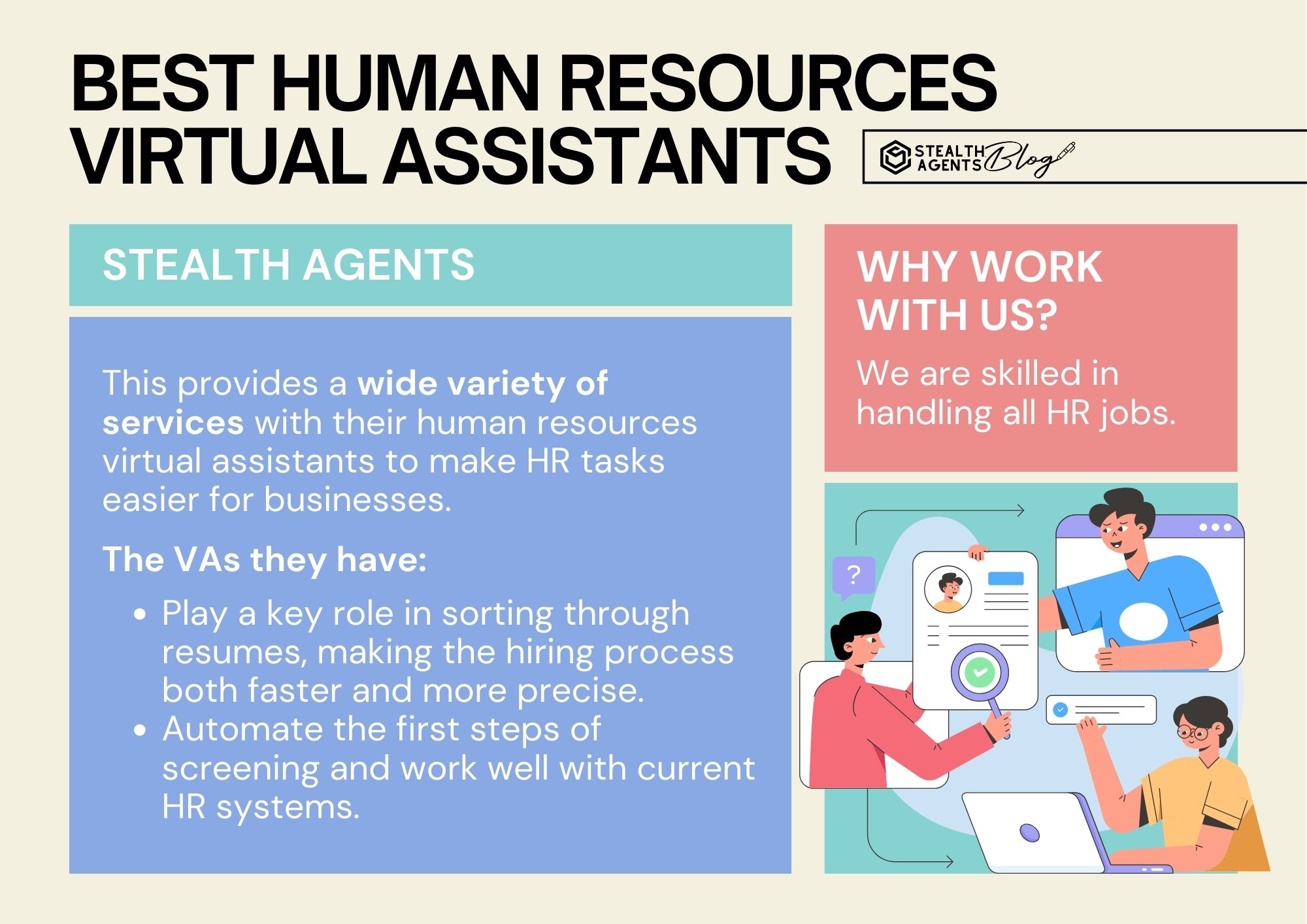
Yes. They can post jobs, screen resumes, run background checks, and set interviews. They speed up hiring without adding full-time headcount.
Do virtual assistants work well for remote teams?
They work very well for remote teams. Virtual assistants already operate remotely and sync with digital tools and calendars.
How do I measure success with a human resources virtual assistant?
Track metrics like time saved, time-to-hire, new hire retention, and response time to employee requests. Use these to prove ROI.
Conclusion
A human resources virtual assistant can save time, cut costs, and make hiring and HR tasks run more smoothly. Start small, protect data, and measure results to get the most benefit. Try a short pilot on a clear task and expand from there to see real gains.
Take action today: define one HR task to outsource, run a 30-day trial, and measure the time you save. Share your experience or questions below to keep the conversation going.

Sofia Grant is a business efficiency expert with over a decade of experience in digital strategy and affiliate marketing. She helps entrepreneurs scale through automation, smart tools, and data-driven growth tactics. At TaskVive, Sofia focuses on turning complex systems into simple, actionable insights that drive real results.