
Online virtual assistant training teaches practical skills to launch and grow a remote support career.
I’ve trained, hired, and worked as a virtual assistant, and I know what works. This guide dives deep into online virtual assistant training. You will learn what to expect, how to pick the best course, which skills matter, real-world tips I used, and how to turn training into clients and income. Read on to get a clear, step-by-step path to becoming a confident virtual assistant.

Why online virtual assistant training matters
Online virtual assistant training gives you skills fast. It cuts the guesswork. Good courses show tools, client rules, and workflow. They also teach how to price work and find clients.
Training matters because remote work needs clear process and soft skills. Many new VAs fail from poor client communication or the wrong niche. Training lowers that risk. It speeds your start and helps you earn sooner.

Core skills taught in online virtual assistant training
Most strong programs focus on a mix of hard and soft skills. Here are common topics you will learn:
- Email and calendar management: How to run inboxes, filter mail, and manage schedules.
- Communication skills: Client check-ins, tone, updates, and clear writing.
- Productivity and time management: Task batching, tools, and routines.
- Basic bookkeeping and invoicing: Tracking hours, invoicing clients, and simple records.
- Social media and content admin: Scheduling posts, basic content editing, and analytics.
- Project and task management tools: Trello, Asana, or other board systems.
- Customer service and client onboarding: Scripts, forms, and SOPs.
- Niche skills: Real estate, e-commerce, podcast support, or executive assistance.
Repeat practice helps. Training that includes real tasks, templates, and role-play will make the skills stick.

Types of online virtual assistant training programs
There are many formats. Pick one that fits your learning style and goals.
- Self-paced courses: Learn on your schedule with videos and guides.
- Live cohort courses: Group classes with deadlines and peer work.
- One-on-one coaching: Personalized help and feedback from an expert.
- Micro-certifications: Short modules on tools or special skills.
- Bootcamps: Intense, short programs with practical tasks.
Each has pros and cons. Self-paced is flexible. Live cohorts give accountability. Coaching speeds things if you can afford it. Choose for fit, not hype.
How to choose the right online virtual assistant training
Use these criteria to pick a course that actually helps you launch.
- Clear outcomes: The course lists real skills and what you can do after finishing.
- Practical work: It includes projects, templates, or client-ready files.
- Instructor experience: The teacher has real VA or hiring experience.
- Support: Access to feedback, community, or coaching.
- Cost vs value: Compare price with what you will get and potential earnings.
- Reviews and proof: Look for testimonials and real results from past students.
Ask for a syllabus. Ask if they help with portfolio pieces or client finding. A good course shows you samples of student work.

Typical curriculum and course structure
A good online virtual assistant training course often follows a step-by-step path.
- Module 1: Foundations and mindset. Basics of remote work, client rules, and business setup.
- Module 2: Core admin skills. Email, calendar, file systems, and communication.
- Module 3: Tools and tech. Training on common tools and simple automations.
- Module 4: Niche skills. Choose one to three special services to offer.
- Module 5: Client systems. Onboarding, contracts, pricing, and scope.
- Module 6: Practice and portfolio. Mock projects and templates to show clients.
- Module 7: Launch and find clients. Job sites, pitching, and building a profile.
Most courses mix video lessons, checklists, templates, and short quizzes. Look for ones that require you to build a portfolio item.

Certification, pricing, and ROI
Not all certificates are equal. A badge helps, but client results matter more.
- Cost range: Many courses run from low-cost workshops to high-ticket coaching. Expect free intros, mid-tier courses under $500, and premium coaching above $1,000.
- Certification value: Use certificates to show training, but pair them with real examples of your work.
- Return on investment: If training helps you land paying clients quickly, the ROI is clear. Aim to recover course cost within a few months by landing 1–3 clients.
- Ongoing costs: Budget for tools, subscriptions, and small taxes or fees.
Think like a client. They pay for outcomes. Your training should help you create outcomes fast.

Tips from my experience
I trained as a VA, hired VAs, and ran remote teams. Here are honest, actionable tips.
- Start with one clear niche. I began with social admin and grew faster because I spoke directly to one client type.
- Build real sample work. I created mock inbox systems and a calendar setup to show clients instead of a blank resume.
- Use scripts early. A client onboarding script saved me time and reduced scope creep.
- Set policies. I learned to state response times, revisions, and payment terms up front.
- Track time for the first three months. I found tasks took different times than I expected. Tracking saved my margin.
Mistakes to avoid:
- Saying yes to everything. It leads to burnout and weak reviews.
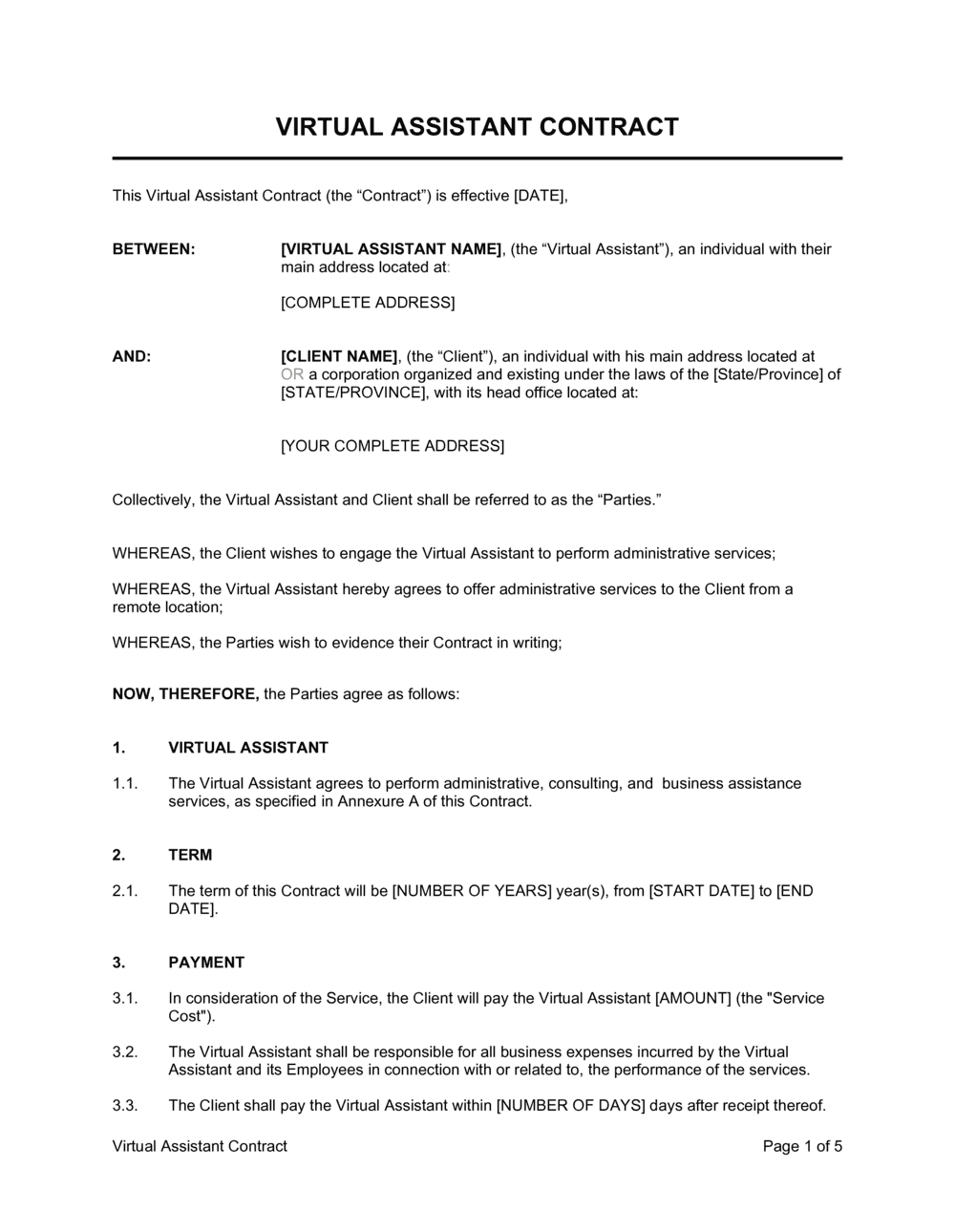
- Skipping contracts. One bad client taught me that contracts protect both sides.
- Overpricing too early. Start with fair rates, then raise with proof of results.

How to practice and get clients after training
Practice builds confidence. Clients build income. Do both.
- Offer free or low-cost trials to local small businesses or entrepreneurs for a set period.
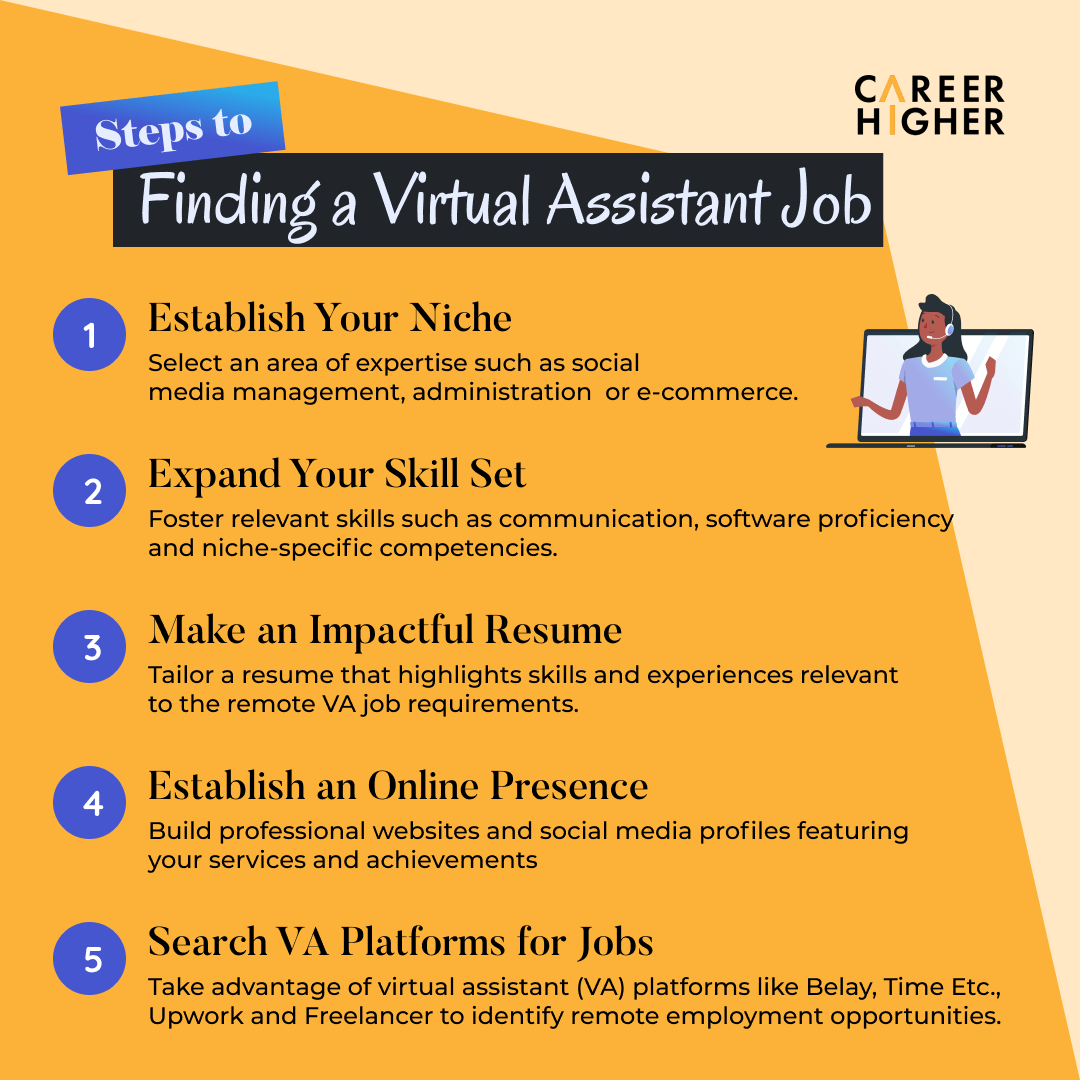
- Use job boards, remote work sites, and freelance platforms to apply with tailored pitches.
- Network in groups where your niche clients gather and share your portfolio.
- Create a simple website or profile listing services, packages, and a short case study.
- Ask for testimonials and referrals from early clients and peers.
Be persistent. The first client is the hardest. After two or three paying clients, referrals will grow.
Tools and resources for virtual assistants
These are common tools you’ll see in training and on the job.
- Email and calendar: Gmail, Outlook, Google Calendar, Calendly.
- Project management: Trello, Asana, ClickUp.
- Communication: Slack, Zoom, Microsoft Teams.
- File sharing: Google Drive, Dropbox.
- Social scheduling: Buffer, Hootsuite, Later.
- Invoicing and bookkeeping: FreshBooks, Wave, PayPal invoices.
- Time tracking: Toggl, Harvest.
Most courses show one or two tools well. Learn the core features, not every add-on.
Frequently Asked Questions of online virtual assistant training
What is online virtual assistant training?
Online virtual assistant training teaches the skills to support clients remotely. It covers tools, client work, and business setup so you can start offering services.
How long does training take?
Course length varies. Self-paced courses can take weeks to months depending on your pace. Intensive bootcamps often run from a few days to a few weeks.
Do I need prior experience to enroll?
No. Many courses start at the beginner level. Having basic computer skills helps. Some advanced tracks expect prior admin work.
How much can I earn after training?
Earnings vary by niche, location, and experience. New VAs often start with modest rates and raise them as they gain proof of results and testimonials.
Will a certificate guarantee clients?
No. A certificate helps show training, but clients hire on results. Build a portfolio and get testimonials to win work.
Can I train part-time while working?
Yes. Many online virtual assistant training programs are designed for part-time learners. Choose a flexible course and set a steady schedule.
Conclusion
Online virtual assistant training gives a clear path to remote work. It teaches practical skills, client systems, and how to find paying work. Start with a course that offers real practice, tools, and support. Use the tips here to avoid common mistakes and to build momentum fast. Take one step today: pick a module, make a sample task, or reach out to a potential client. Share your progress, ask for feedback, and keep learning. If this guide helped, subscribe or comment with your next step and I’ll help you plan it.

Sofia Grant is a business efficiency expert with over a decade of experience in digital strategy and affiliate marketing. She helps entrepreneurs scale through automation, smart tools, and data-driven growth tactics. At TaskVive, Sofia focuses on turning complex systems into simple, actionable insights that drive real results.