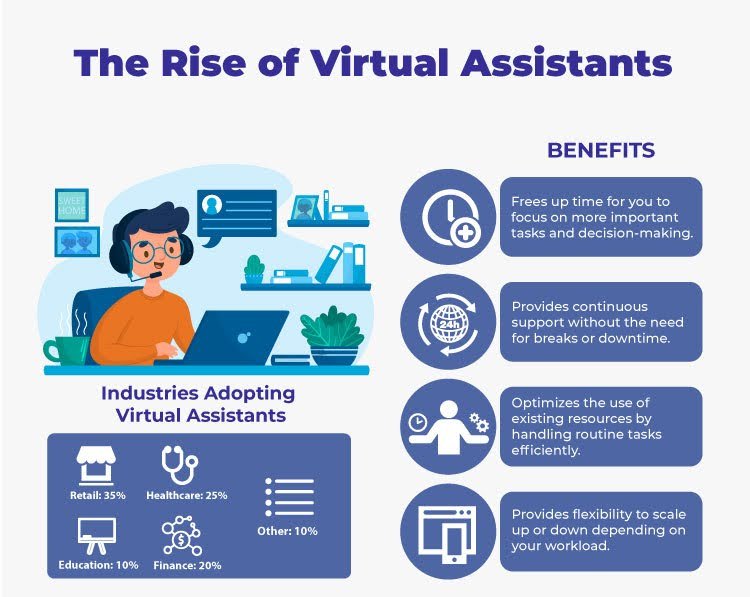
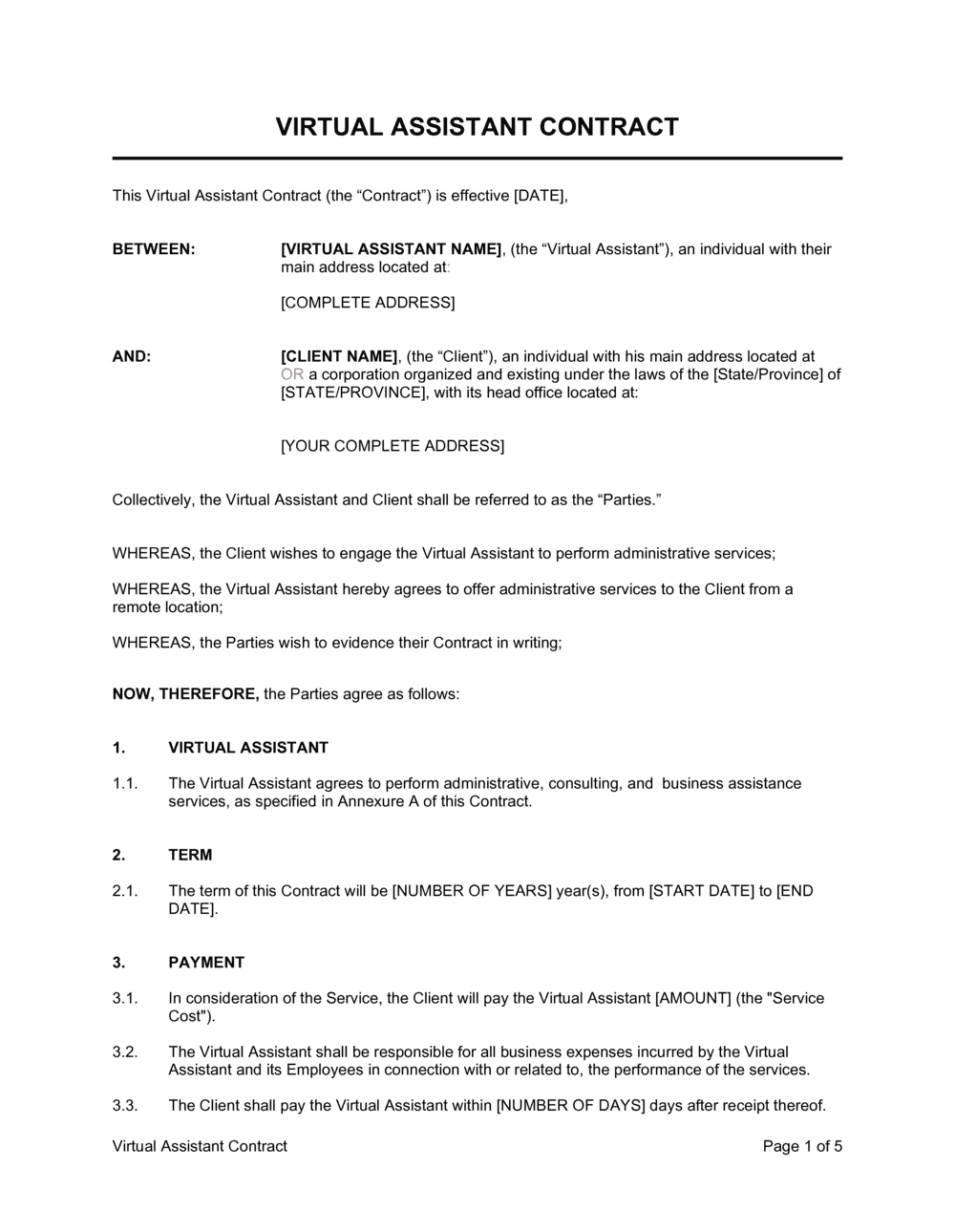
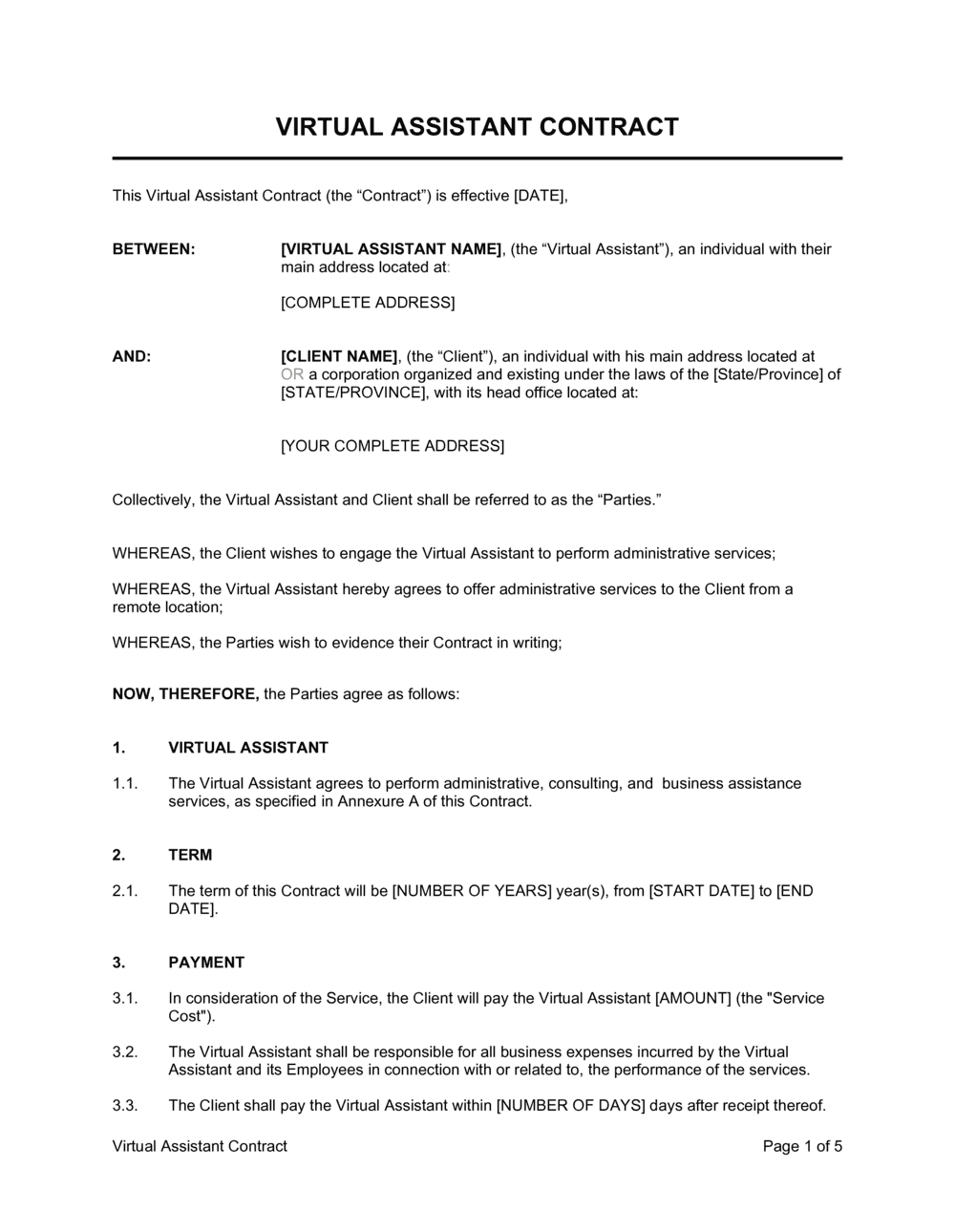
The right tools streamline tasks, automate work, and boost efficiency for virtual assistants.
I have run busy virtual assistant teams and used dozens of apps to save hours each week. This guide on productivity tools for virtual assistants shares practical picks, real workflows, and mistakes to avoid. Read on to learn which tools cut repetitive work, improve client trust, and help you deliver more in less time.

Why productivity tools for virtual assistants matter
Productivity tools for virtual assistants turn chaos into calm. They help manage tasks, communicate with clients, track time, and automate routine work.
Good tools reduce errors and keep clients happy. They also let you scale without burning out. Investing time to pick the right tools pays back in saved hours and better work quality.

Essential categories and top productivity tools for virtual assistants
Below are core categories and tool suggestions you can try. Each category includes why it matters and quick tips for use.
- Task and project management — Tools help track deliverables, deadlines, and priorities. Try ClickUp, Asana, Trello, or Todoist. Use templates for recurring client work to save setup time.
- Calendar and scheduling — Tools stop double bookings and simplify meetings. Use Google Calendar, Calendly, or Acuity. Share booking links and block focus time.
- Communication and collaboration — Tools keep messages and files organized. Use Slack, Microsoft Teams, or Zoom. Set norms for response times and channels.
- Note-taking and documentation — Tools store SOPs, client notes, and ideas. Use Notion, Evernote, or Google Docs. Keep a central SOP folder for onboarding.
- Time tracking and billing — Tools help capture billable hours and improve estimates. Use Toggl, Harvest, or Clockify. Track time by client and task category.
- Automation and integrations — Tools cut repetitive work by connecting apps. Use Zapier, Make (Integromat), or native app automations. Automate client onboarding emails and file routing.
- File storage and sharing — Tools keep client files secure and accessible. Use Google Drive, Dropbox, or OneDrive. Adopt a consistent folder naming system.
- Password and security managers — Tools protect credentials and share access safely. Use 1Password, LastPass, or Bitwarden. Use team vaults and limit permissions.
- CRM and client management — Tools track leads, tasks, and client history. Use HubSpot CRM, Dubsado, or HoneyBook. Sync client notes with tasks to avoid duplication.
- Invoicing and accounting — Tools speed payment and record keeping. Use QuickBooks, FreshBooks, or Wave. Automate recurring invoices and reminders.
- Screen recording and walkthrough tools — Tools create quick client guides and updates. Use Loom or Vidyard. Short videos reduce back-and-forth emails.
These categories form a basic kit for any virtual assistant. Mix and match tools that fit your clients and work style.

How to choose the right productivity tools for virtual assistants
Picking tools feels overwhelming. Use a simple test to make choices quick and smart.
- Define what you must solve — List your top three pain points like scheduling, invoicing, or task chaos.
- Prioritize ease of use — Pick tools your clients and you can learn fast.
- Look for integrations — Tools that connect reduce manual copying and errors.
- Test with a small project — Try free plans before committing to paid tiers.
- Consider cost vs. ROI — Choose tools that save time equal to their cost.
I once picked a feature-rich platform that was too complex. My team spent more time learning it than saving time. Start simple and add tools as needs grow.

Setup tips and proven workflows from experience
Real setups matter more than tool names. Here are workflows I used to cut client churn and speed task completion.
-
Standardize onboarding
- Create a single onboarding checklist in your project manager.
- Automate welcome emails with scheduling links.
- Use a short Loom video to show clients how you work.
-
Centralize tasks
- Use one project board per client and a master board for priorities.
- Tag tasks by priority and billable status.
- Run a weekly review to update statuses.
-
Automate repetitive tasks
- Trigger a task creation when a client signs a form using Zapier.
- Save template emails and canned responses for common questions.
- Use recurring tasks for monthly reports and renewals.
-
Track time and results
- Start timers for every billable session.
- Log non-billable work to improve estimates.
- Share brief weekly reports with clients showing time and outcomes.
From my experience, the biggest wins come from templates, automation, and a single source of truth. Small setup time pays back every week.

Common mistakes and how to avoid them when using productivity tools for virtual assistants
Avoid these pitfalls I’ve seen again and again.
-
Too many tools
- Problem: Tool overload causes switching costs.
- Fix: Limit to core apps covering tasks, calendar, docs, and automation.
-
No naming rules
- Problem: Files and tasks get lost.
- Fix: Use client initials, date, and version in file names.
-
Skipping training
- Problem: Team members use tools differently.
- Fix: Run a short training and keep a simple SOP page.
-
Ignoring automation
- Problem: Repetitive work eats hours.
- Fix: Automate onboarding messages and file routing.
-
Weak security
- Problem: Client data risk.
- Fix: Use password managers and shared vaults with limited access.
I once lost hours untangling a messy folder structure. Now I enforce naming rules during onboarding. It saves time and stress.

Advanced automation and scaling strategies for virtual assistants
Once basics are stable, automate and scale with confidence.
-
Build a library of templates
- Save task templates, email drafts, and invoice templates.
- Clone them for new clients to reduce setup time.
-
Use multi-step automations
- Create workflows that create tasks, notify teams, and update CRM entries.
- Test each step to avoid errors.
-
Delegate with clarity
- Use role-based task assignments and short SOPs.
- Track handoffs in one central board.
-
Monitor metrics
- Track billable hours, completion rates, and client satisfaction.
- Use those metrics to refine processes and pricing.
Automation helped my solo VA business handle twice as many clients without adding stress. Start with one repeatable flow and expand.
Security, privacy, and client trust for virtual assistants
Security builds trust with clients. Simple habits protect you and them.
- Use secure password managers and share only needed access.
- Enable two-factor authentication on all apps.
- Keep client data in a centralized, permissioned storage system.
- Communicate security measures in onboarding to reassure clients.
Be transparent with clients about how you store and share files. That honesty improves trust and reduces risk.

Frequently Asked Questions of productivity tools for virtual assistants
What are the must-have productivity tools for virtual assistants?
Must-haves include a task manager, calendar tool, secure file storage, and a password manager. Add a time tracker and an automation tool to improve billing and reduce manual work.
How do I choose between similar productivity tools for virtual assistants?
Compare ease of use, integrations, and cost. Test with a pilot project to see which fits your workflow and clients best.
Can automation replace a virtual assistant?
Automation handles repetitive tasks but not judgment, client relationships, or creative work. Use automation to free time for higher-value tasks.
How much should a virtual assistant invest in tools?
Start with free or low-cost plans and upgrade as you grow. Invest in one or two paid tools that clearly save hours or reduce errors.
How do I keep client data secure with these productivity tools?
Use strong passwords, a password manager, two-factor authentication, and role-based permissions. Store sensitive files in permissioned folders and limit sharing links.
Conclusion
Productivity tools for virtual assistants are the backbone of efficient, scalable work. Choose a small set of reliable tools, standardize workflows, and automate repetitive tasks. Start with core apps for tasks, calendar, docs, and time tracking, then add integrations and templates as you grow. Take action today: audit your current setup, pick one tool to simplify, and build one automation that saves time. Leave a comment about your favorite tool or subscribe for more practical guides.

Sofia Grant is a business efficiency expert with over a decade of experience in digital strategy and affiliate marketing. She helps entrepreneurs scale through automation, smart tools, and data-driven growth tactics. At TaskVive, Sofia focuses on turning complex systems into simple, actionable insights that drive real results.