Are you a virtual assistant looking to boost your productivity and stay organized? Finding the right software can make all the difference in how smoothly your day runs.
The right tools help you manage tasks, communicate clearly, and deliver top-notch service to your clients. You’ll discover essential software options designed to simplify your work and save you time. Keep reading to find out which tools can transform your virtual assistant business and make your life easier.
Key Features For Virtual Assistant Software
Virtual assistants handle many tasks daily. The right software helps keep work organized and efficient. Essential features focus on managing tasks, communication, schedules, and files. Automation also plays a key role in saving time and reducing errors.
Task Management
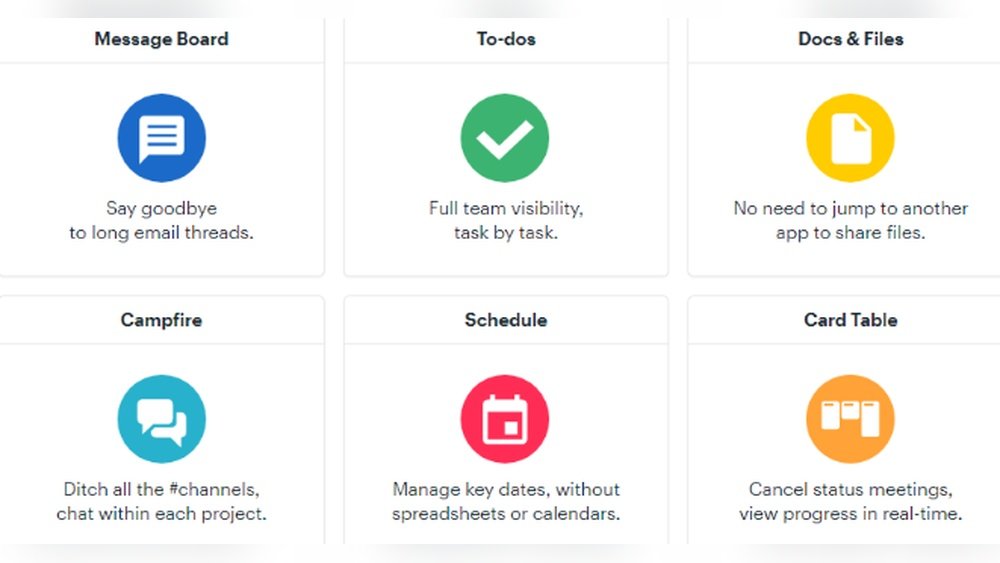
Task management tools let virtual assistants create, track, and prioritize tasks. Clear task lists prevent confusion and missed deadlines. Some software offers progress tracking and reminders. These features keep work organized and on schedule.
Communication Tools
Communication features allow instant messaging, calls, and video chats. These tools help virtual assistants stay connected with clients and teams. Built-in messaging reduces the need for multiple apps. It keeps all conversations in one place.
Scheduling And Calendar Integration
Scheduling tools sync calendars and set appointments easily. Virtual assistants can view client availability and book meetings quickly. Calendar integration sends reminders and prevents double bookings. It simplifies managing multiple schedules at once.
File Sharing And Collaboration
File sharing makes it easy to upload and share documents safely. Collaboration tools allow multiple users to edit and comment on files. This helps virtual assistants work closely with clients and teams. Real-time updates improve accuracy and speed.
Automation Capabilities
Automation features handle repetitive tasks like email responses and data entry. This saves time and reduces human errors. Virtual assistants can focus on more complex work. Automation boosts overall productivity without extra effort.
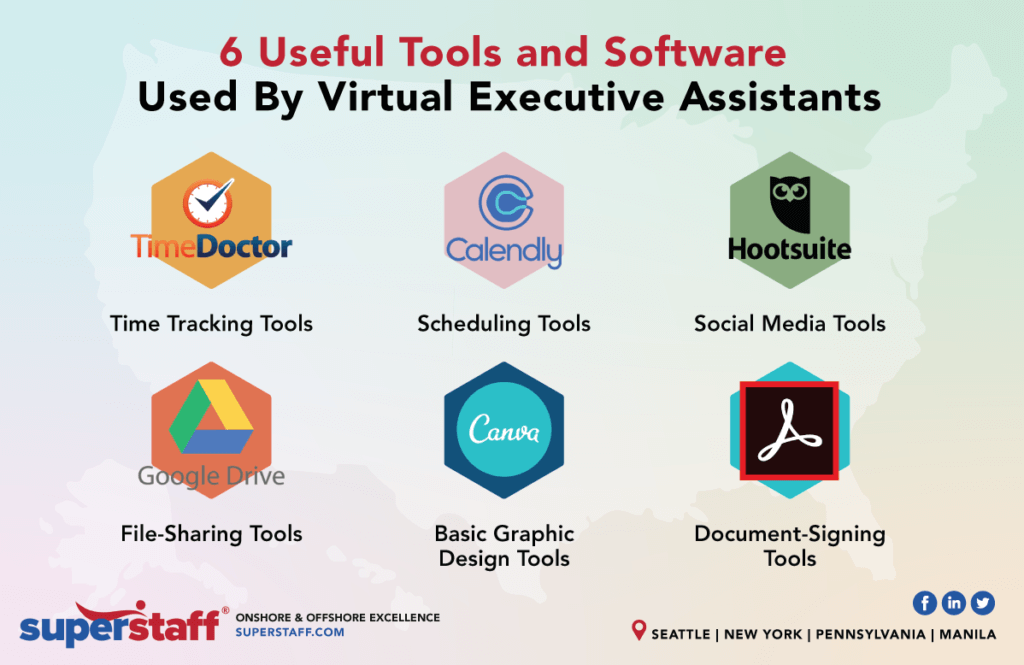
Credit: superstaff.com
Top Software Tools For Virtual Assistants
Virtual assistants handle many tasks every day. The right software tools help keep work organized and efficient. These tools save time and reduce mistakes. They make managing projects, tracking time, and communicating easier. Choosing the best software improves productivity and client satisfaction.
Project Management Apps
Project management apps help organize tasks and deadlines. Tools like Trello and Asana let virtual assistants track progress easily. These apps use boards, lists, and cards to show work clearly. Assigning tasks and setting reminders keeps projects on track. Clients and assistants can both see updates anytime.
Time Tracking Solutions
Time tracking software records how long tasks take. Apps like Toggl and Harvest help measure work hours accurately. These tools create reports to show where time is spent. Time tracking ensures fair billing and better schedule planning. Virtual assistants can focus on tasks without guessing their work hours.
Customer Relationship Management (crm)
CRM tools manage client details and communications. Software like HubSpot and Zoho store contacts and meeting notes. These systems help follow up on tasks and deadlines. Keeping all client information in one place saves time. CRMs improve client relations and make work smoother.
Communication Platforms
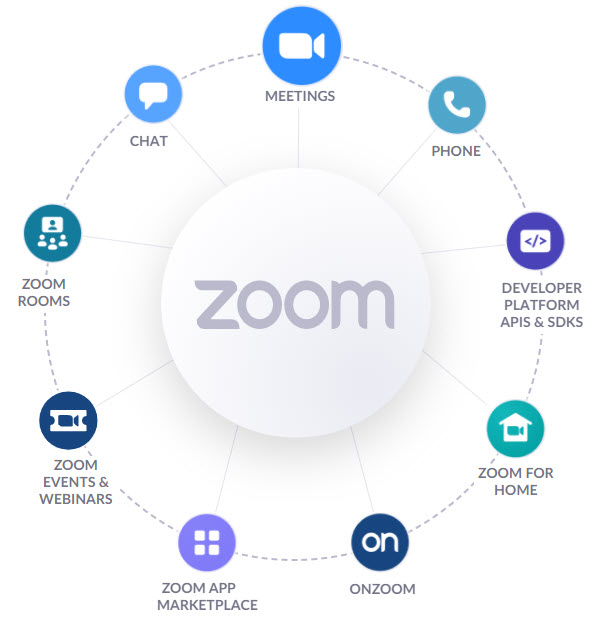
Clear communication is vital for virtual assistants. Platforms like Slack and Zoom allow quick messaging and video calls. These tools keep conversations organized with channels and threads. Virtual assistants can share files and updates instantly. Good communication avoids misunderstandings and speeds up work.
Document And File Management
Managing documents and files requires easy access and sharing. Google Drive and Dropbox offer cloud storage for safe backups. Virtual assistants can share files with clients anytime, anywhere. These platforms support collaboration on documents and spreadsheets. Keeping files organized helps avoid lost work and confusion.
Choosing The Right Software
Choosing the right software is key for virtual assistants. The right tools help manage tasks efficiently. They save time and reduce stress. Picking software that fits your work style improves productivity. It also creates a smooth workflow. Consider several factors to find the best match.
Assessing Your Needs
Start by listing tasks you handle daily. Identify features that simplify these tasks. Think about communication, scheduling, and file sharing. Check if you need tools for invoicing or time tracking. Knowing your needs narrows down software options.
Budget Considerations
Set a clear budget for software expenses. Some tools offer free plans with limited features. Paid versions often include more functions and support. Choose software that fits your budget without missing essentials. Avoid overspending on features you won’t use.
Ease Of Use And Learning Curve
Pick software that is easy to learn and use. Complex tools waste time and cause frustration. Look for simple interfaces and clear instructions. Many offer tutorials or customer support. Quick learning helps you start working faster.
Integration With Existing Tools
Check if the software connects with tools you already use. Integration saves time and reduces errors. It allows smooth data transfer between apps. Examples include calendars, email, and project management tools. Good integration supports better workflow.
Scalability And Support
Choose software that grows with your business. It should handle more clients or tasks easily. Reliable customer support is important for solving issues. Look for updates and regular improvements. Scalable software ensures long-term efficiency.
Credit: www.prialto.com
Tips To Maximize Software Efficiency
Maximizing software efficiency helps virtual assistants save time and work smarter. Using software tools well improves productivity and reduces errors. Small changes in how you use software can make a big difference in daily tasks.
Focus on making software fit your needs. Keep tools up to date and explore automation. Learning new skills and keeping data safe are also key parts of working efficiently.
Customizing Workflows
Adjust software settings to match your daily tasks. Create shortcuts for common actions. Remove features you don’t use to keep the interface simple. Custom workflows speed up repetitive jobs and reduce mistakes.
Regularly Updating Tools
Install updates as soon as they are available. Updates fix bugs and add new features. Running the latest version keeps software stable and secure. Outdated tools may slow you down or cause errors.
Utilizing Automation Features
Use automation to handle routine tasks automatically. Set reminders, auto-replies, or data entry where possible. Automation saves time and lets you focus on important work. Explore built-in automation to boost efficiency.
Training And Skill Development
Spend time learning software features. Watch tutorials or read guides regularly. Better skills help you use tools faster and smarter. Practice makes tasks easier and reduces frustration.
Maintaining Data Security
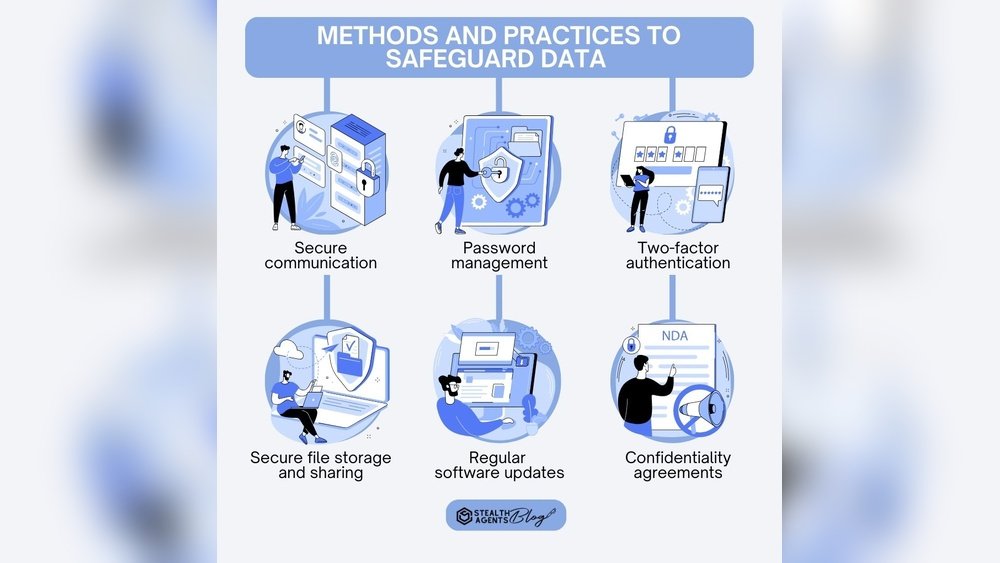
Protect client information with strong passwords. Use software with encryption features. Regularly back up important data to avoid loss. Secure data builds trust and prevents problems later.
Future Trends In Virtual Assistant Software
The future of virtual assistant software is full of exciting changes. New technologies will make these tools smarter and easier to use. Virtual assistants will help with more tasks and work better with teams. The software will be faster, more flexible, and more reliable. These trends will shape how virtual assistants support businesses and individuals.
Artificial Intelligence Integration
Artificial intelligence will become a core part of virtual assistant software. AI will help assistants understand tasks better and respond faster. It will improve decision-making and automate complex tasks. Virtual assistants will learn from user behavior and adapt to personal needs. This makes the software more helpful every day.
Voice-activated Tools
Voice control will grow in popularity for virtual assistants. Talking to software will be easier than typing. Voice-activated tools will allow hands-free operation. This helps users multitask and save time. The software will recognize speech clearly, even in noisy places.
Enhanced Collaboration Features
Virtual assistant software will offer better tools for team work. Sharing files, calendars, and messages will be seamless. Assistants will help schedule meetings and track projects. These features will improve communication and reduce errors. Teams will stay organized and productive with less effort.
Mobile-first Solutions
More virtual assistants will focus on mobile devices. Users will access software anytime, anywhere. Mobile-first design means simpler interfaces for small screens. This helps users work on the go. Fast performance and offline access will become standard.
Cloud-based Platforms
Cloud technology will power most virtual assistant software. Cloud platforms allow easy updates and data syncing. Users can access their assistants from any device. Security and backup will improve with cloud services. This ensures data is safe and always available.
Credit: www.prialto.com
Frequently Asked Questions
What Software Do Virtual Assistants Use Daily?
Virtual assistants use tools like task managers, communication apps, and scheduling software. Popular choices include Trello, Slack, and Google Calendar. These help organize tasks, communicate efficiently, and manage appointments. Using the right software boosts productivity and client satisfaction.
How Can Software Improve Virtual Assistant Productivity?
Software automates repetitive tasks, tracks time, and centralizes communication. This reduces errors and saves time. It allows virtual assistants to focus on high-priority work. Choosing intuitive software ensures smoother workflows and better task management.
Which Software Is Best For Managing Client Projects?
Project management tools like Asana, Monday. com, and ClickUp are ideal. They offer task tracking, deadline reminders, and collaboration features. These platforms help virtual assistants keep projects organized and transparent, improving client communication and project delivery.
Is Specialized Software Necessary For Virtual Assistants?
While not mandatory, specialized software enhances efficiency and professionalism. It streamlines workflows and supports diverse tasks like invoicing and file sharing. Investing in the right software can differentiate a virtual assistant in a competitive market.
Conclusion
Choosing the right software helps virtual assistants work smarter and faster. It saves time and reduces stress. Tools for scheduling, communication, and tasks keep work organized. Easy-to-use programs make daily jobs simpler. Start with a few trusted apps and learn them well.
The right software can improve your focus and productivity. Keep exploring new tools as your needs grow. This way, you stay efficient and ready for any challenge.

Sofia Grant is a business efficiency expert with over a decade of experience in digital strategy and affiliate marketing. She helps entrepreneurs scale through automation, smart tools, and data-driven growth tactics. At TaskVive, Sofia focuses on turning complex systems into simple, actionable insights that drive real results.