
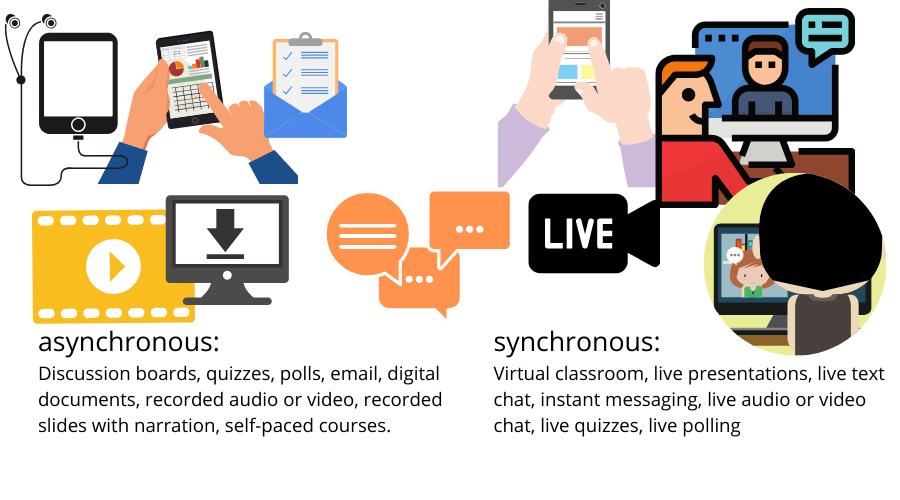
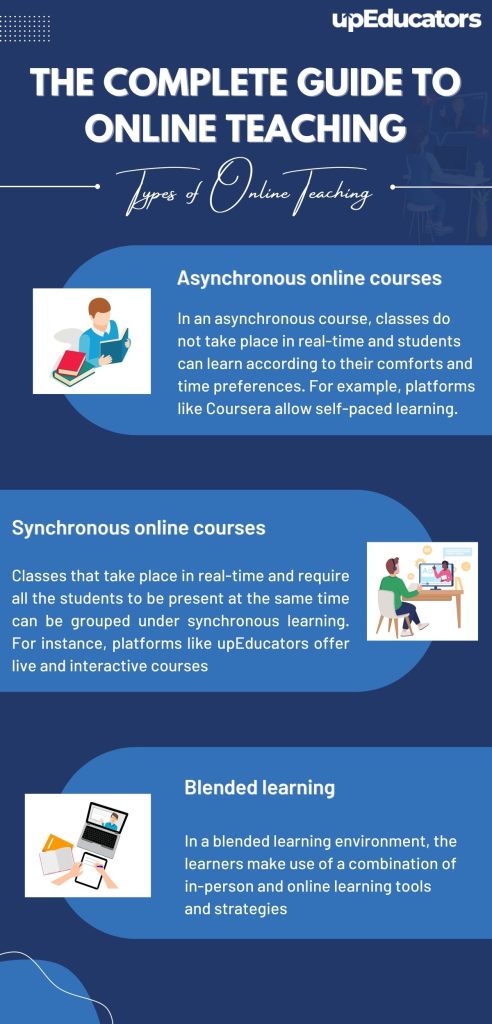
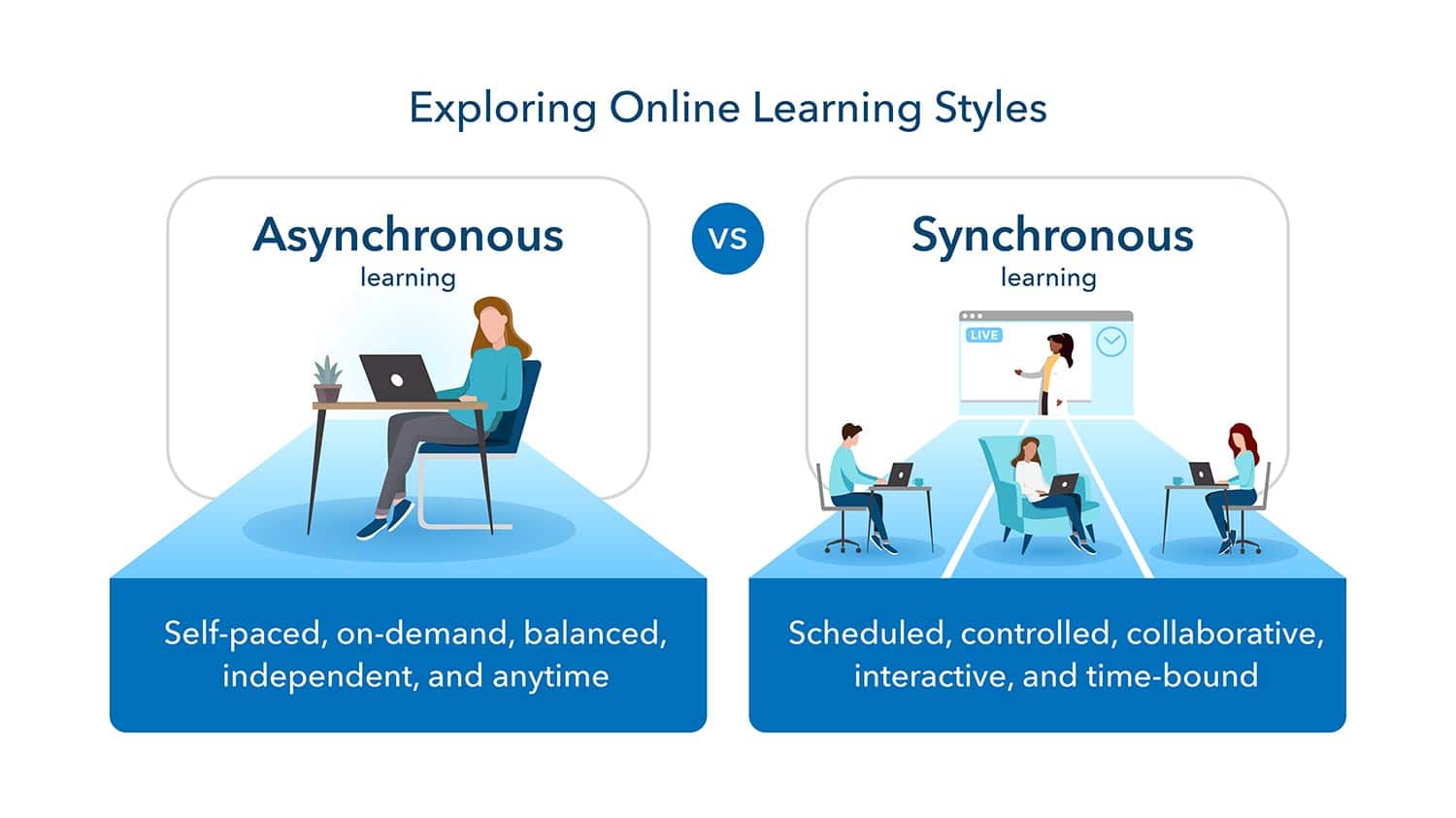
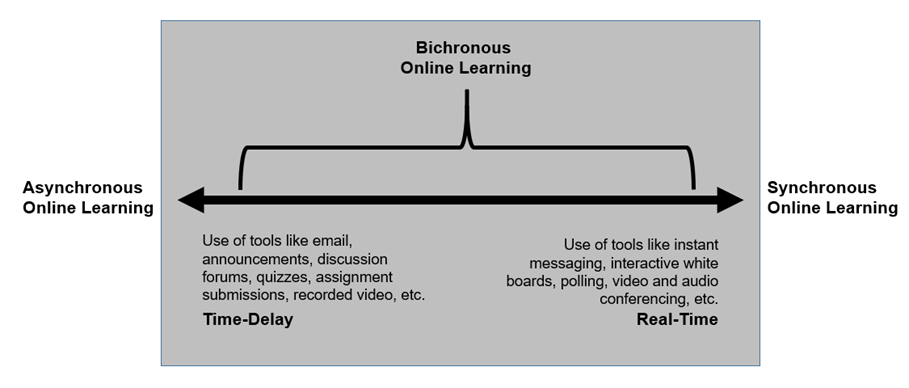
Synchronous tools for online learning connect teachers and students in real time for active, guided interaction.
I’ve built and led online courses for years, so I know which synchronous tools for online learning actually work. This article explains why live tools matter, compares top options, shares practical setup tips, and gives hands-on advice from real classroom experience. Read on to learn how synchronous tools for online learning can boost engagement, simplify assessment, and make remote teaching feel more like being in the same room.

Why synchronous tools matter
Synchronous tools for online learning let people meet live. They recreate class rhythm. Teachers can respond to questions instantly. Students get immediate feedback and stay engaged.
Live sessions cut isolation. They build social presence and keep learners accountable. Research and classroom experience show higher participation and better retention when live tools are used well. Using these tools well takes planning and clear norms.
Core features to look for
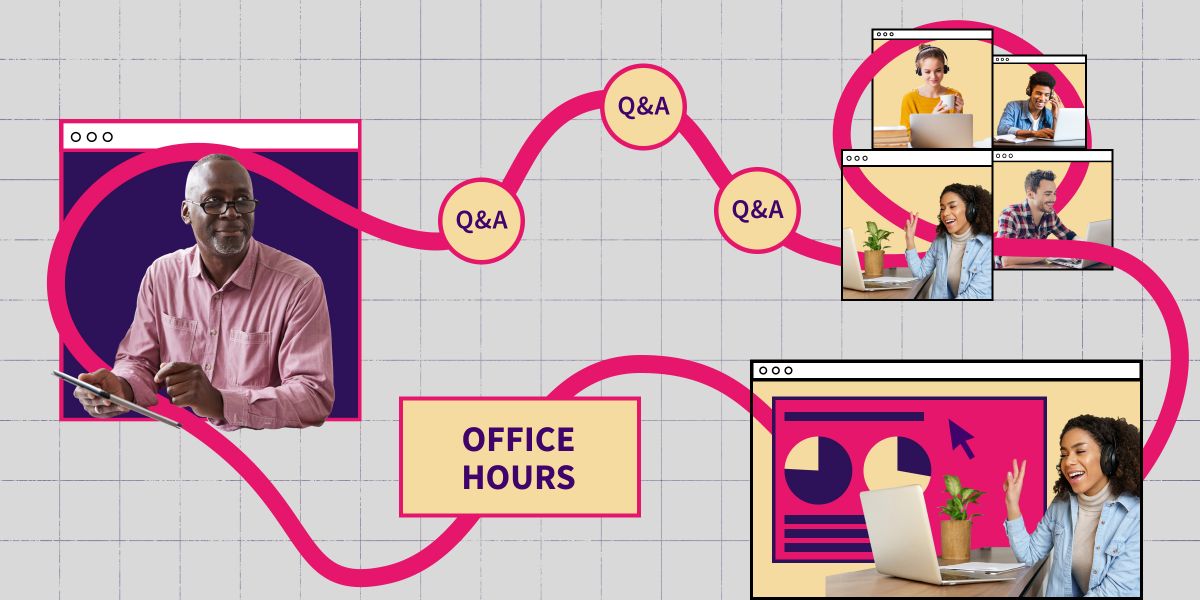
Not all synchronous tools for online learning are equal. Choose based on core features that support learning.
- Reliable video and audio so sessions run smoothly and without lag.
- Screen sharing and whiteboard for clear demonstrations and visual explanations.
- Breakout rooms to enable small-group work and peer interaction.
- Chat, polls, and reactions to let students participate without interrupting.
- Recording and transcripts for students who need to review or miss class.
- Integration with your LMS and file sharing for smooth workflows.
- Security options like waiting rooms and role controls to protect sessions.
These features make live lessons manageable and effective. Prioritize low-latency audio and easy participant controls when you decide.

Top synchronous tools for online learning
Below are widely used options that I’ve tested in real classrooms. Each tool has strengths for specific teaching goals.
Zoom
Zoom excels at large live classes and breakout rooms. It is easy to use and has stable video. The whiteboard and polling options work well for active learning.
Microsoft Teams
Teams integrates with office documents and an LMS. It suits institutions already using other productivity tools. Built-in chat, file storage, and live captions help accessibility.
Google Meet
Google Meet is simple and fast to join from a browser. It is great for short, frequent syncs and pairs well with document collaboration for live editing.
BigBlueButton
BigBlueButton was designed for education. It includes polling, breakout rooms, and shared notes. It is a good choice for learning platforms that host their own servers.
Webex and Others
Webex offers robust security and features for corporate or professional learning. Other niche tools offer low-bandwidth options for learners with limited internet.
When picking synchronous tools for online learning, test each tool with your network and devices before going live. Evaluate accessibility features and mobile support.
Best practices for instructors
Good synchronous sessions feel planned but alive. These steps help instructors get better outcomes.
- Start with clear goals so each live session has purpose and focus.
- Share an agenda and resources before class so students come ready.
- Use a short icebreaker or quick poll to warm up engagement.
- Alternate lecture with active tasks every 5 to 15 minutes to keep attention.
- Use breakout rooms with clear instructions and a time limit to promote collaboration.
- Record sessions and post notes for students who need to review.
- Set norms for chat, mics, and camera use to reduce disruptions.
In my courses, switching to short, interactive segments increased participation. Small changes like using polls and time limits in breakout rooms made big differences.
Common challenges and fixes
Synchronous tools for online learning face predictable problems. Here are practical fixes that I use.
- Connectivity issues — Offer low-bandwidth options like audio-only dial-ins or recorded sessions.
- Zoom fatigue — Keep sessions shorter and include frequent interactions and breaks.
- Uneven participation — Use cold-calling sparingly and structured tasks in breakout rooms to draw quieter students in.
- Assessment integrity — Combine live checks with submitted work and use timed quizzes or oral checks.
- Accessibility — Provide captions, transcripts, and alternative materials when possible.
Being honest with students about limits and providing backup plans builds trust and keeps learning consistent.
Implementing synchronous tools step-by-step
A clear rollout prevents chaos. Follow these steps to implement synchronous tools for online learning smoothly.
- Assess needs and constraints
- Identify class size, tech readiness, and accessibility needs.
- Choose tools that match learning goals
- Prioritize features like breakout rooms or recording based on your pedagogy.
- Run pilot sessions with staff or a small student group
- Gather feedback and fix common issues early.
- Create clear guides and norms for participants
- Share how to join, expected behavior, and how to get help.
- Integrate with assessment and LMS workflows
- Link recordings, assign follow-up tasks, and sync calendars.
- Monitor and iterate
- Collect attendance, engagement data, and student feedback to improve.
I implemented this in a hybrid course and used quick surveys after each live class. The surveys guided adjustments and raised completion rates.
Personal experiences and lessons learned
I ran synchronous sessions for mixed-age learners and staff training. Here are real lessons from that work.
- Start small — run one live weekly session first, then scale.
- Rehearse tech with co-hosts to avoid mic and screen-sharing delays.
- Use multiple engagement tools in one session — poll, chat, and a shared doc — to include different learner types.
- Accept imperfect connections — record and summarize for students who drop out.
- Be transparent about expectations and keep communication channels open.
One semester I used polls every 10 minutes. Participation rose and late assignments dropped by 20%. That taught me that frequent, low-stakes interaction matters more than long lectures.
Frequently Asked Questions of synchronous tools for online learning
What are synchronous tools for online learning?
Synchronous tools for online learning are platforms that enable live interaction between instructors and students. They support real-time audio, video, chat, and collaborative features.
How do synchronous tools improve engagement?
They allow instant feedback, live discussion, and interactive activities, which keep attention and promote participation. Breakout rooms and polls encourage active learning.
Can synchronous tools work for large classes?
Yes. Use a mix of whole-class presentations, polls, and small breakout groups to manage scale. Co-hosts and moderators help keep large sessions orderly.
What are low-bandwidth options for live sessions?
Provide dial-in phone access, audio-only options, recorded sessions, and downloadable slides to support learners with limited internet. These options reduce exclusion.
How do I assess students during live sessions?
Use short quizzes, polls, oral reports from breakout rooms, and follow-up assignments to verify learning. Mix synchronous checks with offline submissions for fairness.
Are synchronous tools accessible to all learners?
Many tools offer captions, transcripts, and keyboard shortcuts, but accessibility varies. Always provide alternatives like transcripts and clear notes to support all students.
Conclusion
Synchronous tools for online learning bring the immediacy of the classroom to remote settings. They boost engagement, foster social presence, and make feedback timely when used with clear plans and simple tech. Start small, set clear norms, and iterate based on student feedback to make live sessions effective and inclusive. Try one change this week — add a poll or a 10-minute breakout — and observe how interaction improves. If this guide helped, leave a comment or subscribe for more practical tips on teaching with technology.

Sofia Grant is a business efficiency expert with over a decade of experience in digital strategy and affiliate marketing. She helps entrepreneurs scale through automation, smart tools, and data-driven growth tactics. At TaskVive, Sofia focuses on turning complex systems into simple, actionable insights that drive real results.