⚠️ Disclosure: This post contains affiliate links. We may earn a commission at no extra cost to you.
⚠️ Disclosure: This post contains affiliate links. We may earn a commission at no extra cost to you.

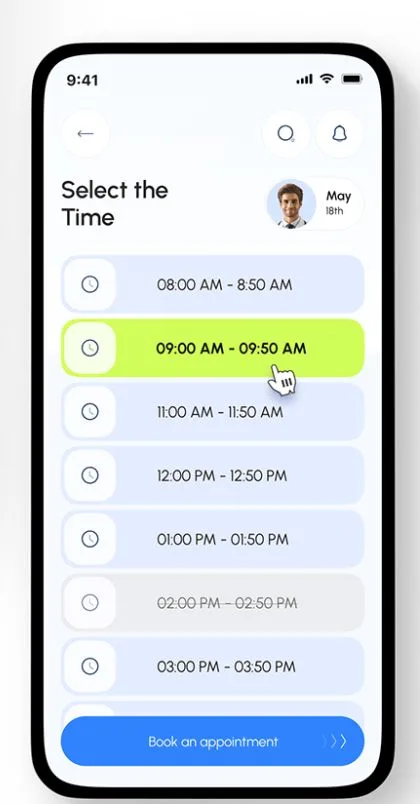
A virtual assistant appointment reminder can be the difference between full days and expensive gaps. Missed appointments bleed revenue faster than most business owners realize. Research from the National Health Service shows that no-show rates in professional service settings commonly hit 10 to 20 percent without systematic reminders.
That translates into hundreds or thousands of lost dollars every month depending on your hourly rate.
Most practices rely on manual phone calls or basic calendar alerts. Those methods work sometimes but they require constant human attention and they fail at scale. If you've ever had a client ghost you after confirming, you know exactly what that loss feels like.
Let's break down why this problem exists and how to fix it.
A virtual assistant appointment reminder is an automated message sent before a scheduled meeting. It reduces no-shows by reminding clients to show up. Systems typically use SMS, email, or voice calls.
Most platforms cut missed appointments by 20 to 50 percent when configured correctly.
When you look for a solution, you have two fundamentally different paths. One relies on software you manage yourself. The other leans on a person who handles reminders for you.
Both get the job done. They just do it in very different ways.
Scheduling software like Calendly, Acuity Scheduling, or Google Calendar native reminders runs entirely on autopilot once configured. These systems send SMS and email nudges automatically before confirmed appointments. Aggregate reviews indicate that most tools handle timezone detection and recurring booking without extra setup effort.
Key capabilities include two-way reply handling. Clients confirm or cancel directly from the message. Payment integration through Stripe or Square lets you collect deposits upfront.
You get dashboards showing attendance rates, cancellation patterns, and peak booking windows. These platforms integrate cleanly with Outlook, Apple Calendar, and Zoom.
The software approach costs between zero and $150 monthly depending on features. You own the data. You control the templates.
But you also handle every bug, every integration hiccup, and every client complaint about format preferences.
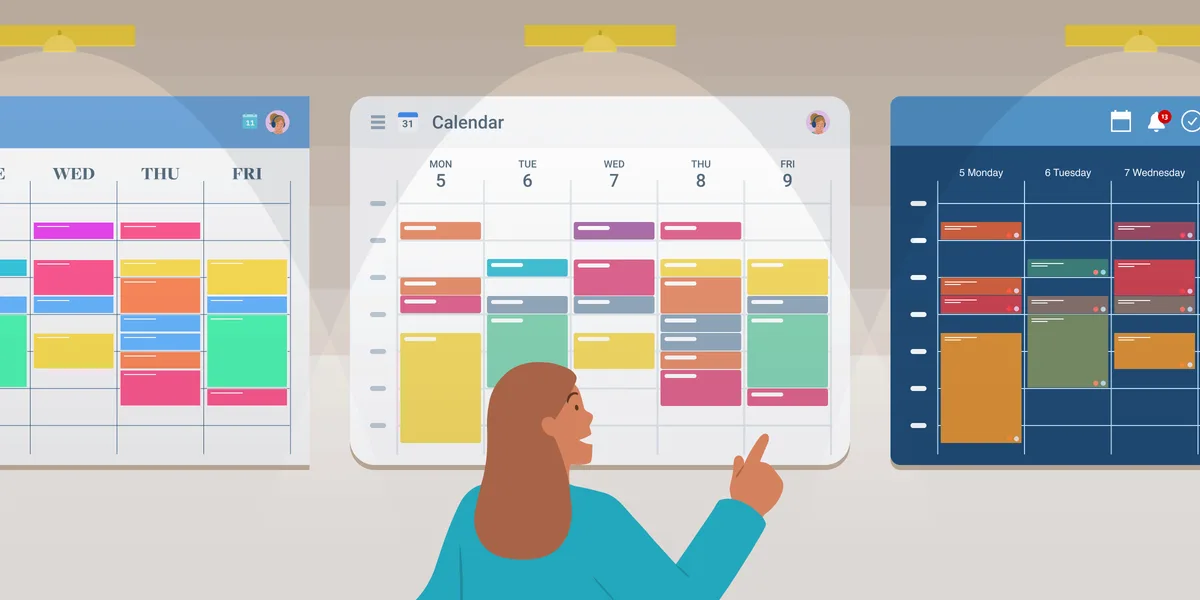
Hiring a virtual assistant means someone checks your calendar daily and sends personalized reminders. They can call clients who do not respond to texts. They flag scheduling conflicts before they happen.
They manage rescheduling without waking you at dinner time. Services like those described at TaskVive's virtual assistant scheduling page show real examples of this hands-on approach.
Human VAs understand nuance. A therapist may need gentle follow-ups while a contractor can afford blunt text blasts. A VA adapts tone based on client history.
They catch patterns software misses entirely, like a regular client who always reschedules on Tuesdays.
Monthly costs typically run $200 to $800 for part-time VA support. Some agencies charge per-task rates instead. You lose total calendar control because another person touches your schedule daily.
Good VAs learn your preferences fast though.

AI chatbots occupy the messy middle ground. They handle bookings through conversational interfaces on your website. They send reminders and answer common questions instantly.
But they struggle with edge cases like last-minute cancellations or clients needing special accommodations. Many hybrid solutions now pair AI front ends with human back up, giving you both speed and a safety net.
| Feature | DIY Scheduling Software | Human Virtual Assistant | Hybrid AI + VA |
|---|---|---|---|
| Reminder delivery | Fully automated | Personalized per client | Mixed automatic and manual |
| Setup time | Hours to one day | Days while VA learns workflows | Moderate |
| Monthly cost range | $0 to $150 | $200 to $800+ | $100 to $500 |
| Handles exceptions | Limited logic rules | High adaptability | Depends on provider |
| Data ownership | Full control | Shared with provider | Partial control |
Picking between software and a human assistant comes down to features, price tags, and hidden costs most people overlook until month two. Here's what the numbers actually look like across both options.
Automated software excels at volume. Send ten thousand reminders in one click without lifting a finger. Platforms include analytics dashboards tracking open rates and confirmation responses.
Customizable templates let you match brand voice precisely. API access connects calendars, CRMs, and payment processors seamlessly.
Human assistants win on empathy and flexibility. They remember that Mrs. Chen prefers morning slots and never texts her after eight PM.
They negotiate reschedules gracefully when emergencies arise. Some virtual assistant services offer calendar management built specifically around these nuanced touchpoints.
Hybrid models blend both worlds. AI routes standard reminders while flagging edge cases for human review. Cancellations trigger automated reschedule links.
VIP clients get personal touch. This approach often lands in the sweet spot for growing practices.
DIY platforms follow clear pricing tiers. Basic plans under $20 monthly cover single users with essential reminders. Professional tiers around $50 to $100 add team seats, custom branding, and payment collection.
Enterprise plans exceed $150 monthly for advanced workflows and dedicated account management.
Virtual assistant pricing varies wildly. Freelance VAs often charge $15 to $40 hourly. Agencies bundle support into monthly retainers from $500 to $3000 depending on hours needed.
Per-appointment models exist too, running roughly $2 to $8 per confirmed booking managed manually.
Hidden costs deserve attention. Software adds up through add-on modules like SMS credits, extra storage, or premium integrations. VA hiring carries recruiting fees, training time, and turnover risk if that person leaves mid-contract.
Platform migrations cost more than most calculate upfront.
| Cost Category | DIY Software | Human VA | Hidden Cost Traps |
|---|---|---|---|
| Monthly base price | $0 to $150 | $200 to $800 | SMS overage fees |
| Setup and training | Self-guided | Several days | Integration bug fixes |
| Scaling to larger volumes | Linear cost increase | Proportional hour increase | Multi-platform management |
| Contract flexibility | Cancel anytime | Often 30 to 90 days | Data export delays |
Software support ranges from live chat to email tickets depending on the platform tier. Free plans frequently limit help to documentation alone. Paid versions unlock priority queues usually within two to four hours during business days.
VA communication depends entirely on your agreement terms. Good providers commit to Slack channels and weekly check-ins. Budget options may only offer weekend email replies.
Response time affects whether a crisis gets handled same-day or waits thirty-six hours.
Integration headaches favor software since APIs are documented and tested extensively. VA workflows often break when connecting to legacy systems without developer support. Check integration compatibility lists carefully before committing to either path.
Image source: Web (Bing) / animalia-life.club (Web image (fair-use with source credit))
No single option beats every scenario. Your practice size, volume, and budget dictate which path makes sense. Here's how different business types should choose.
Single-operator businesses thrive on DIY scheduling platforms. Calendly or Google Calendar native reminders cost almost nothing and cover basic needs perfectly. A solo therapist or consultant rarely books enough volume to justify full VA retainer costs.
Start with free or low-cost tools first. Upgrade only when automation frustrates you with edge cases. Many freelancers discover their ideal booking setup by testing software first before outsourcing manually.
If you manage multiple calendar types like Google Meet and Zoom separately, consider pairing lightweight automation with occasional human oversight for tricky reschedules. This hybrid approach keeps costs low while catching problems early.
Dual-operator teams benefit from either robust software or part-time VA support. Coaching groups with five to fifteen practitioners need consistent reminder standards across clients. Software ensures uniform templates and automated policies.
Clinics handling regulated communications may prefer humans who verify consent and opt-in compliance manually before sending any messages. HIPAA considerations make human oversight valuable even when software handles routine nudges.
Most small clinics find a dedicated VA worth the $300 to $600 monthly investment for managing group calendars, insurance verification notes, and patient-specific preferences that software misses consistently.
Fast-growing companies outgrow both pure software and pure human models quickly. You need structured automation plus strategic human coordination. Dedicated scheduling teams or enterprise software with workflow automation become necessary around twenty-five concurrent bookings daily.
Multi-location setups require centralized oversight anyway. Centralized dashboards track no-show rates across sites while regional managers handle local exceptions. Some organizations standardize their meeting cadence through coordinated platform rollouts paired with administrative support.
Budget roughly $1000 to $3000 monthly for combined software subscriptions plus shared VA hours covering all locations. Factor in admin labor for monitoring compliance and optimizing reminder timing continuously.
Salons processing dozens of bookings daily lean heavily toward enterprise-grade platforms with SMS autoresponders and payment capture built in. Human staff still handle walk-ins and emergency changes but core reminders run automatically.
Service businesses like plumbing or electrical companies need rapid confirmation loops. Field crews cannot afford manual follow-up delays. Integrated dispatch software with automated client messaging serves these operations best while VAs handle exception workflows selectively.
Most businesses pick wrong on two fronts. They select based on feature checklists instead of actual workflow fit. They ignore hidden costs that surface months later.
Avoid these traps early and you will save money and frustration down the line.
Feature bloat tempts buyers into paying for extras nobody uses. Before evaluating any platform or provider, map your current booking process step by step. Where do bottlenecks appear?
Which client type causes the most cancellation headaches? What does success look like measured in real hours saved weekly?
Match solutions to documented pain points rather than desired capabilities. A dental clinic needs different reminder logic than a life coach does. Customizing templates alone does not solve structural workflow gaps that need process redesign first.
Evaluate how virtual assistants optimize calendar management to see where human hands fill automation blind spots in practice environments.
Sending reminders without explicit permission violates privacy regulations in many regions. GDPR mandates clear consent records for EU clients. HIPAA requires documented authorization before sharing health appointment details via text.
CAN-SPAM and TCPA govern commercial messaging in the United States with strict penalties for noncompliance.
Build opt-in collection into your signup flow from day one. Include checkbox confirmation and archive timestamps. Train anyone sending reminders on verification steps before broadcasting messages.
Noncompliance fines dwarf any software savings you might chase recklessly.
Read official guidance from sources like the FTC's consumer protection guidelines to understand legal obligations specific to your market.
Never commit to annual contracts without thorough evaluation first. Run every platform through a two-week stress test using live client traffic. Track confirmation rates, error frequency, and response quality manually during trials.
Compare how each system handles unexpected scenarios like simultaneous bookings from different channels.
Testing reveals gaps theoretical feature lists hide. Software may crash during peak hours despite smooth demo performance. VAs might misunderstand nuanced client preferences despite impressive interview answers.
Only real usage exposes these weaknesses reliably.
Global client bases break naive scheduling assumptions instantly. Software failing to convert timezones causes embarrassment and lost revenue equally. Recurring appointment logic errors compound across weeks silently before anyone notices.
Verify timezone support thoroughly before going live internationally. Test monthly recurring sequences end to end with calendar sync active. Confirm recurrence edits propagate correctly across all connected platforms including video conferencing tools and payment gateways.
Document your findings and share them internally so teams avoid recreating mistakes. Good documentation pays dividends during future platform migrations or staffing changes.
It depends on your volume and client expectations. Automated systems handle high volumes cheaply but lack personal touch. Human assistants excel with complex cases and VIP clients.
Many businesses blend both using AI for routine nudges and staff for exceptions.
Yes, consistent SMS reminders cut no-show rates significantly. Studies show reductions between 20 and 50 percent when messages are sent 24 hours before appointments. Two-way confirmation texts further boost attendance by letting clients cancel easily rather than ghosting.
Basic scheduling tools can be live in under an hour if you already have a calendar synced. More advanced integrations with payment gateways and CRM systems may take a few days. Hiring a virtual assistant typically requires several days to learn your workflows and preferences.
Absolutely, many practices start with software and add human support as they grow. You can gradually hand off edge cases like rescheduling or custom client notes while keeping automation for standard reminders. Ensure data export options exist before committing to any platform.
Healthcare providers must follow HIPAA for patient privacy and obtain explicit consent before sending reminders via text or email. Business sectors should review CAN-SPAM and TCPA regulations for commercial messaging. Always archive opt-in records and provide clear unsubscribe methods.

Sofia Grant is a business efficiency expert with over a decade of experience in digital strategy and affiliate marketing. She helps entrepreneurs scale through automation, smart tools, and data-driven growth tactics. At TaskVive, Sofia focuses on turning complex systems into simple, actionable insights that drive real results.







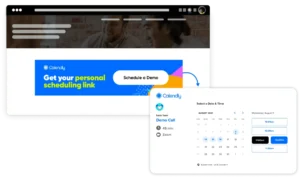
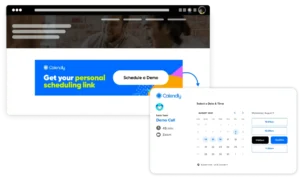

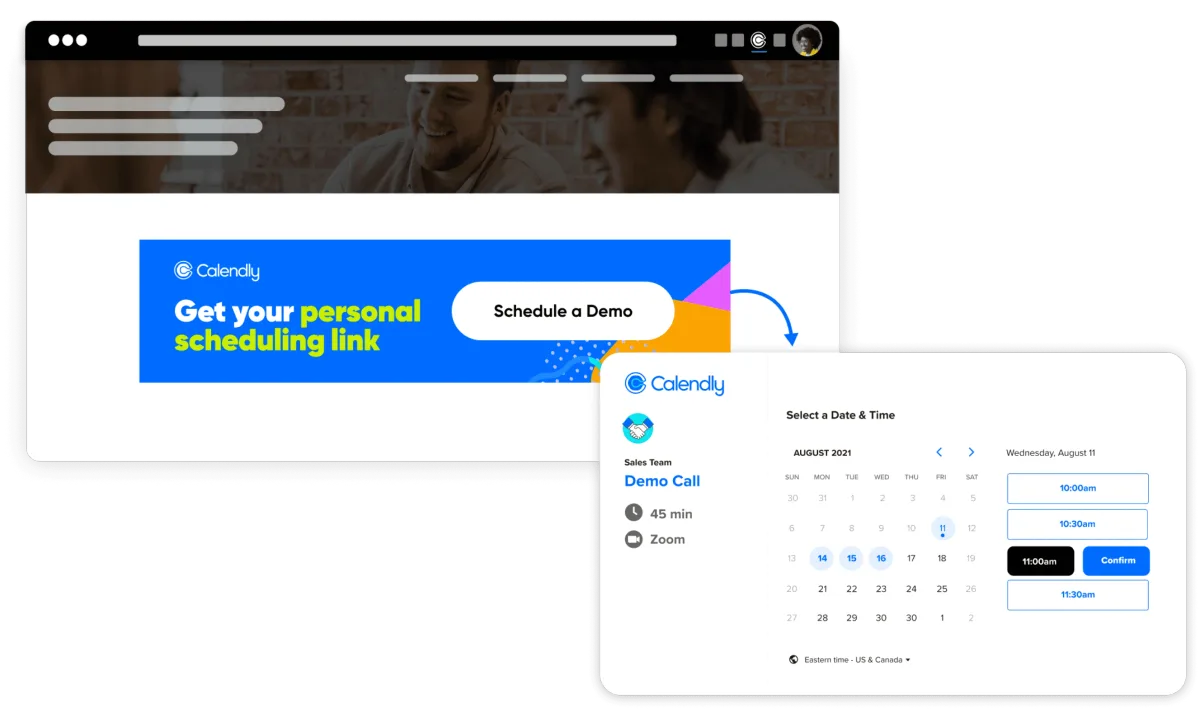
You’re drowning in meeting requests and your calendar looks like a war zone. Virtual assistant Calendly management is the fix that lets a trusted helper handle…
You’ve got too many meetings and not enough hours. A virtual assistant for Outlook Calendar can fix that, but only if you pick the right type. We’ll walk…
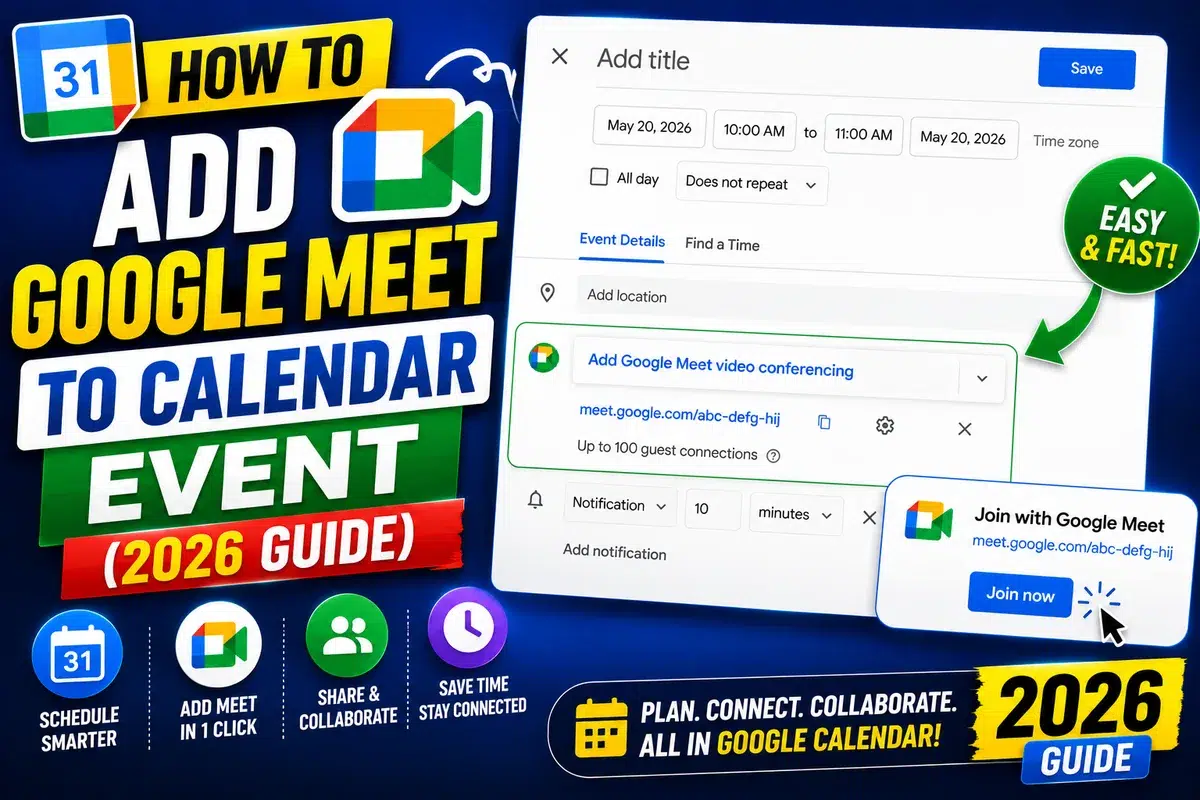
You’ve got a packed week and zero time to juggle calendar tabs. A virtual assistant to schedule Google Meet can take that load off, but the options aren’t all…