⚠️ Disclosure: This post contains affiliate links. We may earn a commission at no extra cost to you.
⚠️ Disclosure: This post contains affiliate links. We may earn a commission at no extra cost to you.

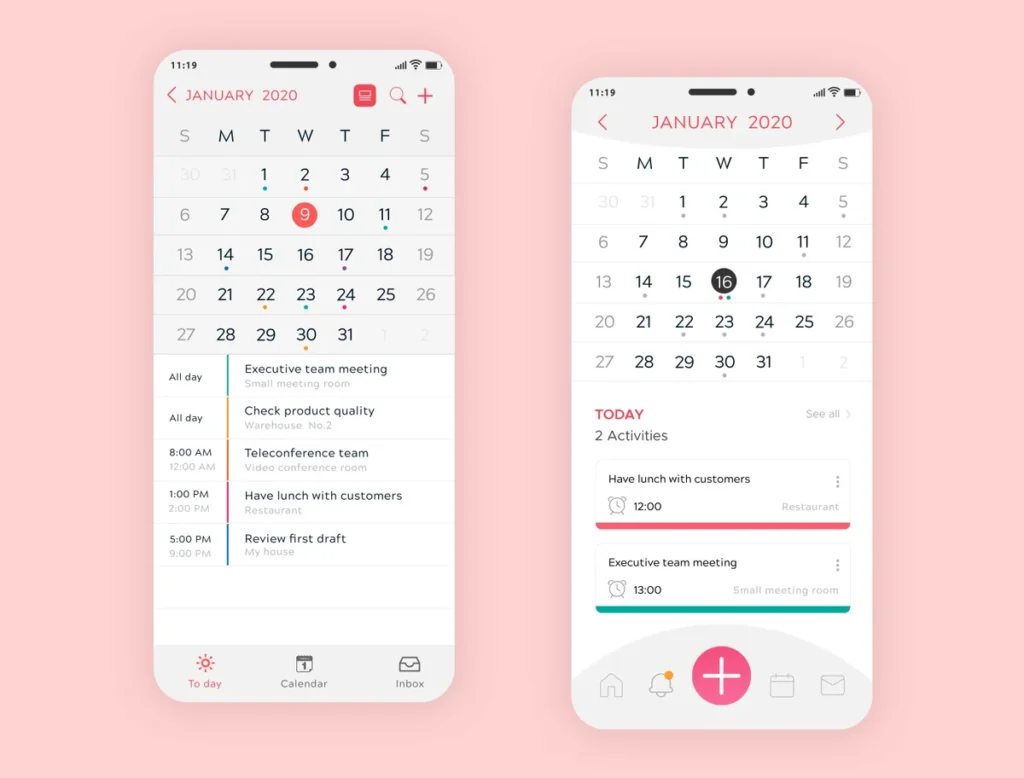
You're staring at a few ways to get your calendar under control that look almost identical on the surface. A virtual assistant for calendar management might be a human contractor, an AI scheduler, or a simple booking link. Pick the wrong one and you'll either overpay for help you barely use or miss a meeting because a bot misread your rules.
The choice gets simple once you see how each model works.
Aggregate reviews report setup times from 30 minutes for a booking link to two weeks for a human VA as of 2026. Per AICPA SOC 2 criteria, managed agencies must show strict data controls. Those operational gaps shape the entire hiring decision.
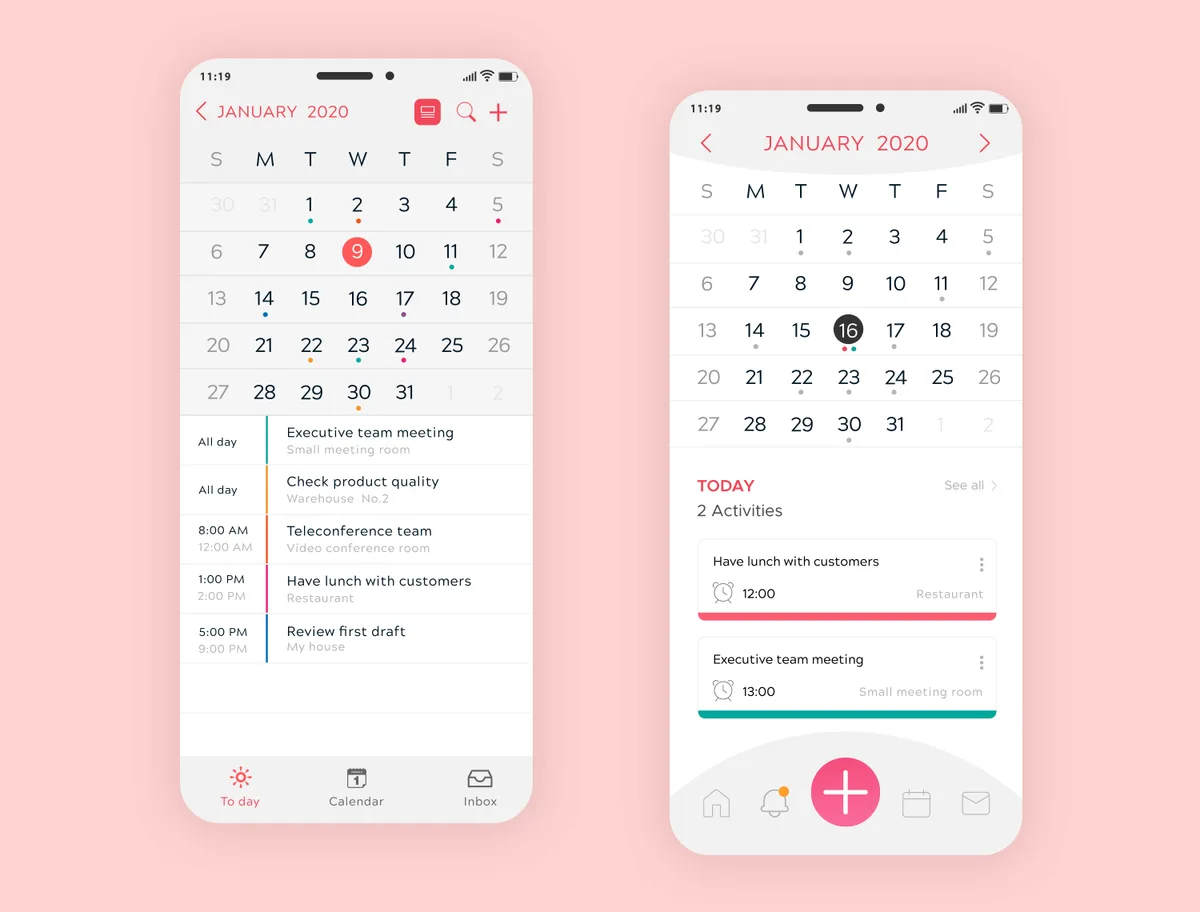
Most people think any scheduling help will do the job. That assumption costs time and money when the wrong model hits a complex request.
A human assistant reads context and negotiates with other people. An AI calendar assistant follows rules you set and connects through API.
Bringing on outside support without a plan leads to overlap or gaps. Our research shows mismatched help causes double bookings in 1 of 5 early setups.
The stakes rise when travel, client calls, and personal blocks mix together. You need the right fit before you hand over inbox access.
A virtual assistant for calendar management handles meeting scheduling through humans, AI, or links. AI tools cost $10 to $50 monthly. Human VAs range from $300 to $1,500.
Booking links suit fixed slots. Hybrid setups combine both for best coverage.
The mechanical differences between these options explain when to use each one. Understanding the model tells you why certain setups excel at certain jobs.
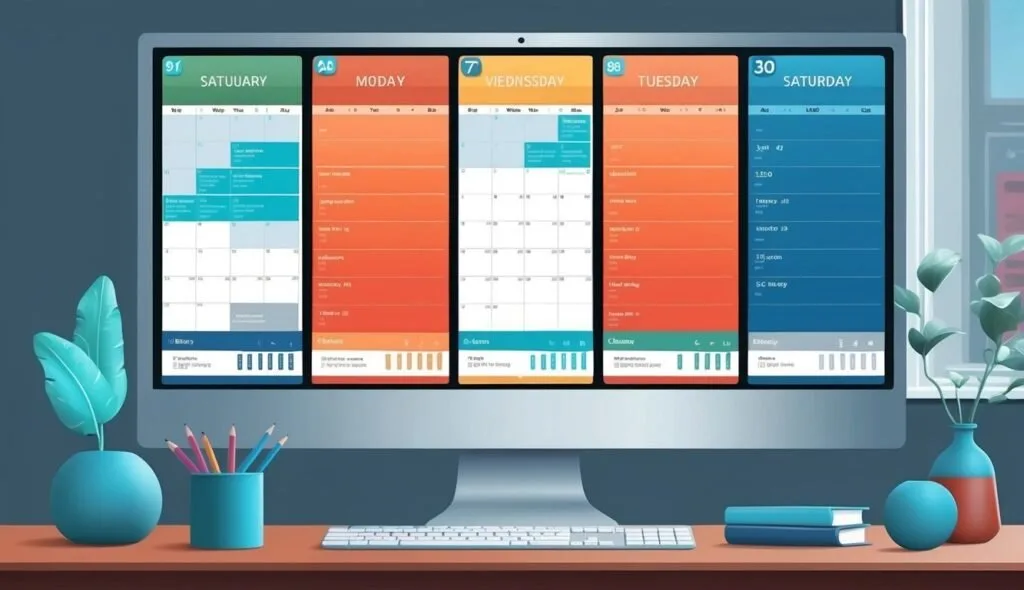
A human VA uses a standard calendar plus their own judgment. They read your inbox, negotiate times, and flag conflicts you'd miss.
The key trait is discretion. They can tell a client you're out without revealing private details. Experienced operators know when to protect deep work blocks.
When screening for help, look at the key traits to screen for in a remote hire. Getting the most from them depends on clear briefing docs.
An AI assistant connects to your calendar and uses natural language processing. It checks free slots and sends invites without human touch.
This removes email ping pong entirely. The bot never tires of rescheduling the same call twelve times.
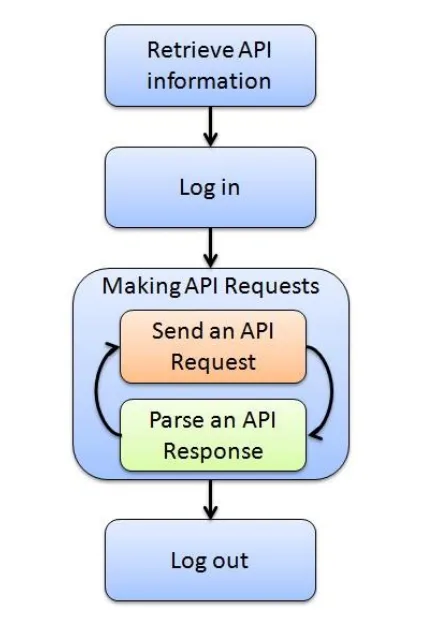
Most tools use two way API sync from providers like Google. The official API reference shows how secure authorization works.
A booking link is the fixed rule option. You set windows, share a URL, and the other person picks a slot.
It accepts only the parameters you give. For fixed slots, it handles volume with zero conversation.
An agency delivers the human model with backup coverage. You get a primary contact plus a trained bench.
They use shared drives and SOP libraries instead of one person's memory. This fits teams with constant complex scheduling.
Several specs separate the models. Knowing these helps you match tool to task.
Human discretionary judgment is not a software feature. It comes from training and context, as our resource hub often covers.
For AI, the depth of integration matters most. A weak sync causes latency and double books.
The table below shows where each model stands. Real numbers help you budget as of 2026.

| Spec | Human VA | AI Assistant | Booking Link | VA Agency |
|---|---|---|---|---|
| Monthly Cost | $300 to $1,500 | $10 to $50 | $0 to $30 | $800 to $3,000 |
| Setup Time | 1 to 2 weeks | 1 day | 30 min | 2 to 4 weeks |
| Email Threads | Yes | Limited | No | Yes |
| Proactive Reschedule | Yes | Partial | No | Yes |
| Time Zone Handling | Excellent | Good | Basic | Excellent |
A human VA wins on nuance but costs more. An AI assistant wins on speed and price for simple meets.
Training paths for admin tasks can shorten the VA learning curve. That lowers the effective cost over time.
The right model shifts with the job. Here's a tight map from common workflows.
| Job | Best Option | Why |
|---|---|---|
| Inbound sales demo | AI assistant | Speed to lead beats handoff delay |
| Offsite with 10 stakeholders | Human VA | Needs negotiation and follow up |
| Recurring team standup | Booking link | Fixed rule, self select once |
| Cross timezone investor meet | Human VA | Sensitive timing nuance |
| Webinar signup | Booking link | High volume, no chat |
A founder with steady online income skills often starts with AI alone. As travel grows, they add human help.
AI wins on simple, repeatable bookings. It responds at 2 a.m. without complaint.
For high volume prospect calls, the bot saves five to eight emails per meeting. That adds up to hours freed weekly.
Human judgment handles fuzzy requests. A VA notices "urgent" in a client's note.
When managing remote help well, the VA becomes a gatekeeper. That's something software can't mimic.
If you do client work plus inbound volume, layer the two. AI takes first line bookings, human handles overflow.
Most founders start AI at $20 monthly, then add part time VA at $500. That combo covers speed and nuance.
Set a handoff rule: bot escalates any thread with "investor" or "press" to human. Clear SOPs keep it smooth.
Over granting inbox access is the top error. A VA with full rights can misfire on sensitive mail.
Our research shows a weekly calendar review cuts double books below 1 percent. Treat it like routine site upkeep for your schedule.
Handing calendar control means sharing personal data. The risk grows with broader inbox access.
Under GDPR and CCPA, any processor of your calendar data must limit retention. The European Data Protection Board sets strict rules for cross border handling of EU resident schedules.
Use OAuth scoped permissions for AI tools. Grant least privilege, never full inbox if calendar only is needed.
Human VAs should sign an NDA before access. Managed agencies must show SOC 2 Type II reports per AICPA criteria.
A public booking link can leak your free times to competitors. Mask personal blocks with visibility permissions.
Regional regimes differ. EU GDPR demands stronger consent than US baseline law. Check where your VA or server sits before signing.
Each model needs a different start path. Follow the right sequence to avoid early errors.
Connect your Google or Outlook account through OAuth. Set meeting types and available hours in the dashboard.
Add buffer times and time zone rules. Test with a fake booking before going live.
Define your open windows in the tool. Set capped daily meetings and blackout dates for focus work.
Paste the URL into your email signature. Check it on mobile once to confirm layout.
Run a discovery call to map your rhythm. Sign an NDA and share a read-only calendar first.
Give SOP docs for common requests. Expand access after two weeks of clean work.
The agency matches you to a primary assistant. They train on your SOP library before launch.
Expect two to four weeks before full coverage. Use their backup bench for leave periods.
A weekly review keeps the system honest. Spend 15 minutes every Friday pruning stale holds.
Set hard deep work blocks that no tool can book. Protect at least two mornings weekly from meetings.
Audit your rules quarterly. Remove stale limits that block real opportunities from landing.
Train the AI on new phrases like "priority" or "VIP". Human VAs need the same language refresh.
Keep one master doc of exceptions. Share it with any helper so context survives handoffs.
If you only take fixed calls, use a booking link today. It is free and instant to deploy.
Adding inbound volume with no travel, pick AI at $20 monthly. The payback is immediate for solo founders.
Complex life with flights and VIPs, hire a human VA. Start part-time at $500 to control cost.
Running a team, sign an agency retainer. You get coverage and SOP discipline across staff.
Most readers land in the hybrid zone. Launch AI now, add human help at scale when travel climbs.
A virtual assistant for calendar management is a service that handles meeting scheduling through a human, AI, or link tool. The human model uses judgment, the AI uses set rules, and the link is self-serve. Most small teams blend two models for full coverage and fewer misses.
A human calendar VA costs $300 to $1,500 monthly as of 2026. Part-time help starts near $500 for solo founders working light hours. Full-service agencies charge $800 to $3,000 for team coverage with backup and SOP training included.
Rates vary by region and skill level.
An AI assistant can handle rescheduling for simple conflicts automatically through its rules engine. It fails on fuzzy requests needing tone or human context. Hand those tricky threads to a human VA through a set escalation rule you define upfront.
Sharing your calendar with a VA is safe when you use scoped OAuth and a signed NDA. Grant calendar only, not full inbox, during the first weeks. Per SOC 2 criteria, agencies must show active data controls before any access is granted.
Setup time depends on the model you pick. Booking links take 30 minutes to configure and share. AI needs one day for rules and calendar sync.
A human VA takes one to two weeks for onboarding and training. Agencies need two to four weeks.
You need both AI and a human VA when inbound volume meets complex travel or VIP needs. AI takes first-line bookings fast and cheap. The human handles nuance, tone, and overflow when the stakes rise on key accounts.

Sofia Grant is a business efficiency expert with over a decade of experience in digital strategy and affiliate marketing. She helps entrepreneurs scale through automation, smart tools, and data-driven growth tactics. At TaskVive, Sofia focuses on turning complex systems into simple, actionable insights that drive real results.



















I know you’ve spent way too many mornings playing Tetris with your schedule across four or five different apps. A virtual assistant to manage multiple…
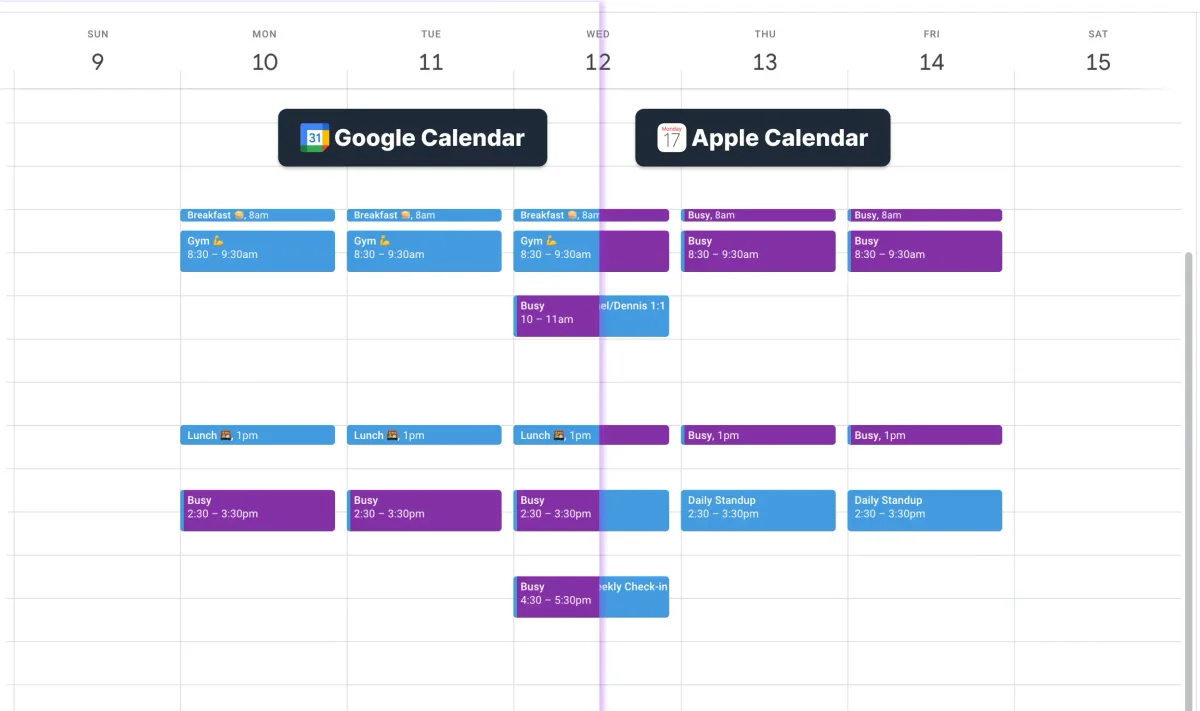
A virtual assistant to prevent double booking is a software tool or service that monitors your calendar and blocks two appointments from landing in the same…
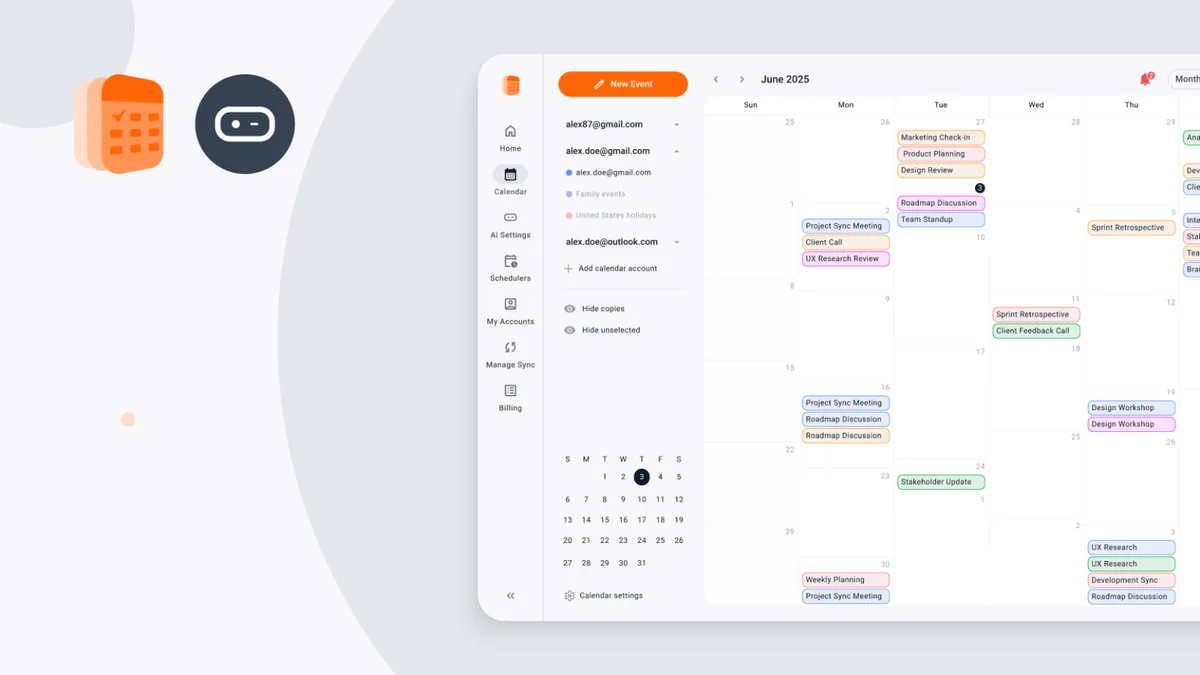
 Image source: Web (Bing) / calendarbridge.com (Web image (fairuse…