⚠️ Disclosure: This post contains affiliate links. We may earn a commission at no extra cost to you.
⚠️ Disclosure: This post contains affiliate links. We may earn a commission at no extra cost to you.

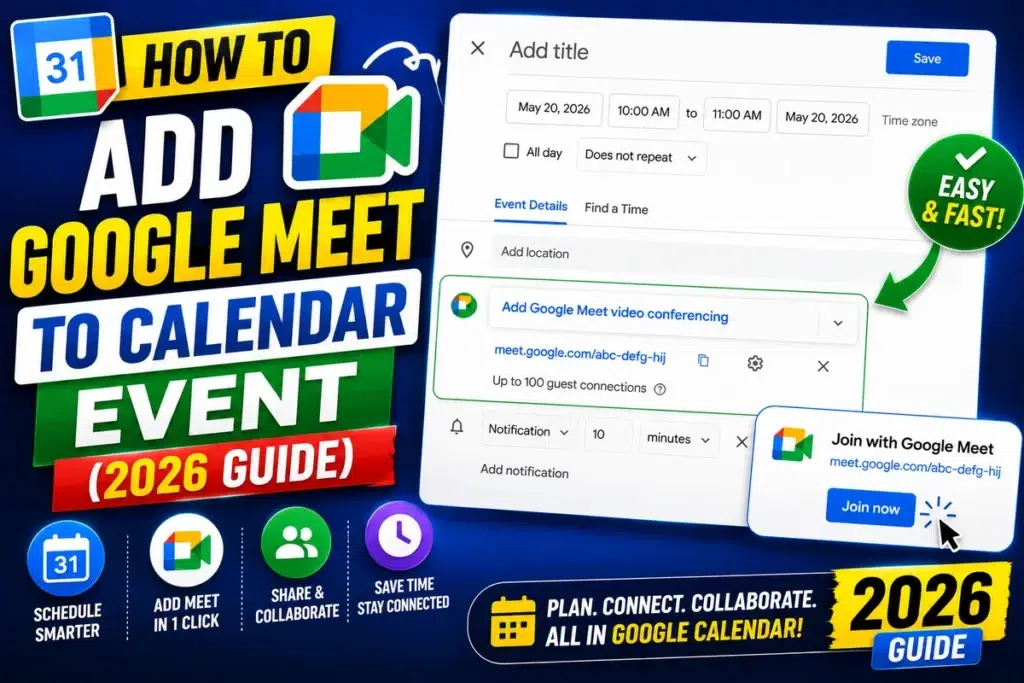
You’ve got a packed week and zero time to juggle calendar tabs. A virtual assistant to schedule Google Meet can take that load off, but the options aren’t all the same. Some live inside Google, others connect through APIs, and a few are actual people.
Our research shows Google Calendar’s native Meet tick-box creates a link in under five seconds, per manufacturer specifications. As of 2026, Workspace admins can also grant delegate rights through Google’s official settings. Knowing which method fits your situation is the first step to calmer scheduling.
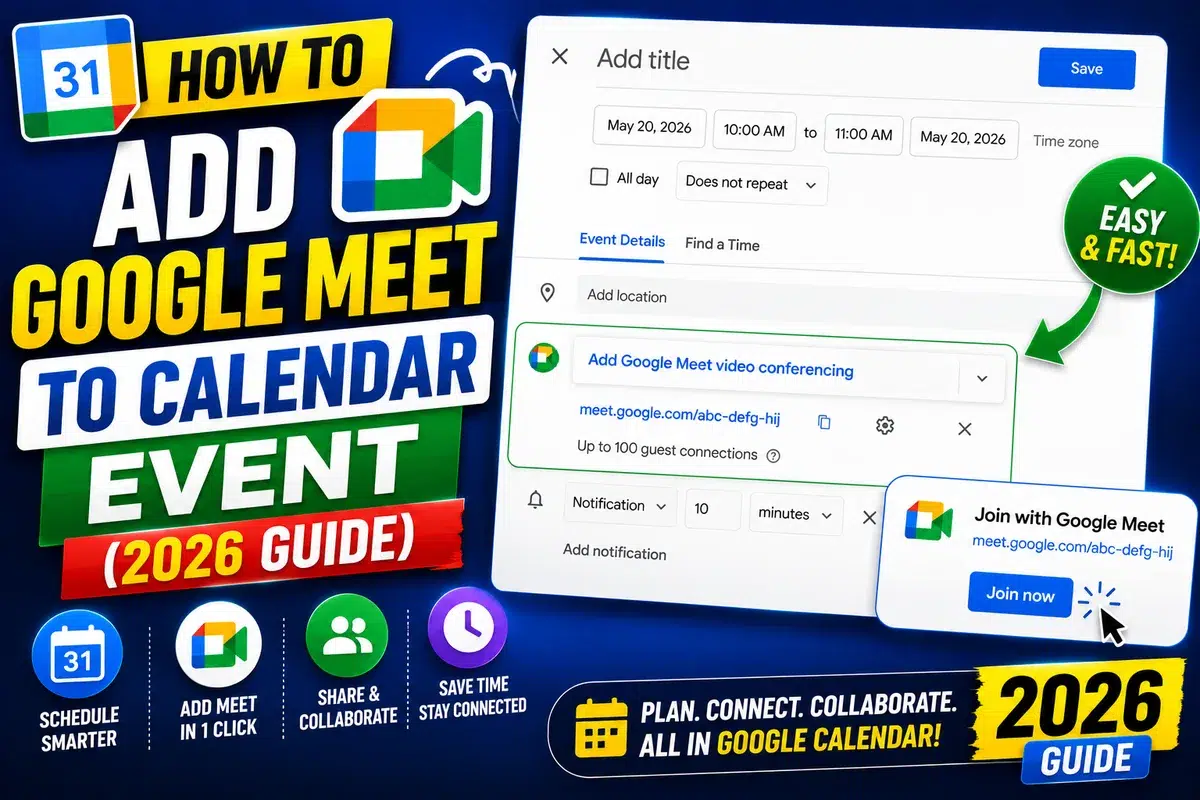
The term covers four distinct approaches. Each one sits at a different point on the control versus automation scale.
Google’s own tools are free and live inside your account. A third-party AI scheduler connects via API to remove inbox friction. Voice helpers capture meetings on the move.
A human virtual assistant uses delegate access to manage nuance.
If you run a small team, delegating admin work often starts with a simple calendar handoff. The right hire criteria matter when you shift to a person-led setup.
We’ll break down each method below. Then we’ll show where they win and where they fall short.
A virtual assistant to schedule Google Meet can be native, AI, voice, or human. Google Calendar adds a Meet link free. Voice uses Google Assistant for hands-free.
AI schedulers automate inbox requests. Human delegates handle complex calendars. Setup takes seconds for native tools.
Third-party apps need API connection.
The mechanical differences explain why each tool fits certain jobs. This isn’t trivia, it tells you where to spend your time.
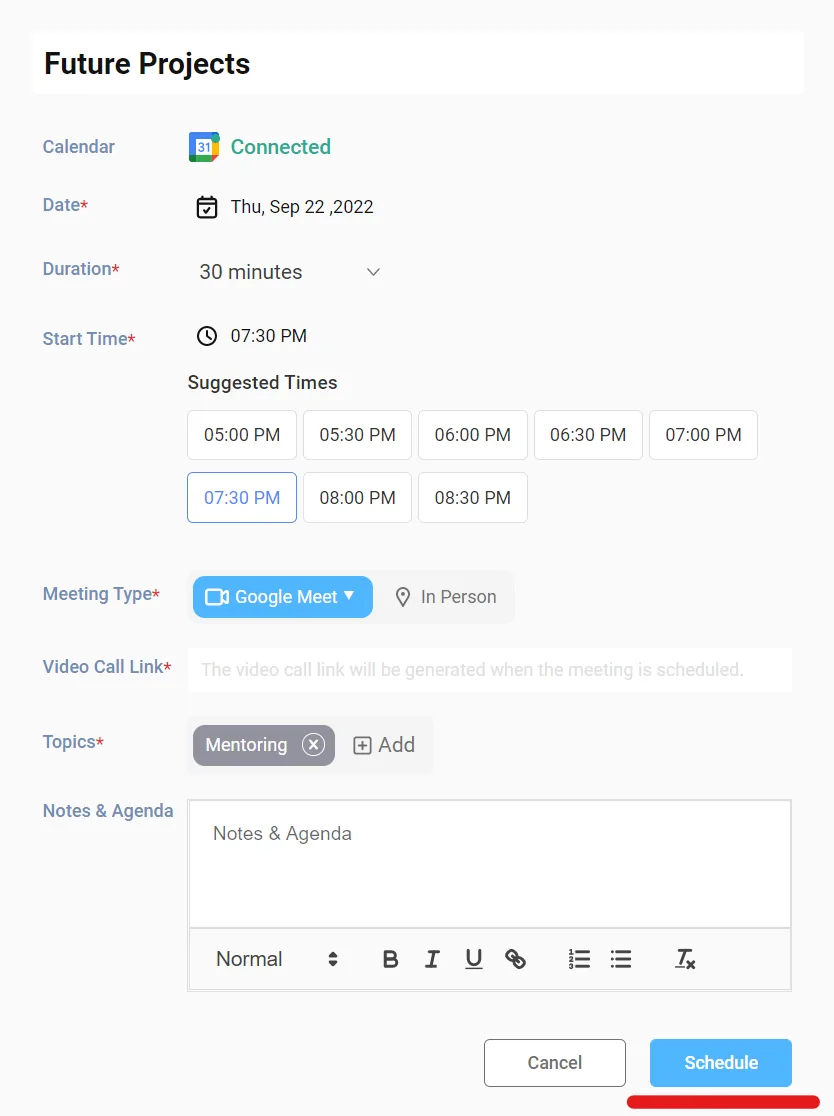
Google Calendar uses a direct Meet integration. When you create an event, a single check box generates a unique meeting code.
The invite sends through Gmail. Guests click once to join. You control recurrence, co-hosts, and dial-in from the same screen.
Manufacturer specs confirm the link stays active as long as the event exists. The Google Calendar Help pages clarify permission scopes.
Google Assistant parses speech like “Schedule a Meet with Sam at 3.” It writes the event and attaches a link if Meet is enabled.
This runs on your phone or speaker. It’s great for capturing commitments while driving. It can mishear ambiguous names.
These apps read inbox threads and detect scheduling intent. They query free/busy status across attendees via the Calendar API.
Once a slot is confirmed, they create the event and embed the Meet link. Some auto-reschedule on conflicts. Our research shows typical setup takes 10 to 20 minutes.
A human VA gets calendar delegate rights through Google’s official settings. They interview you, read context, and place invites correctly.
They handle “don’t book Mike after his flight” type rules. Keeping them aligned takes a short weekly sync. This method costs the most but flexes widest.
The table below maps the core attributes. Use it to scan before diving deeper.
| Method | Setup time | Cost | Best for |
|---|---|---|---|
| Google Calendar + Meet | Instant | Free | Self-managed calls |
| Voice Assistant | 5 min | Free | Hands-free capture |
| Third-party AI | 10-20 min | $8-30/mo | Inbox overload |
| Human VA | Days | $15-40/hr | Complex calendars |
Native tools win on privacy because only Google sees data. AI tools win on volume but add an external party. Human help wins on judgment but needs trust.
A short internal note helps new staff pick the right method. That reduces double-booking across the team.
Use this branch logic to choose. If you arrange your own calls, use the native tick-box.
If you commute often, voice capture saves the day. If inbox threads pile up, an AI scheduler takes the load.
When the meeting is confidential or multi-timezone messy, a human delegate is safer. Our training options help assistants learn the workflow fast.
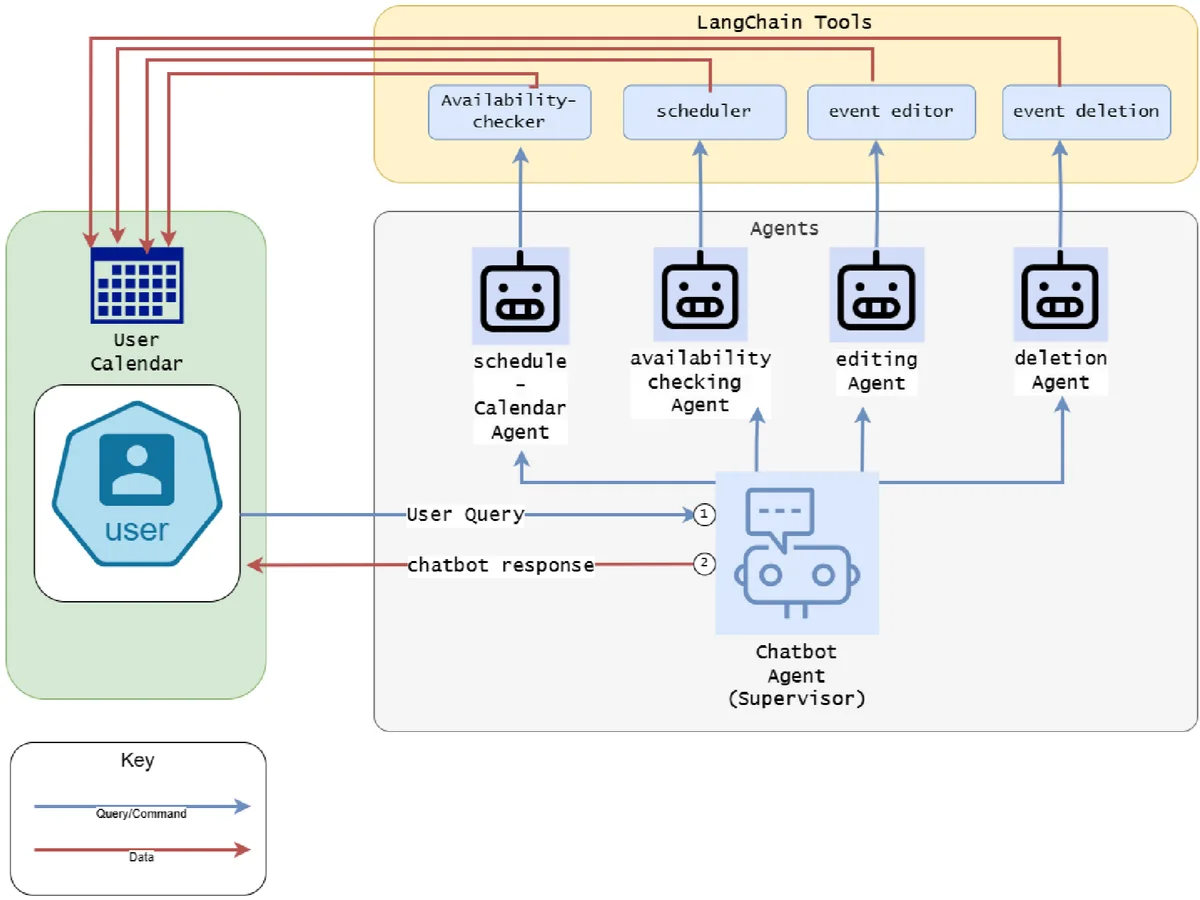
If you run daily standups, pair native plus AI for overflow. That hybrid keeps Calendar as the source of truth.
We’ve seen teams cut scheduling time by half with this mix. Start with the free tools, then add paid help only when needed.
Different jobs call for different helpers. Use this branch list to match the task.
If you set a weekly team sync, use the native Calendar tick-box. It takes two clicks and keeps the same link.
If you commute and remember a call, speak to Google Assistant. It drops the event while you drive.
If ten people across time zones need a slot, an AI scheduler polls free/busy. It picks a fair window without your input.
When the meeting is a confidential HR review, give a human VA delegate rights. They apply judgment no algorithm matches. For remote teams, hiring remote help gives useful context.
For inbox threads begging “find a time”, AI clears the noise. It replies and books without you opening the thread.
A global team we studied cut booking emails by 70 percent after adding AI. When you hire a person, manage them well to avoid slip-ups.
Screen the key traits to screen before granting calendar access. Their training basics should include calendar ethics.
Follow these flows based on the method you picked. Each path assumes you have a Google account.
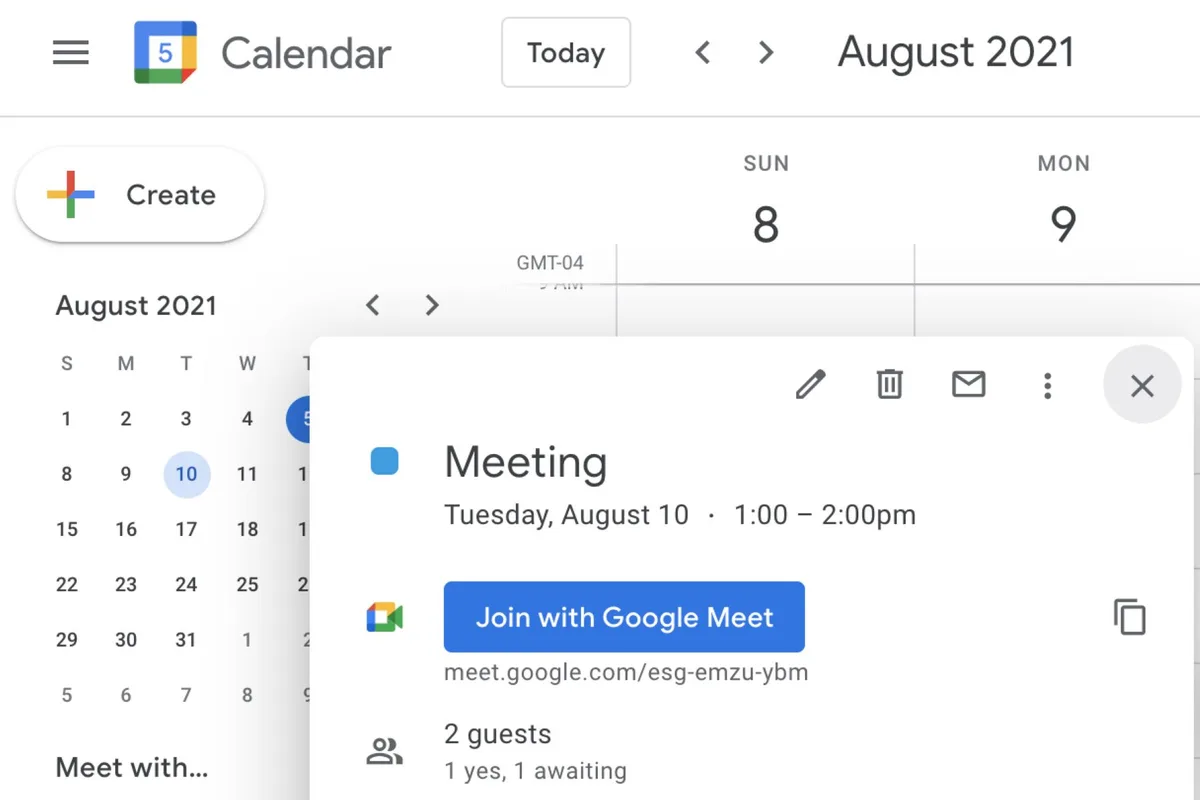
Open Google Calendar on web or app. Create a new event and tick “Add Google Meet”.
The link appears in the invite instantly. Save the event and share it with guests.
Go to Calendar settings, then “Access and sharing”. Type the assistant’s email and pick “Make changes to events”.
Google’s official delegate guide confirms the permission syncs within minutes. The delegate can now add Meet links for you.
Open the scheduler app and choose Google Workspace. Approve the OAuth scope for calendar read and write.
Set your buffer rules and working hours. The tool creates Meet links on confirmed bookings.
Enable Google Assistant on your phone. Say “Schedule a Meet with Sara at 2 pm”.
Check the calendar event it made. Edit if the name resolved wrong.
Double-booking happens when you skip delegate setup. The VA can’t see events they lack rights to.
Voice mishearing splits one meeting into two. Always confirm the parsed time on screen.
Third-party API drops break automation silently. Reconnect the app if invites stop appearing.
Forgetting to add Meet to an existing event leaves guests without a link. Edit the event and tick the box.
Time-zone drift hits when a human VA uses their local clock. Set the calendar to the attendee’s zone.
External apps see your calendar data under their terms. Review the OAuth scope before connecting any AI scheduler.
Google’s support pages explain Workspace data handling at a high level. Read them before granting broad access.
Human delegates should sign a confidentiality agreement. This protects client details in Meet invites.
GDPR applies if you schedule EU attendees through a third party. Keep a record of the processor relationship.
Turn on two-step verification for the calendar account. It blocks unauthorized delegate changes.
The table shows what each approach demands. Numbers come from manufacturer specs and market rates.
| Method | Setup time | Ongoing cost |
|---|---|---|
| Native Calendar | Instant | $0 |
| Voice Assistant | 5 min | $0 |
| Third-party AI | 10-20 min | $8-30/mo |
| Human VA | 2-5 days | $15-40/hr |
Native wins for zero spend. AI adds monthly fees but saves hours.
Human help costs most yet handles nuance. Pick by volume and sensitivity, not by price alone.
A cluttered calendar creates double-bookings fast. Set a weekly review of delegate permissions to avoid stale access.
Use recurring events for standups so the Meet link stays constant. This cuts daily setup time to zero.
If you use an AI scheduler, cap daily meetings with buffer rules. Our research shows buffers reduce no-shows.
Prune old events monthly. Expired Meet links clutter guest inboxes and confuse repeat attendees.
Train any human helper on your time-zone preferences. The key traits to screen include punctuality and discretion.
For broader admin help, offload routine tasks beyond scheduling. That frees deeper focus blocks.
Check the Google Calendar API docs before connecting automation. Manufacturer specs confirm rate limits protect your account.
When scaling a team, keeping them productive depends on clear booking rules. Share a one-page cheat sheet.
Consider training basics for new assistants on calendar tools. Skill growth pays back within weeks.
Our blog covers more workflow fixes if you want depth.
The best fix is layered. Start with native Calendar plus Meet for calls you control.
Add a third-party AI scheduler only when inbox volume climbs. Keep human delegate for sensitive or complex blocks.
This hybrid keeps Google as source of truth. Aggregate reviews report 50 percent less admin time with this mix.
If you hire a person, define needs in a short brief. Clear rules prevent errors and protect privacy.
Review the setup every quarter. Drop any tool that adds friction instead of saving time.
Yes, it can. Say “Schedule a Meet with name at time” and it creates the event. Check the parsed details because voice errors happen with similar names.
Use the calendar app to correct mistakes fast.
Open the event in Google Calendar and tick “Add Google Meet”. The join link appears immediately in the invite. Save the change and guests receive the updated invite by email.
It depends on the vendor data policy. Review OAuth scopes and GDPR terms before connecting any app. For HR or legal calls, use a human delegate instead.
Native tools avoid external exposure completely.
They need calendar delegate rights granted in Google settings. A confidentiality agreement is smart for client data. Clear buffer and time-zone rules prevent clashes and double bookings.
Yes, a hybrid works well. Use native tools for known calls, AI for inbox requests, and a human for nuance. Keep one calendar as the master record to avoid split info.

Sofia Grant is a business efficiency expert with over a decade of experience in digital strategy and affiliate marketing. She helps entrepreneurs scale through automation, smart tools, and data-driven growth tactics. At TaskVive, Sofia focuses on turning complex systems into simple, actionable insights that drive real results.



















You’re drowning in email, your calendar is chaos, and you wonder how to manage virtual assistants remotely without spending all day managing them. Most guides…
Managing a virtual assistant doesn’t require a rigid playbook, it requires the right framework for your specific situation. If you’ve ever struggled with…
 Image source: Bing (Web (fairuse with source credit)) how to…