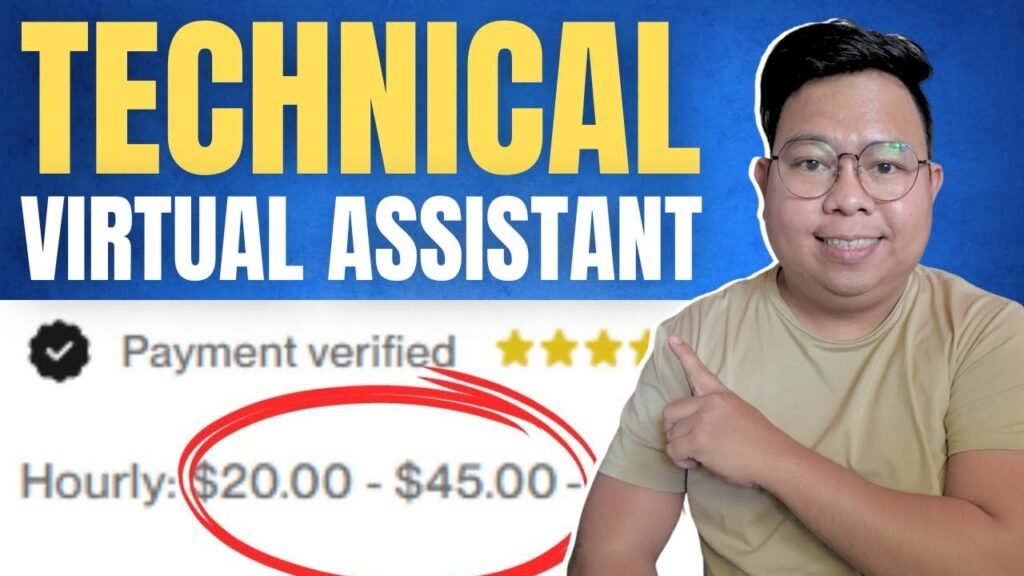

A technical virtual assistant saves time, fixes tech problems, and helps grow your business fast.
I have built and scaled teams for years and I write from hands-on experience. This article explains Why You Need a Technical Virtual Assistant. You will learn what they do, how they save money, how to hire one, and real tips I used myself. Read on to make better decisions and move faster with tech help.
What is a technical virtual assistant?
A technical virtual assistant is a remote worker with tech skills. They handle tasks like script writing, site updates, system troubleshooting, and automation. They differ from general VAs by focusing on tools, code, and systems. This section shows why you need a technical virtual assistant and what they can do for you in clear terms.

Top reasons why you need a technical virtual assistant
Hiring smart tech help pays off quickly. Here are core reasons why you need a technical virtual assistant.
- Save time on routine tech work. A technical virtual assistant handles updates, backups, and monitoring so you can focus on strategy.
- Fix problems faster. They spot root causes and resolve issues before they become outages.
- Build automation and workflows. They use scripts and tools to reduce repetitive tasks and human error.
- Reduce overhead costs. Remote assistants cost less than hiring a full-time engineer.
- Scale on demand. You can add hours or projects as needs grow without long hiring cycles.
- Improve security basics. They apply patches, configure access, and limit risk.
- Support integration between tools. They connect apps to move data automatically.
- Free senior staff for high-impact work. Engineers focus on big projects while assistants handle routine tasks.
Each reason links back to the core question: Why You Need a Technical Virtual Assistant — to move faster, safer, and cheaper.

Key technical skills and tools to expect
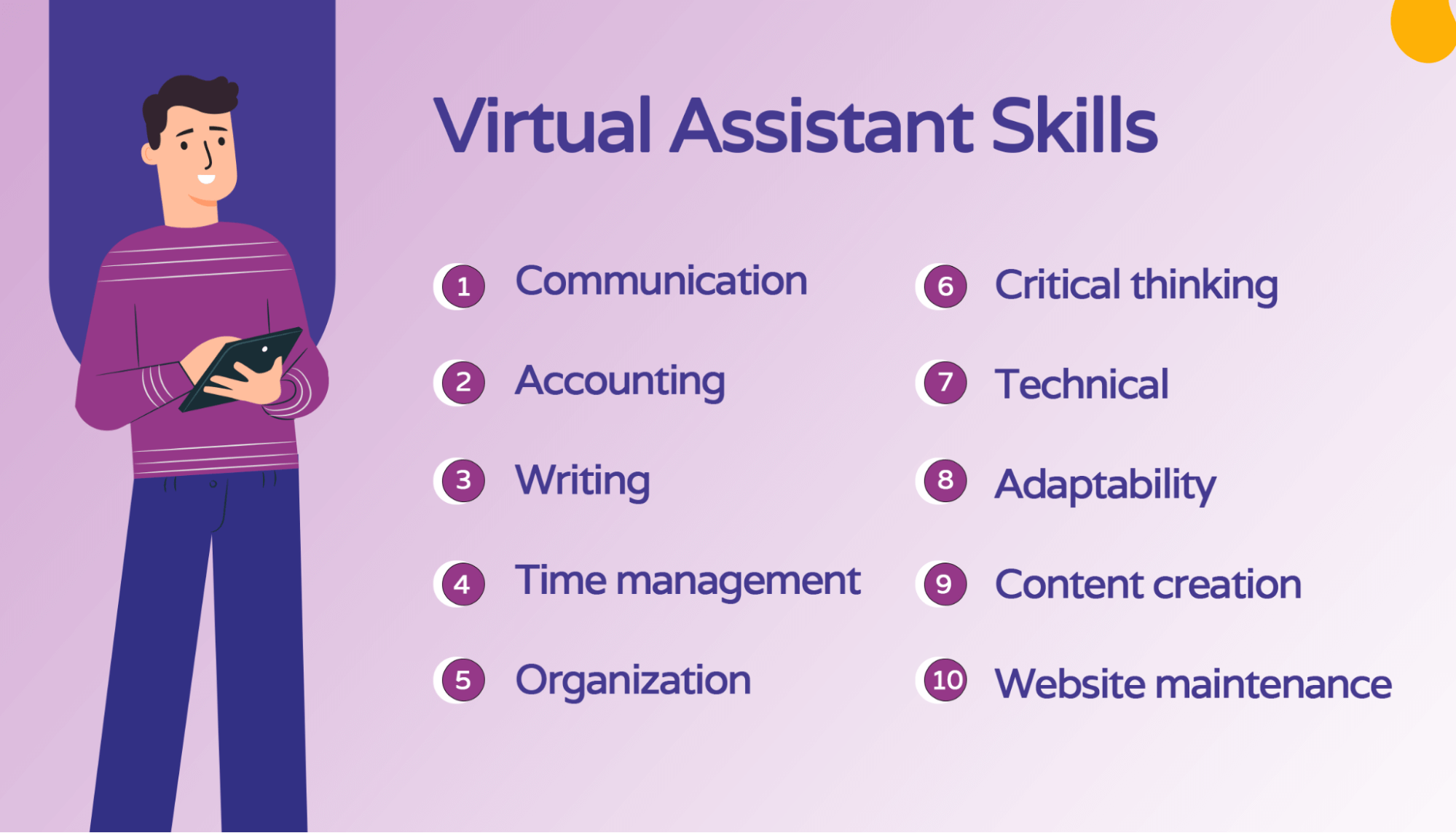
Knowing skills helps you hire the right person. Expect these skills from a capable technical virtual assistant.
- Web basics: HTML, CSS, and simple CMS edits.
- Scripting: Bash, Python, or Node scripts for automation.
- APIs and integrations: REST, Zapier, or workflow platforms.
- DevOps basics: backups, deployments, and server checks.
- Security hygiene: updates, access control, and simple audits.
- Databases: basic queries and data exports.
- Analytics and tracking: setup of event tracking and dashboards.
- Cloud familiarity: AWS, GCP, or shared hosting platforms.
Common tools a technical virtual assistant will use include code editors, task runners, CI/CD basics, ticket systems, and collaboration apps. This list clarifies why you need a technical virtual assistant who already knows your toolset.

Real-world use cases and examples
Seeing examples makes it real. Below are common projects where Why You Need a Technical Virtual Assistant becomes obvious.
- Website maintenance. I once reduced site downtime by 70% in three months by delegating monitoring, patching, and rollback scripts to a technical virtual assistant.
- Automation of lead routing. A VA connected form data to CRM and cut manual entry by 90%.
- Analytics setup. A technical virtual assistant fixed tracking so marketing could measure ad ROI in weeks.
- Small feature builds. They add small features that move the product forward without a full dev sprint.
- Backup and recovery. One client avoided a major loss after their VA restored a site from a recent backup.
These examples show direct wins. If you pause and think about tasks you avoid, you see more reasons Why You Need a Technical Virtual Assistant.

How to hire and vet a technical virtual assistant
Hire smart and save time. Follow these steps to find the right fit.
- Define the role clearly
- List tasks, tools, and expected hours.
- State outcomes and response times.
- Screen skills
- Ask for short work samples or links.
- Use test tasks that match real work.
- Interview for problem solving
- Ask how they debug issues.
- Request a step-by-step plan for a sample problem.
- Trial period
- Start with a paid trial of one to two weeks.
- Evaluate communication and code quality.
- Set clear processes
- Use tickets, comments, and documented handoffs.
- Agree on backup and escalation steps.
These hiring steps answer why you need a technical virtual assistant by reducing hiring risk and proving capability before long contracts.

Cost, ROI, and pricing models
Cost varies by skill and region. Here are common models and what to expect.
- Hourly rates: Good for short tasks and troubleshooting.
- Monthly retainer: Best for regular maintenance and support.
- Project-based: Use for defined deliverables like migrations.
- Hybrid: A low retainer plus hourly for extra work.
Estimate ROI by tracking time saved and prevented issues. For example, if you save five hours per week at your rate, a VA often pays for itself within a month. This shows a practical reason Why You Need a Technical Virtual Assistant: measurable gains in time and stability.

Limitations and risks
Be honest about what to expect. A technical virtual assistant is not a full senior engineer. Know these limits.
- Scope limits: They handle many tasks but not deep architecture design.
- Security risk: Remote access requires strict controls and logs.
- Onboarding time: Expect 2–4 weeks to ramp up.
- Dependency: Avoid single-person bottlenecks by documenting work.
- Quality variance: Skills differ; vet carefully.
Addressing these risks shows a balanced view of Why You Need a Technical Virtual Assistant and how to manage downsides.
Implementation tips and best practices
Make your hire work well fast. Follow these practical tips.
- Document tasks and standards from day one.
- Use a task board and short daily updates.
- Provide secure, limited access and rotate credentials.
- Create runbooks for common incidents.
- Schedule regular reviews and metrics tracking.
- Start with small wins to build trust.
- Encourage knowledge sharing and backups.
These steps reduce friction. They also answer Why You Need a Technical Virtual Assistant by creating clear value fast.
Frequently Asked Questions of Why You Need a Technical Virtual Assistant
How is a technical virtual assistant different from a general virtual assistant?
A technical virtual assistant focuses on tech tasks like scripting, integrations, and server work. A general VA handles admin, scheduling, and basic customer support.
Can a technical virtual assistant handle sensitive data?
Yes, but you must set strict access rules, use encrypted tools, and monitor activity. Limit what they can access and keep logs.
How long does it take for a technical virtual assistant to become effective?
Expect 2–4 weeks to reach steady productivity on routine tasks. Complex systems may take longer to fully understand.
What should I pay a technical virtual assistant?
Rates vary by skill and location. Expect hourly or retainer models; choose based on task frequency and complexity.
What tools should I provide to a technical virtual assistant?
Give access to task trackers, code repos, ticket systems, and secure credential stores. Clear access helps them work fast and safely.
How do I measure the value of a technical virtual assistant?
Track time saved, incidents reduced, and task turnaround times. Use simple KPIs like hours freed and uptime improvement.
Conclusion
A technical virtual assistant lets you focus on big goals while routine tech work runs smoothly. You gain time, reduce risk, and scale faster. Use clear hiring steps, strong onboarding, and tight security to get the most value. If you want faster fixes, fewer outages, and more done each week, start small with a trial and see the results for yourself. Share your experience, subscribe for updates, or leave a comment to start the conversation.

Sofia Grant is a business efficiency expert with over a decade of experience in digital strategy and affiliate marketing. She helps entrepreneurs scale through automation, smart tools, and data-driven growth tactics. At TaskVive, Sofia focuses on turning complex systems into simple, actionable insights that drive real results.