⚠️ Disclosure: This post contains affiliate links. We may earn a commission at no extra cost to you.
⚠️ Disclosure: This post contains affiliate links. We may earn a commission at no extra cost to you.


A well-crafted resume is your first chance to make an impression, and today’s hiring managers are looking for more than just degrees. They want proof of up-to-date, practical skills. An edX certificate can provide exactly that—but only if you present it strategically. This guide shows you exactly where and how to feature your edX credential, so it catches the right eye and helps you stand out from the competition.
edX is a global online learning platform founded by Harvard and MIT, now part of 2U. It partners with over 250 top universities and industry leaders to offer thousands of courses, from single-skill classes to comprehensive professional certificate programs and even full MicroMasters and MicroBachelors pathways.
When you complete a course on the verified track—meaning you pay the fee, verify your identity, and meet the requirements—you earn a verified certificate. This digital document includes the name of the course, the partner institution (for example, HarvardX, MITx, or IBM), your name, and a unique credential ID that allows anyone to verify your accomplishment online. It’s more than a PDF; it’s a permanent, shareable record of your learning.
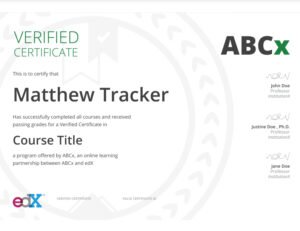 Sample edX verified certificates from partner universities like Harvard, MIT, and industry leaders.
Adding an edX certificate to your resume does more than fill a line. It signals that you take initiative, that you’re committed to ongoing professional development, and that you have specific, verifiable skills right now. Employers increasingly value demonstrable expertise over pedigree alone. In practice, a recruiter who sees a relevant edX Professional Certificate often treats it as a concrete indicator of job readiness.
Other benefits include:
Choosing the right section is the first decision. An edX certificate can live in four main areas, depending on your goal. The table below helps you pick the right spot quickly.
 An example resume with a dedicated certifications section that includes an edX course entry.
| Resume Section | Best For | Example |
|---|---|---|
| Certifications | Standalone certificates, especially when you have multiple credentials or want to draw immediate attention to them. | edX Verified Certificate in Data Science |
| Education | Professional Certificate programs, MicroMasters, or courses that complement a degree. | Professional Certificate in Cybersecurity – edX / University of Washington |
| Skills | Highlighting a specific technical or soft skill gained from the course. | Python (Intermediate) – via edX, MITx |
| Professional Experience | Showing how you applied the knowledge directly in a job. | Under a role: “Used Python to automate weekly reports, applying skills from MITx’s Introduction to Computer Science, edX” |
This is the most straightforward and often the most effective spot. Recruiters frequently scan for a dedicated “Certifications” heading, and placing your edX credential here gives it visibility. Format it cleanly like this:
Certifications
If you’re applying digitally, you can hyperlink the certificate name to your edX credential URL. That lets the employer verify the achievement instantly.
Use the Education section when you’ve completed a substantial program—like a Professional Certificate, MicroMasters, or a course that directly supports your degree. The format mirrors a traditional entry:
Education
Including the university name adds immediate credibility. If you’re a recent graduate with limited work experience, this placement can strengthen your academic narrative.
When you want to spotlight a single, job-critical competency, listing the course next to the skill can be powerful. You don’t need a full paragraph—just a short, informative line.
Skills
This approach works well for technical roles, where a recruiter may scan for specific tools and languages. It also pairs nicely with a broader certificate-based skills training strategy.
Only use this placement if you can clearly connect the course to your on-the-job accomplishments. A bullet point that shows how the learning translated into results is far more compelling than just listing the course name.
Example
This method demonstrates not just knowledge, but practical application—exactly what employers want to see.
Consistency and clarity matter. Use these formatting rules across all sections:
A common mistake is listing the course without the university or using inconsistent capitalization. Treat your edX certificate entry with the same care you’d give a degree.
Not every course you’ve ever taken deserves a spot on your resume. In practice, hiring managers respond best to certificates that are:
If you’re looking to build a strong portfolio of credentials, exploring trending edX programs or popular certificate options can help you align your learning with the high-demand online skills employers are actively seeking.
Even well-intentioned candidates undercut their resumes with small errors. Steer clear of these pitfalls:
LinkedIn is often the first place a recruiter checks. Adding your edX certificate there extends its reach.
A complete LinkedIn entry makes your certificate searchable and lets the platform’s algorithms surface your profile to recruiters looking for those specific credentials. It also complements a resume written with the same precision.
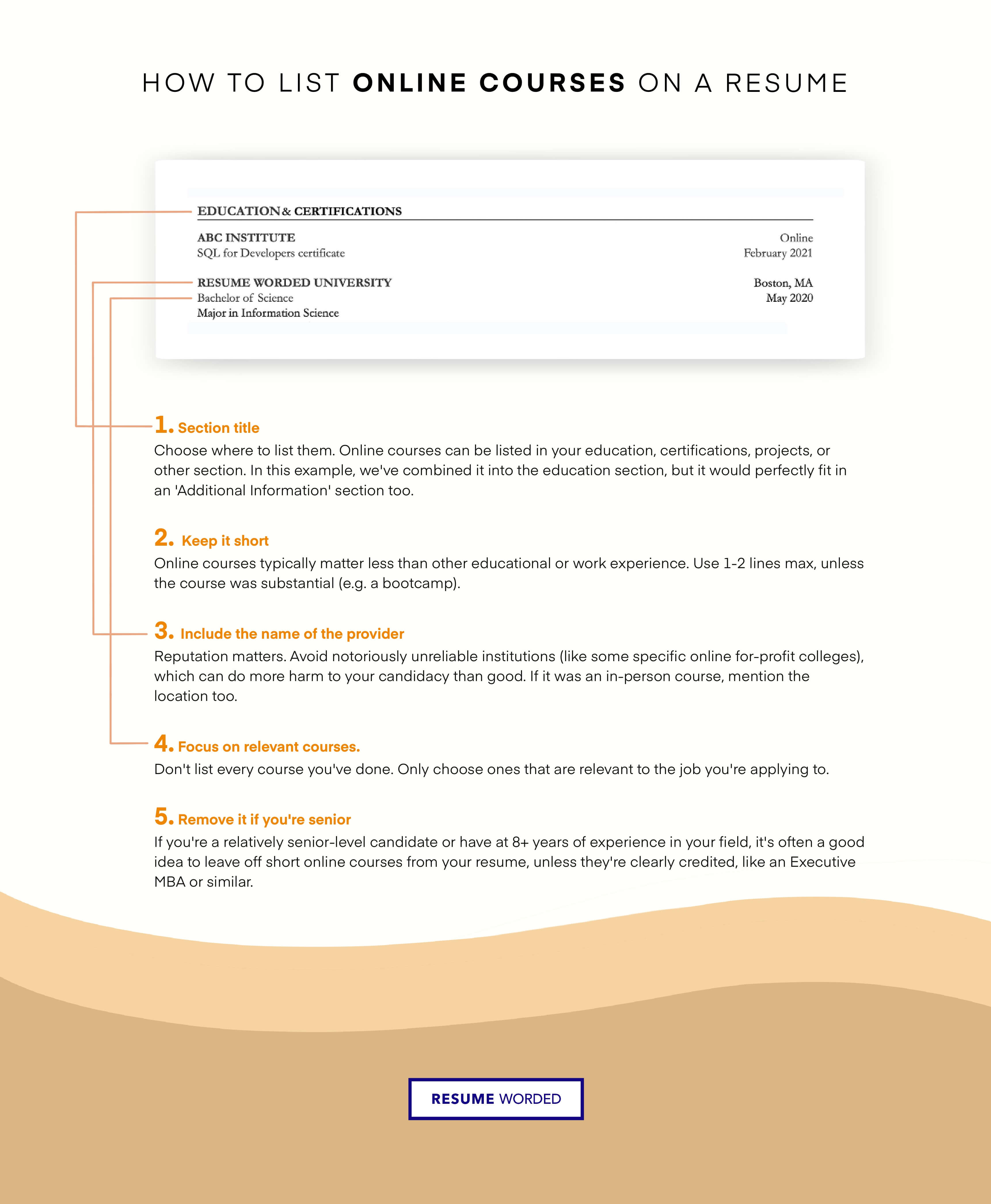 Online courses and certifications can seamlessly complement both your resume and LinkedIn profile.
If you’re targeting remote or flexible roles, pairing your edX credential with sought-after virtual assistant competencies can also open doors, especially given the growing demand for virtual assistants across industries.
Choose the most relevant section: Certifications, Education, Skills, or Professional Experience. Include the exact course name, the partner institution (e.g., HarvardX), and the completion date. If possible, add a credential ID or verification link.
No. Only verified certificates carry the weight of proof. Audit-only courses don’t provide a verifiable record, so listing them can weaken your credibility.
If you have limited work experience, place relevant certificates under Education or a dedicated Certifications section. This helps fill the resume and highlights your proactive learning.
Use the Licenses & Certifications section. Enter the name, the issuing organization (university + edX), the credential ID, and the verification URL. This makes your achievement visible to recruiters.
Only if you completed the verified track. An audit-only free course doesn’t generate a verified certificate. If you upgraded to the verified track, then absolutely—it’s the same credential regardless of the price you paid.
Your edX certificate represents real effort and real knowledge. When you place it strategically on your resume, format it with care, and connect it to concrete outcomes, you give employers a clear reason to move you forward. The little details—the university name, the verification link, the consistent formatting—add up to a professional image that can set you apart in a crowded job market.
Ready to strengthen your resume with new credentials? Explore our curated list of certificate-based skills development courses and find the perfect program to advance your career.

Sofia Grant is a business efficiency expert with over a decade of experience in digital strategy and affiliate marketing. She helps entrepreneurs scale through automation, smart tools, and data-driven growth tactics. At TaskVive, Sofia focuses on turning complex systems into simple, actionable insights that drive real results.














You’re drowning in email, your calendar is chaos, and you wonder how to manage virtual assistants remotely without spending all day managing them. Most guides…
Managing a virtual assistant doesn’t require a rigid playbook, it requires the right framework for your specific situation. If you’ve ever struggled with…
 Image source: Bing (Web (fairuse with source credit)) how to…