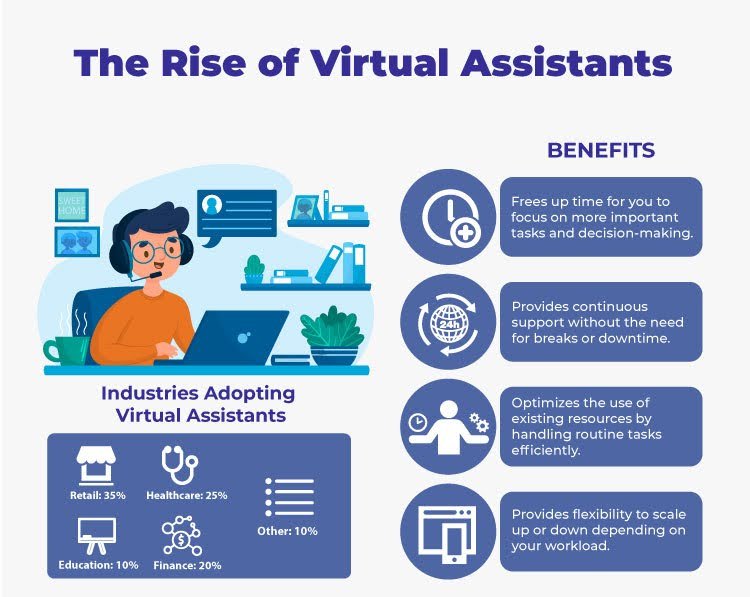

A Virtual Assistant (VA) is a professional who offers administrative services remotely. VAs help businesses and individuals manage tasks such as scheduling, customer service, social media management, email handling, data entry, and more. The demand for VAs has skyrocketed due to the rise of digital businesses, remote work culture, and the gig economy. To excel in this fast-paced and evolving role, VAs need to be tech-savvy and proficient with the right set of tools and skills.
Choosing the right tools and continuously upgrading skills are critical for VAs to stay competitive, increase productivity, and provide quality service to their clients. In this article, we’ll break down the best tools every VA should have in their toolkit and the essential skills needed to thrive in this role.
Why virtual assistants matter
Virtual assistants save time and reduce friction for businesses and busy professionals. They handle scheduling, email, research, and routine tasks so clients can focus on strategy and growth. A skilled virtual assistant uses the Best virtual assistant tools and skills to automate repetitive work, improve client communication, and protect sensitive data. I’ve seen teams double their weekly capacity simply by delegating the right tasks and using the right tools.
Top Virtual Assistant Tools
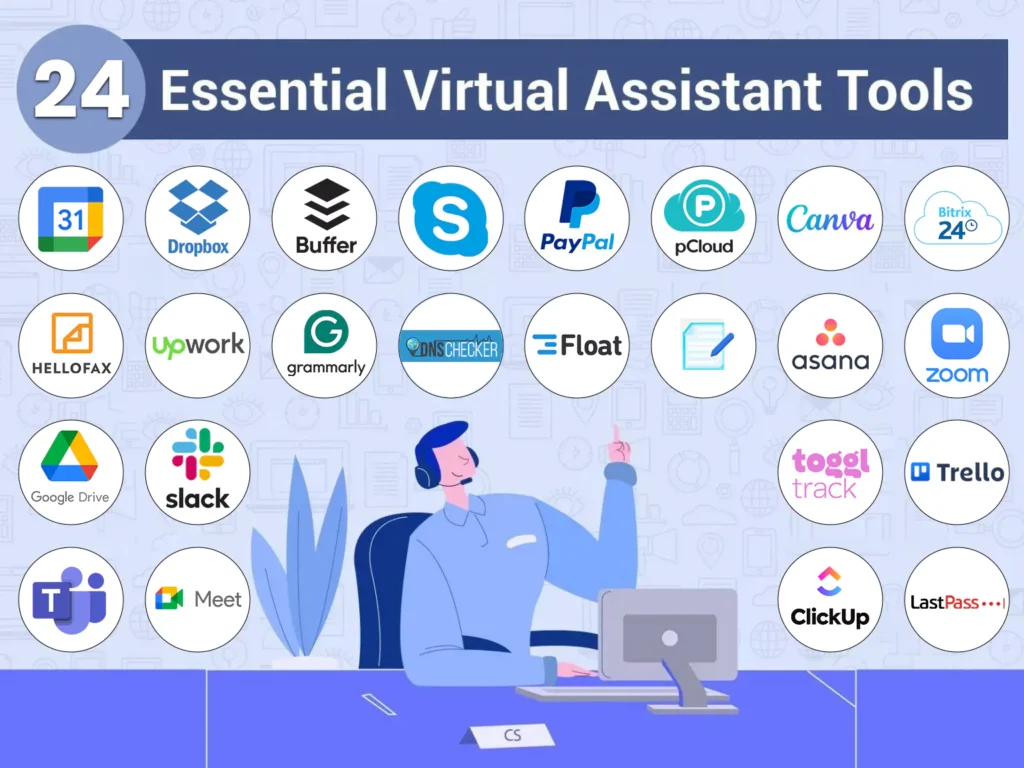
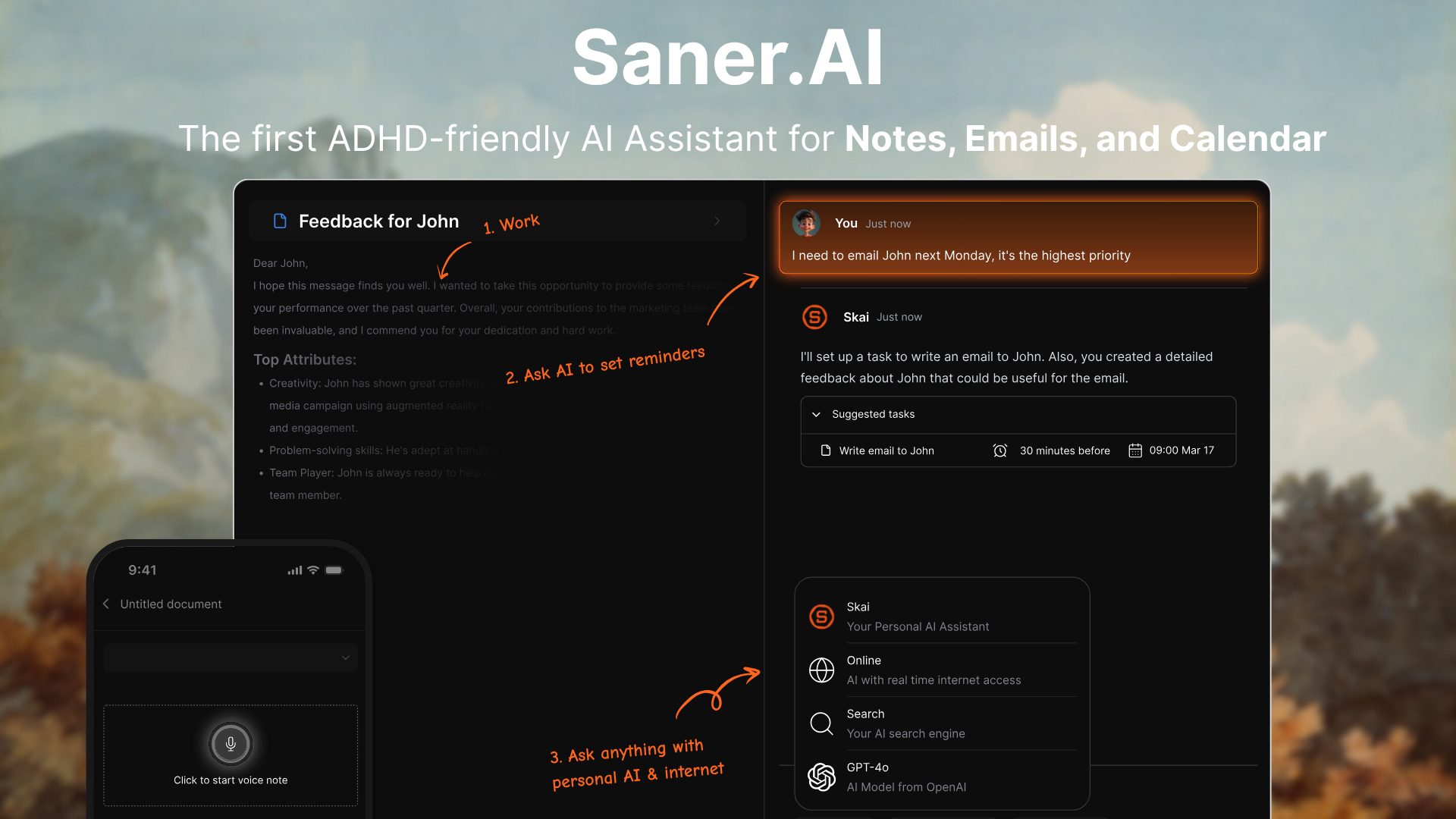
The right set of tools helps VAs manage time effectively, streamline processes, and ensure smooth communication. Here are some of the most essential tools every VA should have:
- Scheduling and calendar
- Calendly — simple booking links and buffer times.
- Google Calendar — universal sharing and multiple calendar management.
- Communication and collaboration
- Slack — fast messaging and channels for projects.
- Zoom — reliable video calls and recording for notes.
- Email and inbox management
- Spark or Front — shared inboxes, templates, and snooze features.
- Gmail with filters and canned responses — low-cost, effective setup.
- Project and task management
- Asana — clear task ownership and timelines.
- Trello — visual boards for simple workflows.
- ClickUp — all-in-one for tasks, docs, and time tracking.
- Automation and integration
- Zapier — connect hundreds of apps with easy triggers and actions.
- Make (formerly Integromat) — advanced automation with data mapping.
- AI and writing assistants
- ChatGPT or other LLMs — draft emails, write summaries, brainstorm copy.
- Jasper or Writesonic — tone-specific content generation.
- Note-taking and knowledge base
- Notion — modular docs, templates, and databases.
- Evernote — quick capture and synced notes.
- Time tracking and invoicing
- Toggl Track — simple tracking and reporting.
- QuickBooks or Wave — invoicing and basic bookkeeping.
- Transcription and meeting notes
- Otter.ai — live transcription and searchable notes.
- File storage and sharing
- Google Drive — collaborative docs and easy sharing.
- Dropbox — simple sync for larger files.
Using the Best virtual assistant tools and skills means matching tools to client needs and keeping workflows predictable. I recommend trying free plans and running a short pilot before upgrading.
Essential skills for top virtual assistants
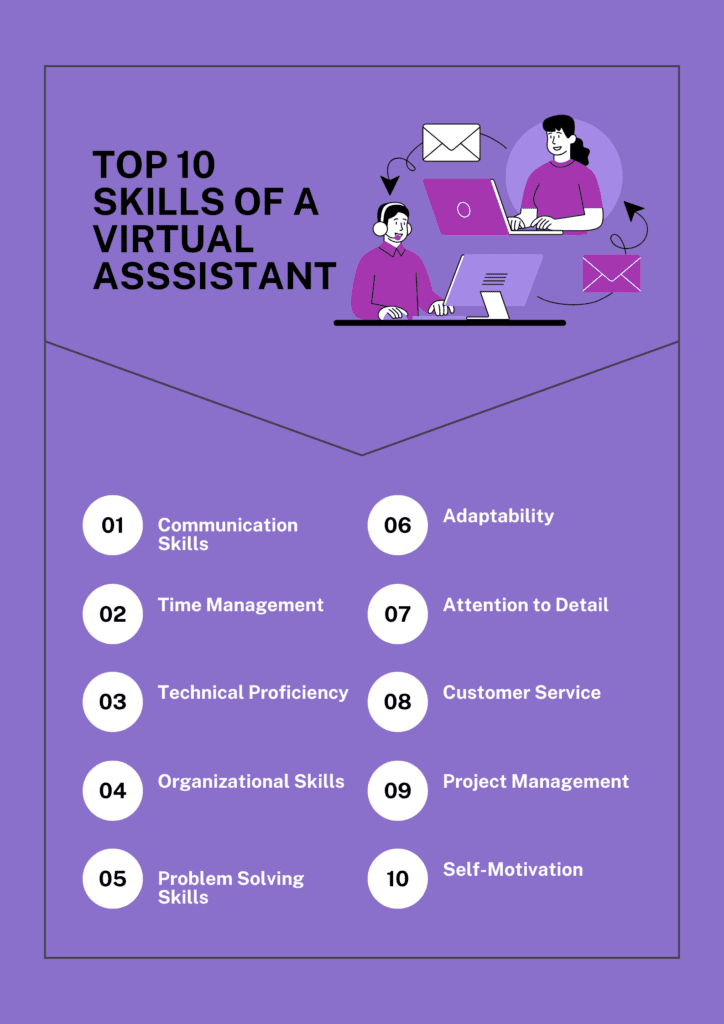
Tools matter, but skills make the work stick. The Best virtual assistant tools and skills include both technical and soft capabilities.
- Communication
- Clear, concise messages and proactive updates.
- Active listening during calls and precise follow-ups.
- Time management
- Prioritization with time blocks and daily lists.
- Use of tracking tools to show value and bill accurately.
- Tech literacy
- Fast learning of new apps and debugging minor issues.
- Comfort with integrations like Zapier and API basics.
- Organization and systems thinking
- Building templates, SOPs, and repeatable processes.
- Maintaining a tidy knowledge base for clients.
- Problem solving and initiative
- Anticipating needs and proposing solutions, not just tasks.
- Escalating issues with clear context and suggestions.
- Data privacy and professionalism
- Secure handling of credentials and sensitive files.
- Clear NDAs and compliance with client policies.
- Customer service and empathy
- Handling inquiries with patience and a helpful tone.
- Turning unhappy users into satisfied ones through follow-up.
From my experience, virtual assistants who combine the Best virtual assistant tools and skills with consistent communication are the most likely to retain high-paying clients. I once standardized one client’s onboarding checklist and cut their email backlog by 60% in two weeks.

How to choose the right tools
Pick tools that match tasks, scale with client needs, and reduce manual steps. Follow this decision flow.
- Define tasks
- List recurring tasks and the time each takes.
- Prioritize integrations
- Choose apps that connect via Zapier or native integrations.
- Trial and test
- Use free trials and test with real tasks for at least two weeks.
- Evaluate security and support
- Check encryption, role permissions, and customer support levels.
- Consider budget and ROI
- Compare monthly fees to time saved and client billing rates.
- Standardize across clients
- Use a core toolset to reduce context switching and errors.
When you evaluate options, focus on what reduces time and errors. The Best virtual assistant tools and skills are the ones that let you deliver faster and more reliably.

Workflow templates and integrations
Practical templates speed onboarding and improve consistency. Here are workflows I use and teach.
- New client onboarding (simple 6-step)
- Welcome message with expectations and timeline.
- Shared folder and access permissions.
- Onboarding form: priorities, recurring tasks, logins.
- 30-minute kickoff call to confirm goals.
- Create SOPs for recurring tasks in Notion.
- First-week check-in and adjustment.
- Email triage workflow
- Use smart filters to route newsletters, client emails, and personal messages.
- Auto-label and forward urgent messages to the client.
- Use templates for common replies and batching times for email checks.
- Scheduling and calendar automation
- Client shares calendar; set buffer times in Calendly.
- Automate meeting creation and follow-up emails using Zapier.
- Social media scheduling
- Use Later or Buffer to queue content.
- Automate content pulls from a Notion repository.
- Invoicing and time tracking
- Track time in Toggl as tasks are completed.
- Trigger invoice creation when tasks or hours hit a threshold.
These workflows combine the Best virtual assistant tools and skills with clear SOPs, saving time and reducing errors.

Training, certifications, and growth
Investing in skills builds trust and higher rates. Here’s how to grow professionally.
- Formal courses
- Project management basics, bookkeeping, and data privacy modules add credibility.
- Platform certifications
- Get certified in tools like Asana, HubSpot, or Google Workspace.
- Practice projects
- Build a portfolio with sample SOPs, templates, and case summaries.
- Soft-skill training
- Workshops on communication, conflict resolution, and client management.
- Continuous learning routine
- Spend an hour a week testing a new tool or improving an SOP.
I started with one certification and then doubled my rates after showing measurable client results. The Best virtual assistant tools and skills combined with certifications helped me win better clients faster.

Costs, ROI, and pricing strategies
Understand costs so you can set profitable rates and recommend solutions that fit budgets.
- Tool subscriptions
- Many tools offer free tiers; premium plans often add team features and automation.
- Pricing models
- Hourly: straightforward for ad-hoc support.
- Retainer: predictable income for ongoing work.
- Project-based: good for one-off set-ups or migrations.
- Calculating ROI for clients
- Compare tool cost to hours saved and potential revenue gains.
- Bundling services
- Offer packaged hours plus a set number of automation or reporting tasks.
Be transparent about tool costs and offer cheaper or premium routes based on client needs. The Best virtual assistant tools and skills should pay for themselves quickly.

Common mistakes and how to avoid them
Avoid these traps to keep clients happy and workflows smooth.
- Overloading tools
- Using too many apps creates complexity. Standardize a core set instead.
- Failing to document
- No SOPs equals no scale. Document steps as you go.
- Poor communication
- Missed updates lead to frustration. Set regular check-ins and status reports.
- Ignoring security
- Share credentials securely and rotate passwords often.
- Not measuring results
- Track time saved and outcomes to justify fees and tool choices.
I once onboarded a client without clear access steps and lost two days on logins. Documenting access saved us hours on the next client.
Frequently Asked Questions of Best virtual assistant tools and skills
What are the must-have tools for a beginner virtual assistant?
Start with a calendar app, email client, a task manager, and a notes tool. Add a time tracker and a basic automation tool like Zapier when you handle repeatable tasks.
How do I improve my virtual assistant skills quickly?
Practice real client tasks, build SOPs, and take short courses in communication and tech tools. Ask for feedback and iterate on your processes regularly.
Which automation tools are best for non-technical users?
Zapier and IFTTT are user-friendly and support many apps with simple triggers and actions. Make offers more advanced logic but still has a visual builder.
How should I price my virtual assistant services?
Consider hourly, retainer, or project rates based on complexity and outcomes. Start with market research and raise rates as you gain specialized skills and proven results.
How do I keep client data secure as a virtual assistant?
Use secure password managers, share access with role-based permissions, and follow clear NDA and data handling policies. Regularly review permissions and revoke unused logins.
Conclusion
The Best virtual assistant tools and skills are a blend of the right apps, clear systems, and strong communication. Focus on a small set of reliable tools, build SOPs, and invest in continuous learning to deliver measurable value. Start by mapping client tasks, testing a core toolset, and documenting processes—then scale with automation and clear pricing. Try one workflow change this week, measure the time saved, and share the result with a client to demonstrate immediate impact. Leave a comment with your favorite tool or a question, or subscribe to get more practical guides and templates.

Sofia Grant is a business efficiency expert with over a decade of experience in digital strategy and affiliate marketing. She helps entrepreneurs scale through automation, smart tools, and data-driven growth tactics. At TaskVive, Sofia focuses on turning complex systems into simple, actionable insights that drive real results.