⚠️ Disclosure: This post contains affiliate links. We may earn a commission at no extra cost to you.
⚠️ Disclosure: This post contains affiliate links. We may earn a commission at no extra cost to you.

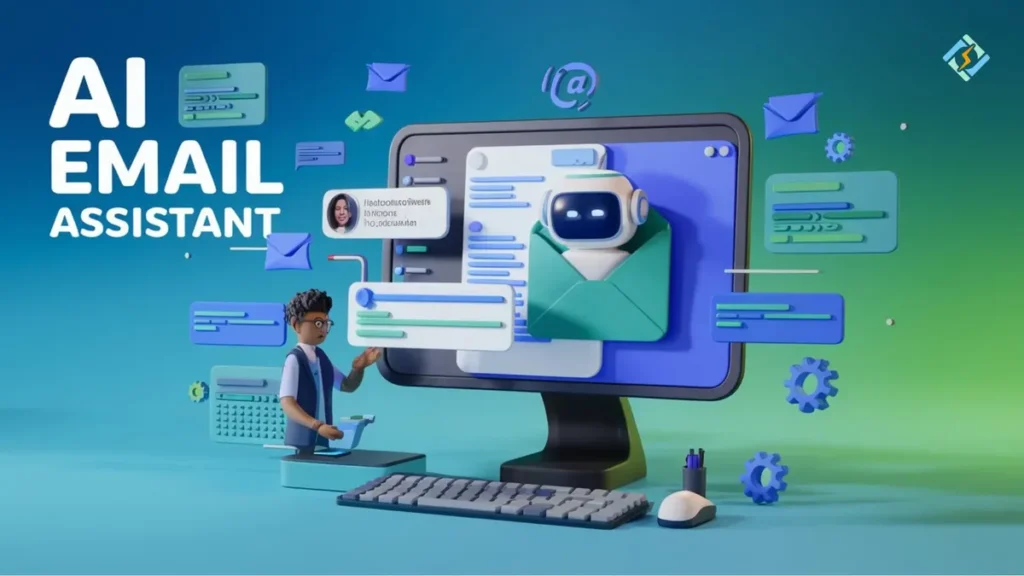
A virtual assistant can handle your inbox, but "manage" is a spectrum. Sorting, drafting, and sending carry different risks. Each task needs specific guardrails.
The average knowledge worker processes 120 emails a day. Over 30% of their day disappears into inbox management. As of 2026, the right setup saves hours weekly.
Get the levels wrong, and you face ghosted replies or flagged senders.
Yes, a virtual assistant can manage your emails. AI assistants sort, prioritize, and draft replies. Human VAs add judgment for complex cases.
Most workflows combine both. The mix depends on your volume and risk tolerance.
Confusion usually stems from treating "manage" as one thing. It is not. There are three distinct levels.
Each needs a different tool and trust level.
This is the lowest-risk tier. The assistant reads mail and tags it. Nothing gets sent.
You make every call on replying or ignoring. Tools like Microsoft Copilot and Google Gemini handle this well.
Here, the assistant writes the reply. You review, tweak, and send. It shifts the labor, but you keep control.
This tier requires the assistant to learn your tone. Most tools need 2 to 4 weeks of corrections to work reliably.
The assistant sends without review. This is where mistakes actually matter. A wrong address or leaked attachment causes real damage.
Reserve this tier for low-risk, high-volume tasks like ticket responses.
| Level | Assistant Role | Human Role | Risk |
|---|---|---|---|
| Triage | Sort, tag, flag | Decide | Low |
| Drafting | Write, suggest | Edit, send | Medium |
| Autonomous | Send on rules | Audit | High |
Your daily email count predicts which assistant type will work.
If you get under 40 emails a day, you likely do not need full AI automation. Basic filters plus a human VA covering your top accounts will suffice. The overhead of training an AI is not worth it at that scale.
Between 40 and 100 emails a day is where AI earns its keep. Use it for triage and drafting routine items. You still write client emails by hand.
Learn the right ways to communicate with a VA if you are blending both methods.
Over 100 emails a day is a support or founder-level inbox. You need a structured setup: AI for triage, a human VA for judgment, and clear protocols for escalation. A well-built assistant workflow is non-negotiable here.
The best systems layer three things: basic rules, an AI assistant, and human judgment. Each layer catches what the others miss.
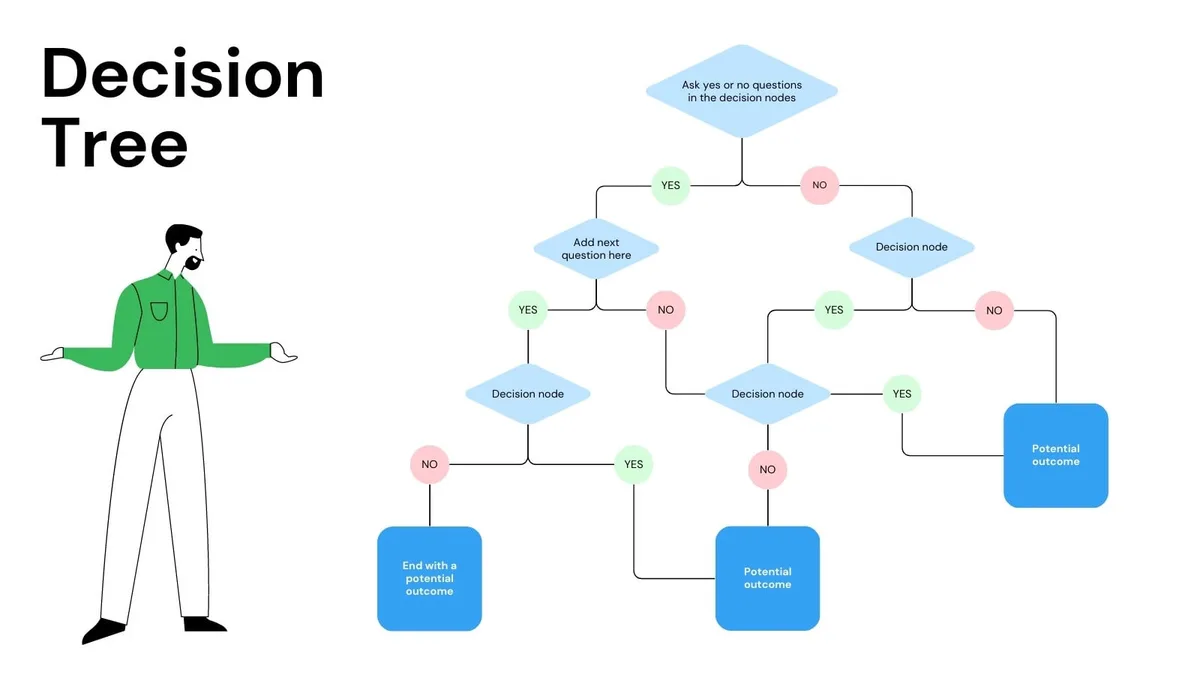
Before touching AI, set basic email rules. Route specific domains to filters. Auto-flag marked senders.
These rules are dumb but reliable. They cut noise before the AI sees it.
Once rules are stable, add the AI assistant. Enable triage, then drafting on low-risk categories. Feed it examples of how you want replies to sound.
Track accuracy for two weeks before raising the stakes.
When a client email needs nuance, route it to a human. A well-structured guide to delegating work makes this handoff clean. VAs catch what AI misses: tone shifts, sarcasm, and escalation signals.
Your workflow only scales if it is written down. Standard operating procedures ensure alignment. A clear set of SOPs for virtual assistants covers what gets auto-sent, drafted, and escalated.
Even good setups break. These are the failure modes we see most often.
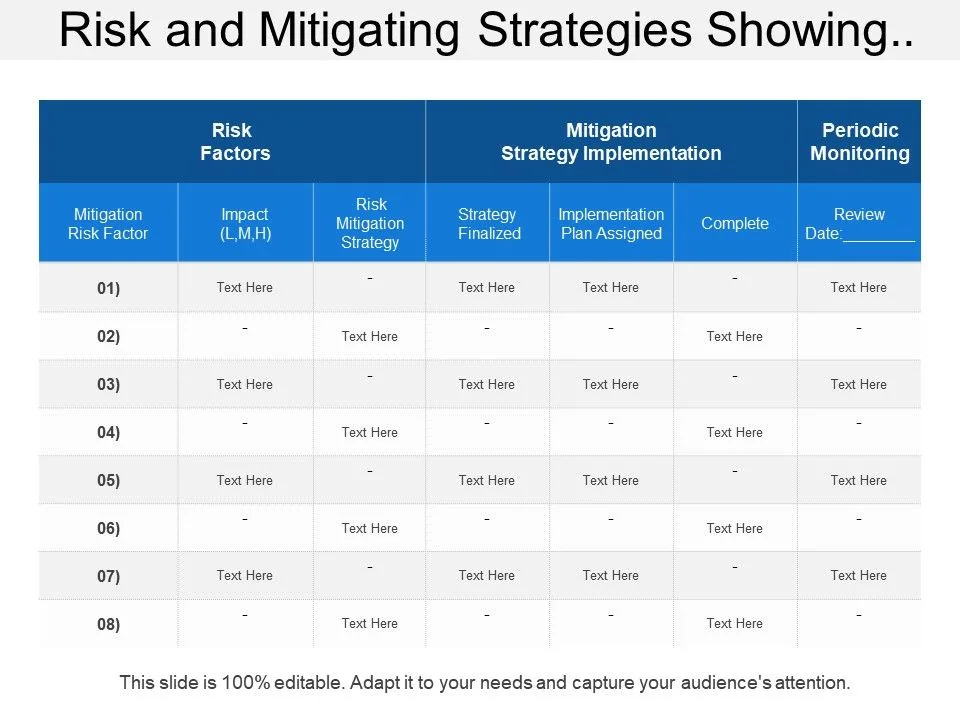
The FTC's AI and data guidance is worth a read. It is short and explains your legal duties when assistants touch customer inboxes. The pattern is simple: every failure traces back to a missing rule, weak SOP, or unclear path.
Fix the workflow, not the tool.
How you handle email data changes the legal rules you follow. If your assistant touches customer inboxes, you process personal data. That triggers GDPR, CCPA, and sector-specific laws like HIPAA for healthcare mail.
Check your vendor’s security certifications. Look for SOC 2 Type II and ISO 27001. These confirm audited controls for data access.
Review their Data Processing Agreement. You need clear language on who owns the data and how it gets deleted.
As of 2026, regulators expect transparency. If your AI drafts replies using customer history, you must tell them. NIST’s guidance helps you map these risks.
Start with least-privilege access. Give the tool only the permissions it strictly needs.
Getting this right is a phased rollout, not a one-day switch. Rushing the setup leads to poor results.
Start with a two-week baseline. Record how long you spend on email now. Track response times and missed items.
This gives you a control group to measure against.
Week 3 is for configuration. Set your basic rules. Enable AI triage on low-risk folders.
Do not touch auto-send yet. By week 4, add your human VA for judgment calls. Use a structured onboarding plan to align the team.
Optimization happens monthly. Review false positives and negatives. Adjust your escalation paths.
The goal is steady improvement, not perfection on day one.
Usually, yes. Most tools need context to learn your style and patterns. Check the privacy policy.
You can often limit the lookback period to 30 or 90 days to reduce risk.
Absolutely. This is the most effective hybrid model. The AI handles volume and triage.
The human handles nuance and strategy. Define clear handoff points so work does not get duplicated or missed.
Audit logs are your safety net. You should be able to see what the tool did and when. If it sends the wrong email, your SOPs determine the fix.
Never give the AI permission to act without a review trail.
Not necessarily. Many AI assistants integrate with Google Workspace and Microsoft 365 natively. If you use multiple clients, look for tools that support API connections across platforms.
It varies widely. Free tiers handle basic triage. Paid plans cost $10 to $50 per user for advanced drafting.
Add human VA hours if you include judgment calls. Budget for the whole stack, not just the software.














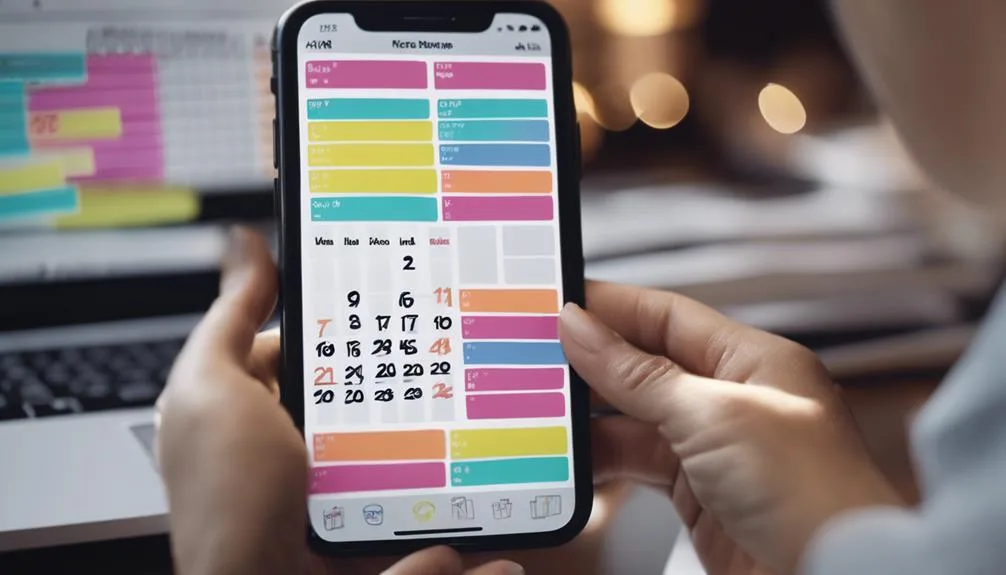
You’ve probably heard the pitch: AI voice assistants can now manage your whole calendar. The promise is a fraction of the reality. Yes, some assistants can…
The short answer is yes, but the capability varies wildly by platform. Some assistants can dial a number instantly; others can only trigger a callback. If you…
 Image source: Web (Bing) / pexels.com (Web image (fairuse with source…