⚠️ Disclosure: This post contains affiliate links. We may earn a commission at no extra cost to you.
⚠️ Disclosure: This post contains affiliate links. We may earn a commission at no extra cost to you.
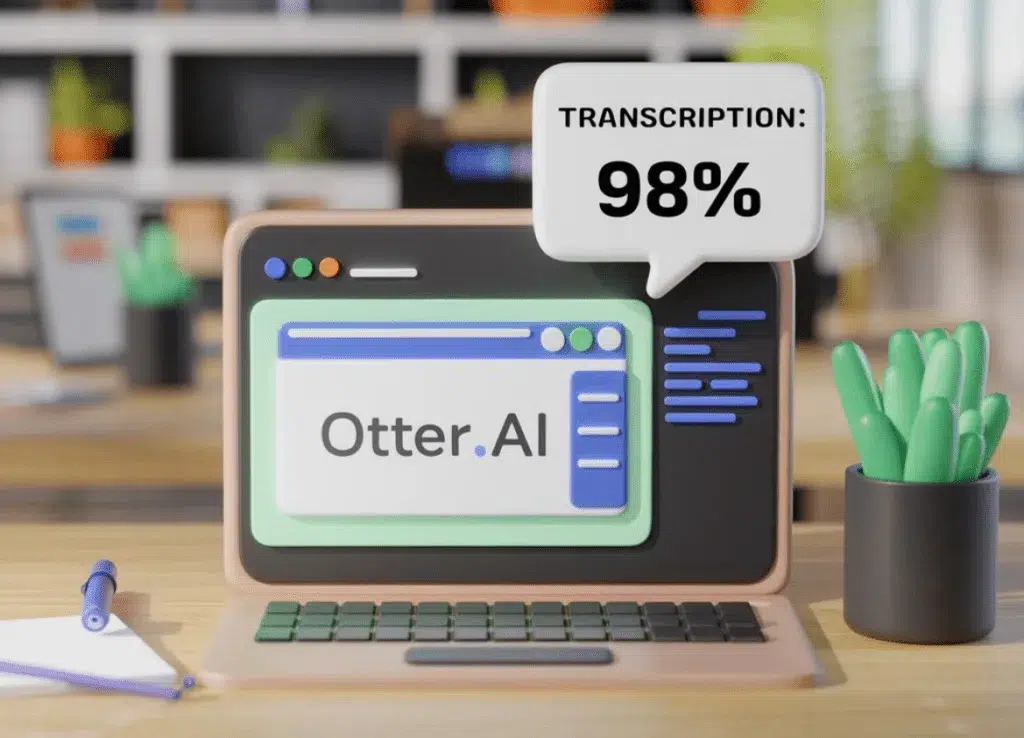
A free AI meeting assistant automatically records, transcribes, and summarizes your online calls without costing anything upfront. Most providers limit free accounts to 300 to 1,000 monthly minutes, cap individual meetings at 30 to 40 minutes, and lock advanced features behind paid plans. They integrate with Zoom, Google Meet, Microsoft Teams, and Webex. Accuracy depends heavily on microphone quality, quiet environments, and clear speakers.
In practice, a well-chosen free tier works surprisingly well for light users who need solid basic summaries and searchable transcripts.
Source: Web / aiprotips.net
These assistants capture audio directly from your video call or computer microphone, then process that audio through automatic speech recognition to produce a text transcript. The AI layers meaning on top of that transcript by generating summaries, highlighting key moments, extracting action items, and sometimes translating the conversation in real time. You typically join as a passive participant, so you do not have to manage any manual recording setup.
A good meeting assistant delivers several distinct outputs every time a call ends. The core transcript captures what was said in readable sentence form. Speaker diarization separates who said what, labeling each paragraph with the correct name.
AI summaries compress the discussion into a few paragraphs or bullet points. Action-item extraction pulls out promises, deadlines, and assigned tasks. Highlight reels mark the most important segments so you can jump straight to the relevant moment.
Some platforms also add keyword search, so you can locate every mention of a specific topic across months of past meetings. Multilingual support lets teams record in one language and receive transcripts in another, which matters for global teams and international clients.
Source: Bing / Web image fair-use
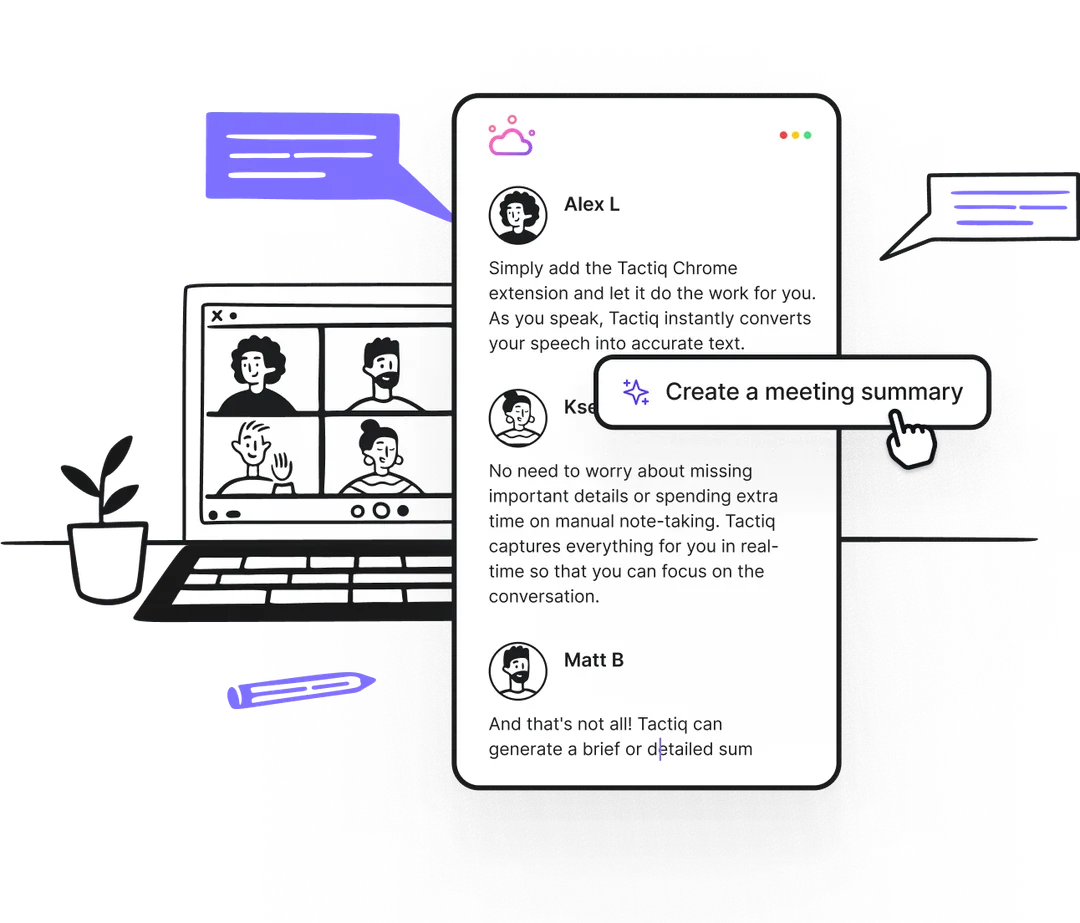
Three main delivery methods exist, and they behave differently inside your daily routine. Browser extensions capture audio directly from meetings running in Chrome, Edge, or other Chromium browsers. They are lightweight, install in seconds, and work well for people who mostly meet inside a web browser rather than a native desktop app.
Desktop bots like Otter and Fireflies join as scheduled participants when connected to your calendar. Mobile apps cover situations where a phone or tablet hosts the call instead of a computer.
Calendar integrations automate the whole joining process, so you do not have to remember to click "start recording." Each method has tradeoffs. Extensions tend to have fewer permissions but limited cross-platform reach. Desktop bots feel more seamless for scheduled meetings but require calendar access.
Mobile coverage is essential if your team frequently meets from phones.
Transcription accuracy varies widely depending on conditions. Clean audio with one speaker talking at a time often reaches 90 to 95 percent accuracy on English-language calls. Background chatter, overlapping voices, heavy accents, industry jargon, and poor microphone quality can drop that number below 80 percent.
Some providers publish word-error-rate benchmarks measured against standardized datasets, which gives a clearer picture than marketing claims.
If your team communicates primarily in clear English with decent equipment, most free-tier tools will serve you well. If your meetings include multiple languages, noisy home offices, or frequent interruptions, expect to spend more time editing transcripts before trusting them.
Video conferencing platforms increasingly ship their own AI companion features. Zoom offers built-in recap and live transcription. Google Meet provides auto-generated captions and notes inside Workspace.
Microsoft Teams integrates Copilot-style summarization for certain accounts. These built-in options remove the need for a third-party bot but usually cost extra, appear only on higher-tier subscriptions, and lock you into that ecosystem.
Standalone AI notetakers work across platforms, export your notes into different apps, and often offer richer summarization and task management. The choice comes down to whether you value simplicity inside one platform or flexibility across several. Many teams end up using both, relying on built-in captioning during calls and a separate tool for deeper note archiving later.
Related: streamline your daily routines with efficient taskvive tips
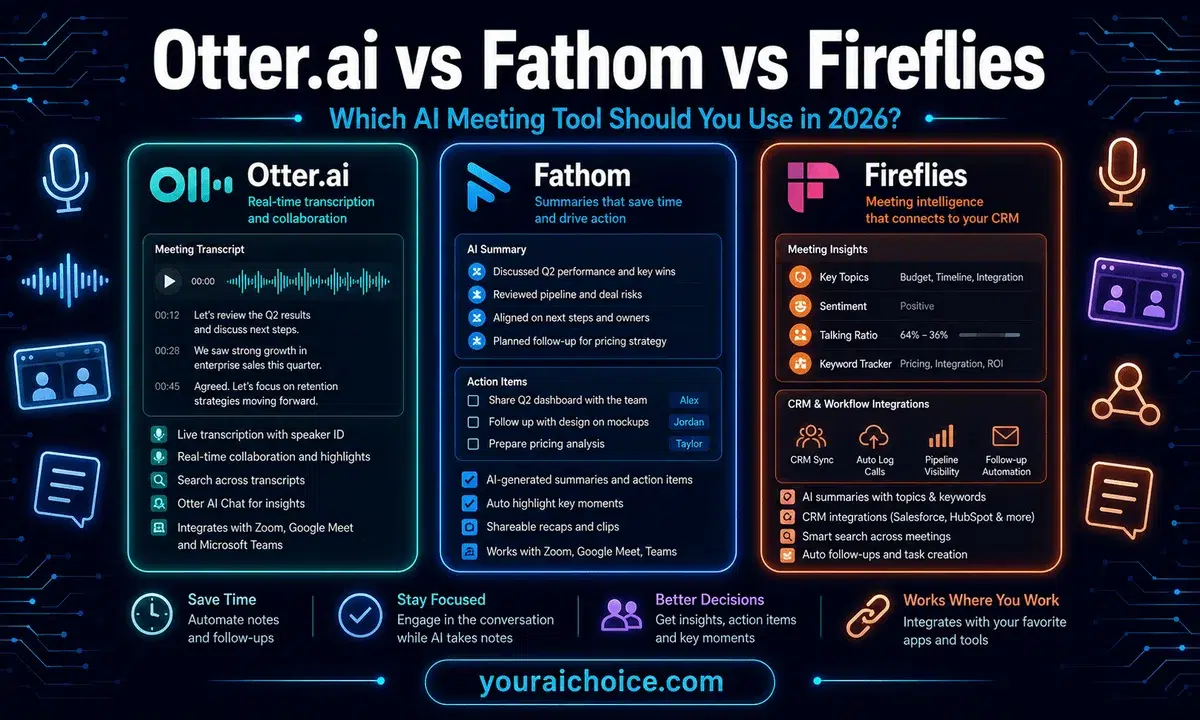
Choosing between popular free options quickly reveals that no single tool wins everywhere. Each provider carves out a different strength, from generous minute allocations to polished browser tools and strong Teams integration. Understanding those differences helps you pick the option that matches your actual usage patterns instead of chasing feature lists that sound impressive on paper.
Source: Bing / Web fair-use
| Provider | Monthly Free Minutes | Max Per-Meeting Length | Key Integrations | Notable Free-Tier Limits |
|---|---|---|---|---|
| Otter.ai | 300 | 30 min | Zoom, Google Meet, Teams, Webex | Limited highlights, slower support |
| Fireflies.ai | 300 | 40 min | Zoom, Google Meet, Teams | Custom AI credits reduced |
| Notta | 300 | 60 min | Web upload, browser extension | Fewer export formats |
| MeetGeek | 500 | 30 min | Zoom, Google Meet, Teams | Basic summaries only |
| Fathom | Unlimited* | 120 min | Zoom, Google Meet, Teams | No action-item automation on free tier |
| tl;dv | 10 hours | 60 min | Zoom, Google Meet, Teams | Storage and highlight limits |
*Fathom caps free recording minutes at current public policy levels, which change occasionally. Check the official site before committing.
If your meetings rarely exceed half an hour and you mostly record with Zoom, Fathom may look attractive until you discover action-item automation disappears without upgrading. If you need multilingual output, Notta and MeetGeek currently lead among free tiers. Your best move is to test two options on the same week of calls and compare actual transcript quality, not just listed specs.
Related: compare platforms to find the right fit
No single free AI meeting assistant suits every person or team. The right choice depends on meeting habits, platform preferences, and privacy priorities. When you line up those factors against what each tool actually unlocks on its free tier, the decision becomes much clearer.
Scheduled meetings benefit from automatic calendar detection and bot insertion. Fireflies and Otter excel here because you add a line to your invite and the assistant joins quietly. You get transcripts and summaries almost immediately after the call ends, which keeps follow-up friction low.
If you rely on Outlook or Google Calendar for coordination, pick the tool that syncs cleanly with your primary calendar rather than the one with the most flashy feature list.
Teams that conduct most of their discussions inside a web browser gain the least from heavy desktop installations. A lightweight browser extension captures audio, transcribes in real time, and leaves your system untouched. This approach works especially well for freelance calls, one-on-one client conversations, and quick standups that do not require polished note templates or automated follow-up sequences.
Data handling policies differ significantly across providers. Some companies reserve the right to use uploaded audio and transcripts to train their speech models unless you opt out during setup. Others lock model-training use behind paid agreements and offer stricter retention windows even on free tiers.
If you handle sensitive client discussions, contractor negotiations, or confidential strategy calls, verify the provider's privacy terms before connecting your calendar. Opting out of training data and enabling automatic deletion schedules are basic safeguards worth configuring early.
Related: choose the right assistant style for your workflow
Global teams and remote workers who speak multiple languages benefit from tools with strong translation support. Notta, Google Meet, and selected Fireflies configurations generate transcripts and summaries across several languages, which reduces the back-and-forth usually required when sharing notes internationally. Accuracy in translated summaries still lags behind original-language output, so treat those translations as helpful guides rather than final documents.
Fathom currently stands out for free-tier users who host many short calls each month. Its generous per-meeting cap combined with broad platform support makes it practical for high-volume schedulers. The tradeoff involves fewer automation features and limited action-item extraction unless you upgrade later.
That compromise often pays off for individuals who prioritize quantity and speed over polished automation.
Answering those questions honestly usually eliminates half the options immediately and leaves a small shortlist you can test in parallel.
Free tools remove the price barrier, but they introduce new traps that catch people who assume "free means fully capable." Recognizing those traps ahead of time saves frustration and prevents mid-month surprises when your meetings suddenly stop being recorded.
Many users set up a free account, enjoy smooth recordings for weeks, and then hit a hard cap right before an important deadline. Monthly minute limits reset on a calendar cycle, which means late-month overages do not roll over. A team that books long strategy sessions regularly will burn through 300 or 500 minutes faster than expected.
Always estimate your average meeting length, multiply by your weekly cadence, and multiply again by four to approximate monthly usage before selecting a provider.
Free tiers routinely include attractive preview snippets of advanced features. You see action-item dashboards, custom prompt templates, analytics charts, and priority support listed on pricing pages. Those features often disappear the moment you try to use them, leaving you with basic transcripts only.
Read the free-plan limitations page carefully. Compare the feature matrix before and after upgrade rather than assuming visibility equals inclusion.
By default, several AI assistants enable options that share transcripts with third parties or retain data longer than necessary. These defaults exist because providers want to improve models and comply with basic service expectations, not because they intend to endanger user confidentiality. Review privacy controls, turn off model-training consent where available, set retention periods to 30 or 90 days, and verify whether recording notices satisfy local consent laws in your region.
Related: improve your productivity with better time management practices
Some tools make it extremely easy to import meetings and very difficult to export them later. If you ever decide to switch providers, losing access to your archived transcripts means losing institutional knowledge. Look for tools that support standard export formats like PDF, plain-text, and subtitle files.
Avoid platforms that tie your history exclusively to their proprietary ecosystem without offering bulk download capability.
Free tiers rarely publish independent accuracy audits or offer guarantees tied to specific use cases. Vendor benchmarks come from controlled environments with clean microphones and prepared speakers. Real-world meetings include background noise, overlapping dialogue, regional accents, and technical glitches that degrade performance.
Treat every AI transcript as a working draft that requires human verification, especially when accuracy affects hiring decisions, legal obligations, or financial commitments.
A tool might advertise support for Zoom, Google Meet, and Teams while silently excluding lesser-used platforms like Whereby, Discord, or legacy conferencing systems. Before committing, confirm compatibility with every video service your team currently uses. Test the connection with a short dummy call rather than assuming advertised support translates to frictionless adoption.
Recording conversations without proper notice violates privacy rules in many jurisdictions. The General Data Protection Regulation, enforced by the European Commission, sets strict standards for processing personal data, including audio, inside EU member states. Similar frameworks exist in California and other regions, so always inform participants when recording begins and provide an easy way for people to opt out.
Skipping this step exposes both individuals and organizations to compliance risk regardless of which tool you prefer.
Using any AI meeting assistant introduces data-handling considerations that go beyond convenience. Audio recordings contain personal information, business strategy, health discussions, and potentially sensitive personnel conversations. How providers store, process, and retain that data determines whether the tool strengthens your workflow or creates liability.
Most free AI assistants process recordings on remote servers rather than locally on your machine. That design enables fast transcription and powerful summarization but also means third parties temporarily hold your conversation data. Service-level agreements and privacy policies spell out retention windows, encryption standards, and access controls.
Read those documents before granting calendar or camera permissions. Look specifically for clauses about third-party sharing, model training usage, and data deletion requests.
If your team operates primarily in the United States, consult state-level privacy regulations such as those outlined by the Federal Trade Commission and California privacy authorities. If you host international calls, the European Union's GDPR imposes stricter obligations regarding lawful processing bases, data minimization, and the right to erasure. Both frameworks expect transparency about what is being recorded and why.
Include brief verbal or written consent notices at the start of meetings whenever possible. For official guidance on U.S. privacy expectations, refer to the FTC's privacy resources.
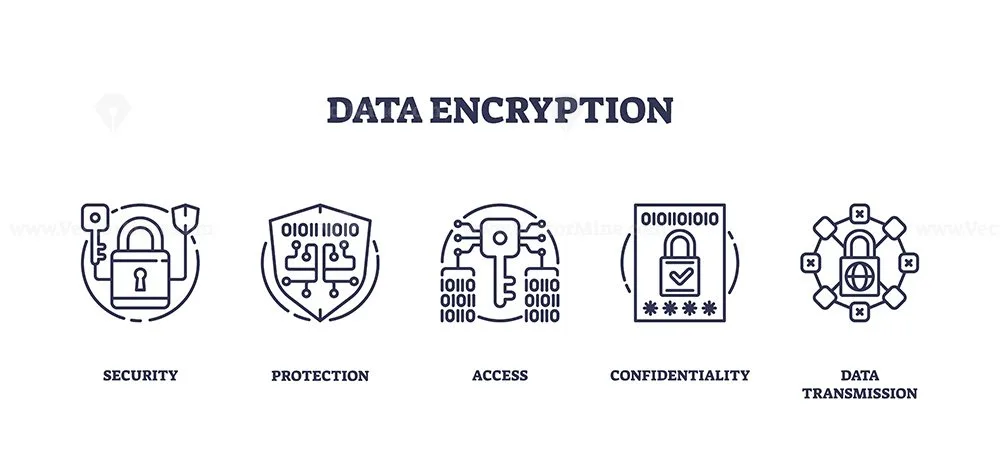
Source: Web / vectormine.com
Enterprise-grade security features often appear only on paid plans, but some providers include basic encryption in transit and at rest on free tiers as well. Verify whether your chosen tool supports two-factor authentication, role-based access, and audit logs even on lower-cost accounts. Setting retention policies to automatically delete transcripts after 30, 60, or 90 days reduces exposure and simplifies compliance audits.
Related: explore skill-building opportunities to strengthen your compliance awareness
Most providers offer between 300 and 1,000 free monthly minutes. Some impose tighter per-meeting caps ranging from 30 to 60 minutes. Check the current policy on each provider's pricing page because free allowances change frequently as of 2026.
Accuracy typically lands between 85 and 95 percent under favorable conditions with clear audio and minimal background noise. Heavy accents, overlapping speech, and technical issues reduce reliability. Always verify important details, dates, and action items before acting on generated transcripts.
You can, but you should review the provider's privacy policy first. Verify encryption standards, data-retention options, and model-training consent settings. Turn off training consent, shorten retention periods, and confirm that your region's consent requirements are satisfied before recording sensitive discussions.
Meetings exceeding 60 minutes usually require tools with higher per-session limits. Notta and tl;dv currently allow up to 60 minutes on free tiers, while Fathom supports longer sessions depending on current policy updates. Test at least two options with your actual meeting length before committing.
No reputable provider stores free-tier recordings indefinitely by default. Most apply automatic deletion rules once you reach storage or retention limits. Still, confirm the exact policy for your account and adjust settings manually if the tool does not delete old files automatically.
Export options vary widely. Some platforms provide bulk downloads in PDF, TXT, or SRT formats. Others restrict archives to their own dashboard and charge for export.
Plan your migration strategy early, back up important transcripts before canceling, and prefer tools that let you download history in open formats.
Related: grow your career with proven remote job strategies









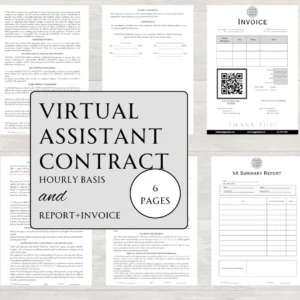

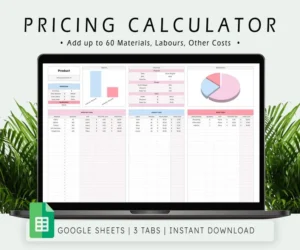



You’re probably exhausted by the conflicting numbers you see online. Virtual assistant pricing varies wildly because costs depend on skill sets, location, and…
Confusing rate sheets and hidden overheads often make virtual assistant service pricing feel like a guessing game. You might find a freelancer at $15/hour and…
Hiring help is expensive and slow. Getting virtual assistant package pricing wrong is worse. The right price hinges on how many hours you truly need, what…