
Free virtual assistant tools let you automate tasks, save time, and boost productivity for free.
I’ve used many free virtual assistant tools over the years to manage calendar invites, draft emails, transcribe meetings, and automate repetitive work. This guide draws on real experience and research to help you find, use, and trust the best free virtual assistant tools for everyday work. Read on to get practical picks, setup steps, and tips that you can use today.

What are free virtual assistant tools and why they matter
Free virtual assistant tools are apps and services that help you do tasks faster. They handle scheduling, reminders, note-taking, transcription, basic writing, and simple automation. Many run on smartphones or in your browser.
These tools matter because they save time and reduce small stresses. You can focus on higher-value work when routine tasks are handled. Free virtual assistant tools also let small teams and solo creators access automation without big budgets.
Common types of free virtual assistant tools:
- Voice assistants for quick commands
- Chat-based AI helpers for writing and research
- Scheduling tools for booking meetings
- Automation tools for connecting apps
- Transcription and note-taking helpers

Top free virtual assistant tools you should try
Below are reliable options I’ve tested or used. Each entry shows what it does, a real use case, and limits to expect.
Google Assistant
- What it does: Voice commands, reminders, smart home control, quick searches.
- Use case: Set a timer, add reminders, and ask quick questions hands-free.
- Limitations: Needs Google account. Some advanced features need paid services.
Siri (Apple)
- What it does: Native iOS voice assistant for calls, texts, navigation, and shortcuts.
- Use case: Send messages or start a timer while driving.
- Limitations: Works best inside Apple ecosystem.
Bing Chat and Google Bard
- What they do: Chat-based AI for drafting text, summarizing, and research.
- Use case: Draft short emails, brainstorm ideas, or summarize an article.
- Limitations: Responses can vary. Fact-check when accuracy matters.
ChatGPT Free Tier
- What it does: Conversational AI for writing, editing, and ideation.
- Use case: Draft a blog outline or an email reply.
- Limitations: Free tier may have usage limits and older models.
IFTTT (If This Then That)
- What it does: Connects apps to automate simple tasks.
- Use case: Save new email attachments to cloud storage automatically.
- Limitations: Free plan has a limited number of applets.
Zapier Free Plan
- What it does: App automation and workflow triggers.
- Use case: Create a basic automation for new leads to a spreadsheet.
- Limitations: Free plan limits to simple, single-step zaps.
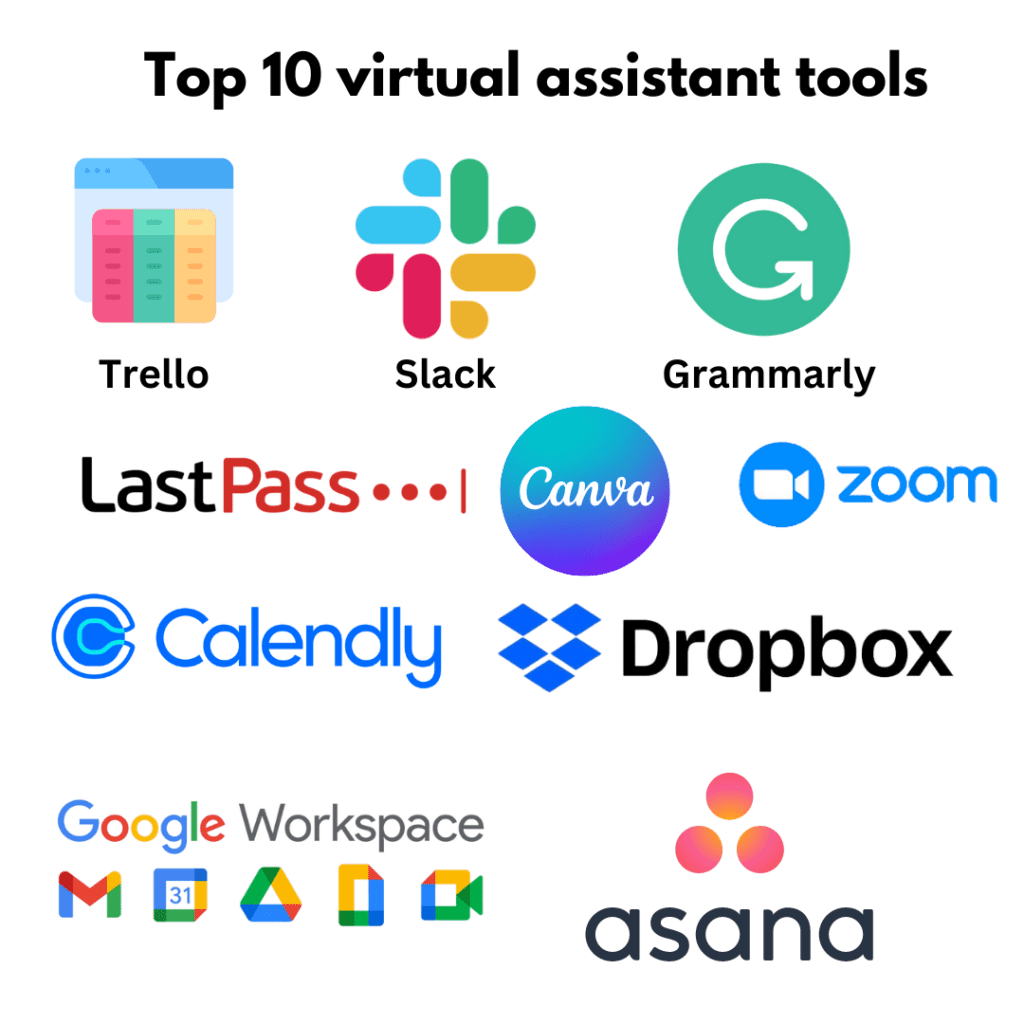
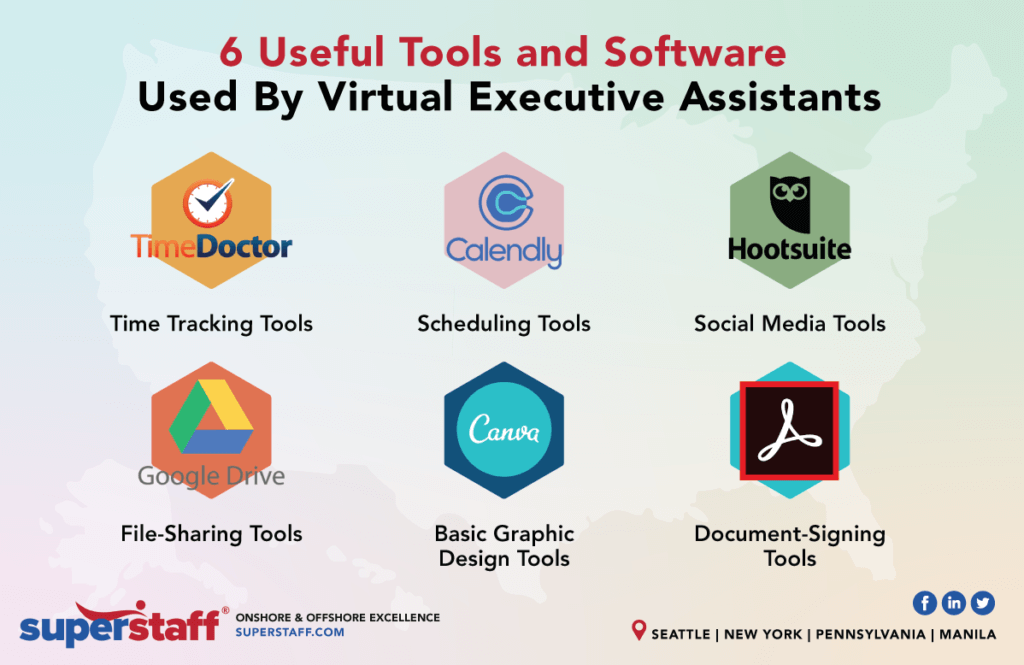
Calendly Free Plan
- What it does: Easy meeting scheduling with calendar links.
- Use case: Share a scheduler link for clients to pick meeting times.
- Limitations: Some advanced features require a paid plan.
Grammarly Free
- What it does: Spelling, grammar, and clarity suggestions for writing.
- Use case: Polish emails and posts quickly before sending.
- Limitations: Advanced writing suggestions are paid.
Otter.ai Basic
- What it does: Transcribes meetings and generates notes.
- Use case: Record and auto-transcribe a short meeting for quick review.
- Limitations: Monthly minutes limit on free plan.
Hemingway Editor (Free Web)
- What it does: Simplifies writing and highlights complex sentences.
- Use case: Make drafts clearer and easier to read.
- Limitations: Manual copy-paste; no automation.
Trello Free
- What it does: Simple project boards and task tracking.
- Use case: Track tasks and assign due dates in a visual way.
- Limitations: Power-ups and advanced features limited on free plan.
These free virtual assistant tools are a mix of AI assistants, automation apps, scheduling, and writing helpers. Combine them to build a no-cost workflow that covers much of your daily work.
How to choose the right free virtual assistant tools
Choosing the right tool depends on your needs and tech comfort. Use these steps to pick tools that fit you.
Identify your main pain points
- List tasks you repeat every day.
- Mark tasks that take more than 10 minutes or cause stress.
- Rank tasks by frequency and impact.
Match tool type to task
- Use voice assistants for quick, hands-free actions.
- Use chat AI for drafting and ideation.
- Use automation tools to connect many apps.
- Use scheduling tools for all meeting needs.
Check compatibility
- Ensure the tool connects with your calendar and email.
- Verify mobile and desktop support.
- Confirm privacy and account requirements.
Start small and test
- Try one or two tools first.
- Test real tasks for a week.
- Measure time saved and usability.
Consider data and privacy
- Read basic privacy notes when signing up.
- Avoid giving account-wide access unless necessary.
- Prefer tools that let you opt out of data sharing.
I often start with a single workflow, like automating meeting notes with Otter.ai and saving transcriptions to Google Drive via IFTTT. This plain test tells me if the chosen free virtual assistant tools fit my work.

How to set up common free virtual assistant tools (step-by-step)
Here are simple steps to get started fast with common free virtual assistant tools.
Set up Google Assistant or Siri
- Sign in to your platform account.
- Enable voice match or shortcuts.
- Test a few simple commands, like "Remind me at 3 PM."
Start with ChatGPT or Bard
- Create a free account.
- Ask it to draft a short email or outline.
- Edit the result and give feedback in the chat to refine output.
Create a Calendly scheduler
- Connect your calendar.
- Set availability windows.
- Share a public link for bookings.
Automate with IFTTT or Zapier
- Choose trigger (new email received).
- Choose action (save attachment to cloud).
- Test and enable the applet or zap.
Transcribe with Otter.ai
- Create an account and grant mic access.
- Start a live recording or upload audio.
- Review and export the transcription.
These steps work for most free virtual assistant tools. Keep testing and tweak settings to match how you work.

Best practices and tips for using free virtual assistant tools
Use these practical tips from my experience to make tools actually helpful.
Keep tasks small and clear
- Feed assistants short, specific prompts.
- Break big tasks into small steps.
Combine tools into simple flows
- Use Calendly to schedule, Otter.ai to record, and IFTTT to save notes automatically.
- One tool triggers the next to reduce manual work.
Protect sensitive data
- Avoid sharing passwords or private files in public AI chats.
- Read default data use settings.
Review and edit outputs
- Always proof AI-generated text for accuracy and tone.
- Use Grammarly free to catch mistakes.
Monitor limits
- Watch monthly usage caps on free plans.
- Have a backup plan if a free service changes.
From trial and error, I learned to keep automations focused. Less complexity means fewer breaks. Start with one automation and build from there.

Pros and cons of free virtual assistant tools
Here’s a balanced view to help set expectations.
Pros
- Cost-effective: many tasks automated without subscription fees.
- Fast setup: many tools work in minutes.
- Accessibility: mobile and web options make them handy anywhere.
- Scales small tasks: frees time for creative work.
Cons
- Limits on usage or features in free plans.
- Privacy trade-offs if you share data.
- Variable accuracy from AI assistants.
- Possible need to combine multiple tools to cover all needs.
Free virtual assistant tools can be powerful. But expect to mix multiple tools for a full solution.
Real examples and lessons learned
I used free virtual assistant tools to run a content calendar and client calls. Here are two short stories.
Blog workflow automation
- Tools used: ChatGPT free for outlines, Grammarly free for edits, Trello free for tracking.
- Result: I cut planning time in half. The content moved faster through drafts.
- Lesson: AI helps, but human editing stays essential.
Client meeting setup
- Tools used: Calendly free to book meetings, Otter.ai to record, IFTTT to archive notes.
- Result: Fewer scheduling emails and clearer records of actions.
- Lesson: Automate the handoffs between tools to save the most time.
A common mistake I made was automating too much at once. That led to missed updates. Fix by adding one automation at a time and verifying results.

Implementation checklist for your first week
Use this checklist to implement free virtual assistant tools in one week.
Day 1: Pick one pain point
- Choose a repetitive task to automate.
Day 2: Select one tool
- Sign up and test basic features.
Day 3: Build one simple workflow
- Create a single automation or shortcut.
Day 4: Use it for real tasks
- Try the workflow for live work.
Day 5: Review and adjust
- Note time saved and any issues.
Day 6–7: Add one more tool or tweak
- Expand only if the first step worked.
This step-by-step keeps changes small and manageable.

Frequently Asked Questions of free virtual assistant tools
What are the best free virtual assistant tools for small businesses?
The best picks depend on needs. Combine a scheduling tool like Calendly, a transcription tool like Otter.ai, and a chat AI like ChatGPT free tier for writing help.
Are free virtual assistant tools secure?
Many free tools follow basic security. You should still avoid sharing sensitive data and check privacy settings before use.
Can free virtual assistant tools replace a human assistant?
They can handle routine tasks but not complex judgment, negotiation, or deep client relationships. Use them to augment, not fully replace, a human assistant.
How much can free virtual assistant tools save in time?
Savings vary by task. For scheduling and basic drafting, expect 30–60 minutes per day saved for many users after setup.
Do free virtual assistant tools require technical skills?
Most are user-friendly. Basic setup needs no coding. Automation platforms like Zapier can be slightly more technical but still approachable with tutorials.
Conclusion
Free virtual assistant tools offer real ways to save time and reduce routine work. Start small, test one workflow, and protect sensitive data. With the right mix—scheduling, transcription, chat AI, and automation—you can reclaim hours each week. Try one tool this week and measure the time you save. Share your results or questions below, and subscribe or comment to keep learning about practical, free virtual assistant tools.

Sofia Grant is a business efficiency expert with over a decade of experience in digital strategy and affiliate marketing. She helps entrepreneurs scale through automation, smart tools, and data-driven growth tactics. At TaskVive, Sofia focuses on turning complex systems into simple, actionable insights that drive real results.