⚠️ Disclosure: This post contains affiliate links. We may earn a commission at no extra cost to you.
⚠️ Disclosure: This post contains affiliate links. We may earn a commission at no extra cost to you.

Few shifts in the modern workplace have arrived as quickly—and as practically—as the integration of artificial intelligence into daily workflows. What once felt experimental is now genuinely useful. The challenge is no longer whether to use AI tools but how to use them in a way that genuinely improves the rhythm of your day without creating more noise.
This guide walks through what works in practice. You will not find hype-laden promises or filler; instead, you will find concrete ways to think about, select, and embed AI tools into your actual routine. Whether you are managing a team, running a freelance business, or trying to keep a side project on track, the principles here apply.
The term gets tossed around loosely, and that causes confusion. In practice, an AI productivity tool is any software that uses machine learning, natural language processing, or automated reasoning to complete, accelerate, or improve a task that a human would otherwise do manually. That can mean a writing assistant that rephrases sentences, a scheduling tool that negotiates meeting times on your behalf, or a data analysis platform that surfaces patterns you would miss.
The key distinction: these are not just tools that store your work—they act on it. They recommend, summarize, filter, draft, and sometimes decide. That distinction is what makes them so powerful for productivity when used with clear intent.
A common mistake is treating every AI tool like a magic button. The people who see the biggest productivity gains are those who understand the tool’s specific strengths, use it for well-defined tasks, and stay firmly in the loop for final judgment. In our work coordinating remote teams, we have found that pairing the right software with a capable human operator consistently outperforms either one working alone. Thinking of AI as an amplifier, not a replacement, makes a measurable difference in output quality.
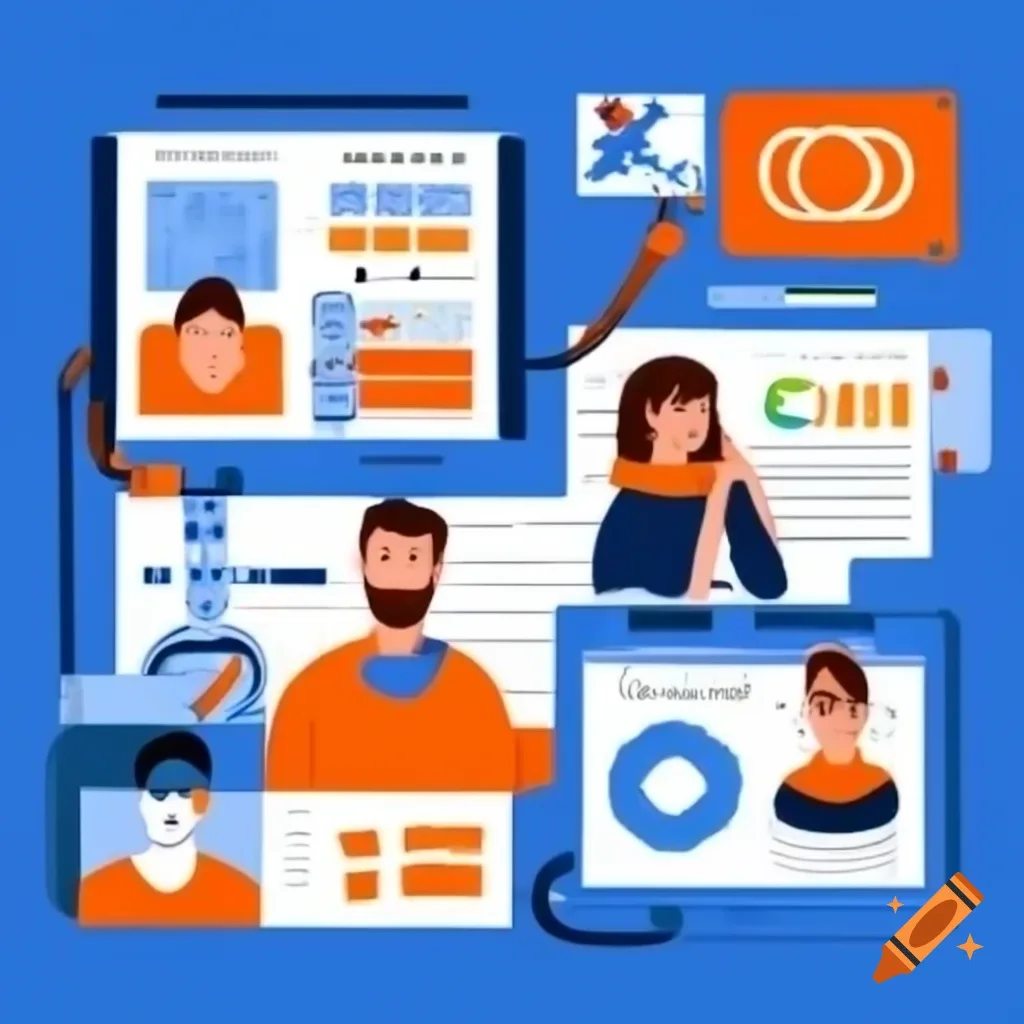
AI dashboards integrated across communication, scheduling, and writing tools can reduce context-switching.
Most people want to save time, but vague promises do not change behavior. It helps to connect AI tools to specific pain points.
Routine, low-stakes tasks eat up an astonishing number of hours. Inboxes require triage. Data needs to be entered into spreadsheets. Reports need to be formatted. AI tools excel at pattern-based work like this. Email filters powered by machine learning can categorize messages more intelligently than static rules. Tools that read receipts and populate expense reports eliminate manual typing. Over a week, these small automations recover meaningful blocks of focus.
When you sit down to work, deciding what to do first often consumes the first stretch of productive energy. AI-enabled task managers now assess deadlines, dependencies, and even your historical work patterns to suggest what should come next. This does not mean handing over control; it means receiving a sorted list you can adjust, which is far less mentally draining than starting from scratch. A digital assistant effectively handling the daily triage for a remote worker can mirror how AI triages tasks.
Writer’s block is a real productivity drain. AI drafting assistants allow you to prompt for a rough first version of an email, a report outline, or a project brief in seconds. The mental lift shifts from “produce something from nothing” to “edit something that already exists,” and editing is faster. This pattern applies to design, code, and even meeting preparation.
There are now thousands of options, and decision paralysis is common. A structured approach helps cut through the noise.
Avoid starting with “I want to be more productive.” That is too broad. Instead, pinpoint a single, frustrating bottleneck. Is it that customer emails sit unanswered for too long? Is it that you spend 30 minutes formatting meeting notes? Is it that you lose track of follow-ups? The tighter the problem definition, the easier it is to map it to a tool designed for that specific job.
Some tools are incredibly capable but require a steep learning curve. Others are dead simple but solve only a narrow problem. A common pattern is to adopt a complex tool, invest hours of setup, and then abandon it because it does not fit into daily life. In practice, start with something lightweight that you can adopt in a single session. Once it becomes a habit, you can evaluate whether a heavier platform with deeper integrations is justified. That patient approach saves more time in the long run than continually swapping tools.
Feature lists are misleading. The only reliable way to know if a tool works for you is to use it during a normal workday on a task that matters. Does it actually speed things up, or does it add a layer of friction? A short trial with your own data reveals far more than any demo video.

An AI tool that cannot talk to your calendar, email client, and project management software becomes an isolated island. Look for tools that connect via direct integrations or at least offer a reliable API. When data flows between systems without manual hand-offs, you eliminate another layer of friction that silently drains productivity. Tools that integrate smoothly with your existing stack also lower the barrier to adoption.
Modern calendar assistants now interpret natural language instructions to create events, suggest optimal meeting slots across time zones, and proactively block focus time based on your workload. They analyze patterns—such as when you typically do deep work—and protect those slots. Some can even draft agenda items pulled from previous meeting notes, saving preparation time.
Scheduling a meeting with someone outside your organization used to be a back-and-forth email thread. AI scheduling tools let you share a link that reflects your real availability. They negotiate times, handle reschedules, and send reminders. When integrated with video conferencing platforms, they generate join links automatically. This alone can save a few hours a month for anyone who frequently coordinates with clients or partners. A skilled professional virtual assistant provides similar coordination value, and AI tools increasingly replicate that layer of administrative support.
Staying focused is a major struggle. AI tools can help construct a protective boundary around your attention.
Some tools act as intelligent gatekeepers: they mute notifications during focus sessions, but with contextual awareness. They can allow calls from key family members while blocking social media pings. Others analyze which apps or websites tend to pull you away and suggest pre-emptive blocks during your most productive hours.
AI-driven focus timers no longer rigidly follow the 25-minute Pomodoro pattern for everyone. They learn from your work sessions and attention signals—when you tend to hit a wall, when you are at peak energy—and adapt session lengths accordingly. After a few weeks of calibration, they can suggest a structure that feels natural rather than forced, helping you sustain concentration longer without burnout.
Writing is a core work task crossing almost every profession. AI tools in this category have matured significantly.
These assistants can generate proposals, summarize long threads, adjust tone for a specific audience, and catch passive voice or unclear phrasing. The output is rarely final, but it provides momentum. A good approach is to use the AI for structure and initial content, then apply your own judgment for nuance and accuracy. This hybrid method produces better results than either fully human or fully AI writing alone.
Rather than reading five lengthy articles to prepare for a meeting, you can use AI to produce concise summaries with key points. Some tools can extract action items directly from raw transcripts. This dramatically reduces the time between information intake and decision-making. When hiring or evaluating specialist support, identifying the right skills is critical, and AI summarizers can help you quickly parse candidate profiles.
Data work often suffers from the “blank spreadsheet” problem. AI changes the starting point.
Tools that connect to your databases or spreadsheets can automatically classify rows, merge duplicate records, and suggest data-cleaning steps. Instead of spending Monday morning tidying data, you spend it analyzing. Some tools also create dynamic dashboards based on natural language descriptions—you type what you want to see, and they build the chart.
Instead of writing complicated formulas, you can ask questions in plain English: “Show me total sales by region last quarter, excluding returns.” The AI parses the intent, writes the query behind the scenes, and returns the result. This lowers the barrier for team members who are not data analysts, distributing analytical power across the organization. Continuous online skill development such as programs offering certificate tracks can help team members grow comfortable with these tools.
Email tools now draft context-aware replies, prioritize messages that need urgent attention, and even detect the emotional tone of incoming messages to help you calibrate your response. Chat platforms use AI to generate conversation summaries for people who join a channel late, eliminating the “scroll up through 300 messages” inefficiency.
Project management platforms increasingly highlight upcoming bottlenecks based on past team velocity. They can suggest task reassignments when someone’s workload spikes. During brainstorming sessions, virtual whiteboards with AI agents can cluster sticky notes into themes, propose connections, and generate summary slides. The result is that meetings end with clearer outcomes and less administrative drag.
Keeping your skills sharp is a form of long-term productivity investment. AI personalizes this process.
AI-based learning environments adjust the difficulty, pacing, and format of material based on your performance. If you already understand a concept, you skip ahead; if you struggle, the platform presents alternative explanations or additional practice. This prevents the boredom and frustration that cause people to abandon online courses.
Some tools push bite-sized lessons into your daily workflow—a quick tip related to a task you are about to perform, or a short video when you open a piece of software you are still learning. This just-in-time learning embeds skill acquisition without requiring dedicated study blocks, making consistent growth more realistic. Foundational knowledge, like understanding how individual capabilities translate into remote earning opportunities, can then be layered on top of micro-lessons.
Stacking too many tools leads to fragmentation. A well-built stack has a few layers that work together.
Start with the core hub and add one layer at a time. Let each layer become second nature before introducing another. This staggered approach prevents the stack from becoming overwhelming.
AI tools often process sensitive information—your emails, documents, customer data. Before adopting a tool, check its data-handling policies. Look for clear statements about whether your data is used to train models, how it is stored, and who can access it. Tools aimed at enterprises often provide stronger guarantees, but even consumer tools have improved their transparency.
Additionally, be aware of bias. AI models trained on historical data can reproduce and amplify existing biases in language, hiring, or decision-making. The U.S. National Institute of Standards and Technology has published a comprehensive AI Risk Management Framework that offers practical guidance for evaluating these risks in any context, including personal productivity workflows.
A practical safeguard: always review AI-generated content that will be seen by others. Apply human judgment to anything that could have ethical, legal, or reputational consequences. The time you save should not come at the cost of quality or integrity.
In practice, the biggest hurdles are not technical—they are behavioral.
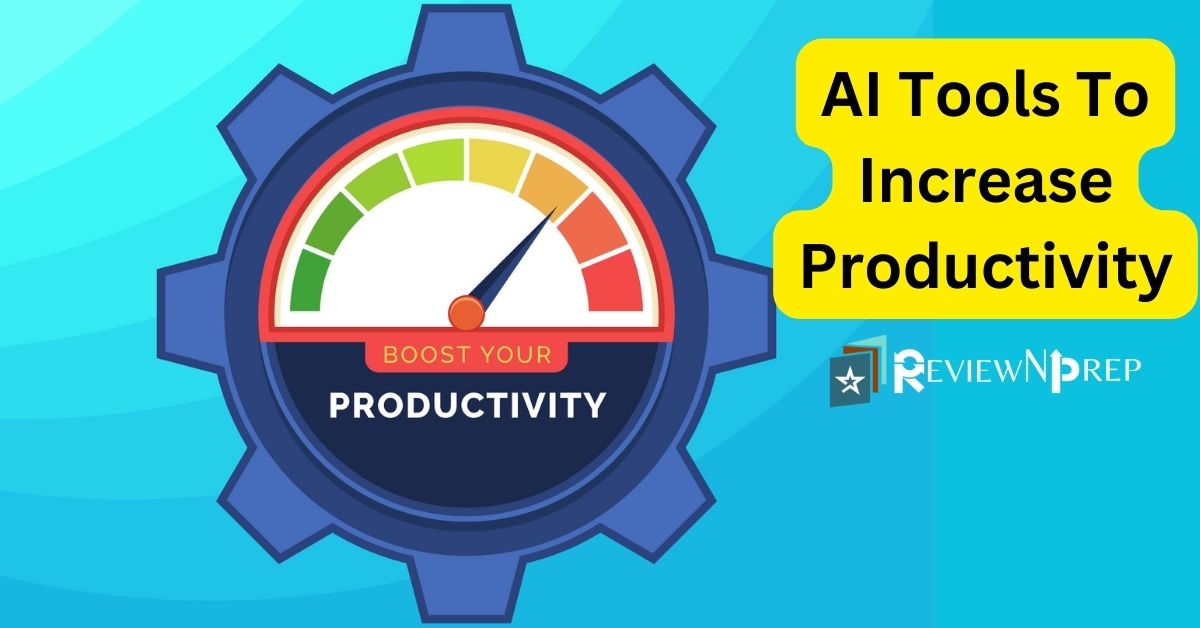 Tracking key metrics like deep work hours and task completion rate can validate whether your AI tools are actually helping.
The next wave of AI productivity tools is moving toward more autonomous agents that can string together multi-step workflows without constant prompting. Imagine an assistant that not only schedules a meeting but prepares the agenda, pulls relevant files, and sends pre-read materials to attendees—all from a single voice command. The technology is not perfect yet, but early versions are in testing.
Another trend is context-aware AI that moves with you across devices and apps, maintaining a persistent understanding of your projects. Instead of re-training each tool, a unified intelligence layer will carry your preferences, style, and priorities everywhere. That shift will further reduce the toggling overhead that fragments attention today.
However, the core principle will remain the same: the people who get the most out of AI will be those who clearly define what they want to achieve, stay actively engaged in the process, and continuously refine their approach. The tools will get smarter, but clarity of intent will always be the multiplier.
Understanding how search platforms surface and rank content can also help you keep up with which AI productivity tools are gaining traction and credibility over time.
Will AI productivity tools eventually replace administrative jobs?
They will transform them, not eliminate them. Routine, repetitive elements of administrative work are the most likely to be automated, but the human skills of judgment, relationship management, and nuanced communication remain critical. Many professionals find that offloading the repetitive parts gives them more time for higher-value work.
How do I measure whether an AI tool actually improves my productivity?
Define a simple before-and-after metric for the specific task you are automating. For email, it might be the time spent per day in your inbox. For report generation, it might be the hours from data receipt to final draft. Track that metric for two weeks without the tool, then two weeks with it. The difference tells you if the tool is paying off or just adding overhead.
Are free AI productivity tools reliable enough for professional work?
Some are, especially for light usage. But free tiers often lack robust privacy protections or advanced integrations. For sensitive client work or mission-critical processes, the paid versions generally provide necessary security, performance, and support. Evaluate the risk versus cost for each tool individually.
How often should I reassess my AI tool stack?
A quarterly review works well. The market evolves fast; tools that were best-in-class six months ago may have been surpassed. Quick audits prevent accumulation of unused subscriptions and keep your stack aligned with your actual workflow needs.
Can AI productivity tools work offline?
Most still require an internet connection because processing happens in the cloud. However, a growing number of tools are introducing limited offline capabilities for tasks like writing and note-taking, with automatic syncing once a connection is restored. Check the specific tool’s feature list if offline access is essential for your work.
Adopting AI tools should feel like upgrading your workspace, not rebuilding it from the ground up. Start with one persistent annoyance, pick a focused tool, and use it until it becomes invisible—just part of how things get done. Then repeat. The cumulative effect on your time, mental energy, and output quality will be far greater than chasing every new release.
Productivity is personal. The right combination of AI tools will look different for a creative director than for a startup founder or a graduate student. Trust your own experience, measure what matters to you, and stay curious about how these tools can quietly, steadily make your days better.
If you are ready to explore a broader approach to working more efficiently—blending human support with intelligent automation—it may be time to look at how a dedicated virtual assistant can multiply your output without adding complexity to your day.

Sofia Grant is a business efficiency expert with over a decade of experience in digital strategy and affiliate marketing. She helps entrepreneurs scale through automation, smart tools, and data-driven growth tactics. At TaskVive, Sofia focuses on turning complex systems into simple, actionable insights that drive real results.





















Still wondering how to train a virtual assistant? You’re not alone. Millions of people and businesses want help from AI but don’t know where to start. The good…
Struggling to get a new virtual assistant up to speed without wasting hours? Knowing how to onboard a virtual assistant properly can transform your business…

 Image source: Bing (Web (fairuse with source credit)) How to find a virtual…