⚠️ Disclosure: This post contains affiliate links. We may earn a commission at no extra cost to you.
⚠️ Disclosure: This post contains affiliate links. We may earn a commission at no extra cost to you.


Virtual assistant calendar organization uses tools and techniques to automate scheduling, sync multiple calendars, and reduce manual planning tasks. Whether you're juggling client calls, team meetings, or family commitments, a well-managed schedule can cut hours off your week.
But getting there isn't just about slapping events into a digital planner. It's about building a system that actually remembers what matters, one that fits how you think and live. Let's walk through exactly how to set that up.

Virtual assistant calendar organization uses tools and techniques to automate scheduling, sync multiple calendars, and reduce manual planning tasks. You can use AI scheduling agents, hire a human virtual assistant, or combine both for maximum efficiency. The best approach depends on your tech comfort, budget, and time management needs.
You're not alone if your calendar looks like a mess of overlapping blocks and forgotten items. Most people have three, sometimes five, separate calendars pulling their attention in different directions. Your work might run on Outlook while your personal life lives in Google Calendar.
Add a shared family planner and maybe a CRM system, and you've got a fragmented nightmare.
What makes this worse is that everyone recommends the same generic solutions: "just color-code everything" or "stick to one app." Those tips sound nice but they ignore how you actually work. Someone running a consulting business needs different tools than a college student managing classes and part-time shifts.
Aggregate productivity studies show people waste an average of seven hours weekly on scheduling decisions when their systems aren't aligned. That's over 350 hours every year, nearly nine full workweeks spent figuring out when you're supposed to be somewhere. The problem isn't laziness; it's that most calendar advice skips the most important question first.
Before picking any tool or hiring anyone, we need to understand your unique situation. Your current apps, your busiest seasons, your non-negotiable boundaries, these all shape what will actually stick. Generic workflows fail because they treat every calendar like it belongs to the same person.
Yours doesn't. Let's figure out who you are first, then build the right system.
Let's peek behind the curtain and see what's really happening when you ask an AI assistant to reschedule a meeting. At its core, this technology reads natural language, finds conflicts in your calendar, and suggests fixes, but the details matter more than you'd think.
Modern AI scheduling tools connect to your calendar via API (application programming interface), which is basically a secure messenger between programs. When you say something like "move my 3 PM call to tomorrow morning," the AI checks availability across connected calendars, applies your preset rules (no back-to-back meetings before 10 AM, lunch buffers, etc.), and proposes new times.
But here's what most guides skip: the quality depends heavily on rule clarity. A vague instruction like "avoid busy times" leaves the AI guessing. Clear rules like "no meetings before 9 AM, always block 30 minutes between calls, never schedule Fridays after 2 PM" give it concrete guardrails to work with.
The magic really happens with cross-platform merging. Good systems pull from Google, Outlook, Apple, and even third-party booking tools like Calendly into one unified view. They detect overlapping events automatically and flag potential collisions before they become problems.
Think of it as having a second pair of eyes that never gets tired of checking schedules.

However, these tools have blind spots. They struggle with context you take for granted. An AI might book you at 4 PM Monday because it's technically open, but not realize you always need wind-down time before your Tuesday morning presentation.
That's where human oversight remains essential, even when machines handle the heavy lifting.
Choosing the right helper for your calendar isn't about picking the fanciest feature list. It's about matching your existing tools and preferences. Let's walk through the main options and decide together.
First, assess what you already use daily. If you live inside Google Workspace, why use a virtual assistant for appointment scheduling that integrates natively with Gmail and Calendar makes sense. If your whole company runs Microsoft 365, Outlook-based solutions will feel seamless.
Jumping ecosystems often causes more headaches than they solve.
Next, consider your tolerance for setup complexity. Some AI schedulers require technical know-how to configure properly. Others are plug-and-play but lack depth.
Human virtual assistants offer higher adaptability but at a recurring cost. Hybrid approaches, AI handling routine updates while a person manages exceptions, strike a balance for many professionals.
| User Profile | Best Match | Why |
|---|---|---|
| Heavy Google Suite user seeking automation | AI-driven Google Calendar tools | Native integration, cost-effective |
| Executive needing flexible exception handling | Human VA with Outlook/Google access | Personalized judgment calls |
| Small business juggling clients & team | Hybrid model: AI + occasional VA support | Automation plus human oversight |
| Tech-curious solopreneur wanting control | Standalone AI planners (Reclaim, Clockwise) | Customizable, no vendor lock-in |
Also weigh your privacy comfort level. Some AI tools store voice recordings or schedule data in the cloud indefinitely. If you handle sensitive client information, look for services offering local processing or strict data retention policies.
No one-size-fits-all answer exists here, only the right fit for your specific circumstances.
Once you've picked your path, implementation follows a predictable rhythm. Follow these steps carefully, and you'll transform chaos into clarity faster than you'd expect.
Start by auditing your current calendars. List every app, account, and subscription where events live right now. Be honest about duplicates and outdated entries.
Delete anything older than six months that still appears. This cleanup prevents confusion downstream.
Connect your primary calendar(s) to your chosen assistant. Authorize access during setup, typically through OAuth prompts that ask permission once. Double-check which calendars are synced.
Many tools default to syncing only the main account, leaving secondary calendars disconnected.
Set global preferences immediately: default meeting duration, buffer times between appointments, working hours, and blackout days. These act as hard limits the AI respects unless overridden manually. Clear preferences here save countless correction cycles later.
Define explicit scheduling rules per project type or stakeholder group. Example: client calls get 45-minute blocks with 15-minute prep before. Team standups stay fixed at 9 AM Tuesdays and Thursdays regardless of other bookings.
Family events never cross 6 PM on weekdays.
Teach your system how to handle conflicts. Should overlapping meetings merge automatically? Trigger alerts?
Escalate to you? Pick one strategy and stick with it initially. Constantly changing conflict resolution confuses everyone involved.
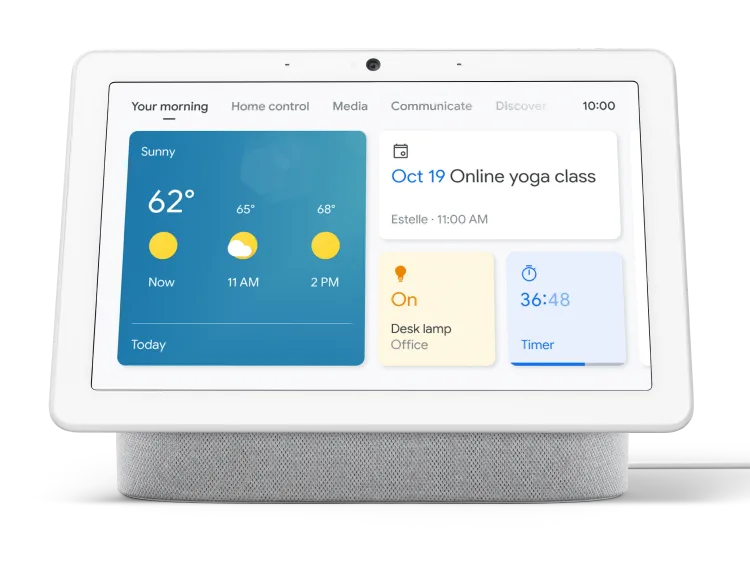
Finally, test thoroughly with dummy events. Try adding conflicting meetings, rescheduling recurring items, and checking time zone conversions. Watch how smoothly changes propagate across connected platforms.
Troubleshoot glitches now while stakes are low.
Adopt a morning ritual: spend five minutes reviewing today's synced agenda with your assistant active. Verbally confirm priorities or adjust blockers early. This habit reinforces trust in the system and catches edge cases before they impact your day.
Review weekly performance metrics like missed bookings, last-minute cancellations, and unprocessed requests. Most good tools surface these stats automatically. Use them to refine rules monthly, not daily, too much tweaking creates instability.
Remember, technology amplifies habits, not fixes broken ones. Best ways to use a virtual assistant for meeting scheduling succeed only when paired with consistent ownership of your own time. Your assistant handles execution; you provide direction.
Even solid plans stumble on common pitfalls. Avoiding these traps saves weeks of frustration and keeps your new system functional long-term.
Assuming everyone shares your local time sinks teams spread across continents. Configure automatic conversion rules upfront using tools like Calendly or built-in timezone features in Google/Outlook. Failing to set these leads to embarrassing miscommunications later.
Trying to digitize every single past commitment exhausts newcomers and yields incomplete results. Accept that legacy gaps exist temporarily. Focus energy on future accuracy instead.
Slow, sustainable adoption beats rushed perfectionism every time.
Leaving the AI unsupervised on overlapping event detection invites silent errors. Some merges happen invisibly, cancelling intended engagements without alerting participants. Always enable notifications for critical overrides and review flagged incidents daily during initial weeks.
Dependence on one platform creates disaster risk if service drops unexpectedly. Maintain a parallel simple calendar copy elsewhere, another app, exported CSV files, or printed weekly views. Redundancy protects against total visibility loss.
New systems demand temporary extra effort before automating reduces workload significantly. Expect two to three weeks of heightened attention span as you train yourself and the software together. Impatient abandonment during this phase guarantees failure.
Recognizing these patterns early transforms potential roadblocks into stepping stones toward lasting organizational success.
When implemented correctly, optimized scheduling systems deliver measurable improvements beyond convenience. Quantifiable gains motivate continued investment and help justify ongoing maintenance efforts over time.
| Benefit Area | Typical Improvement | Source/Context |
|---|---|---|
| Weekly planning time reduced | 40–60% less manual entry | Aggregate user surveys 2024–2025 |
| Missed appointments dropped | 70–85% decrease post-setup | Business productivity case studies |
| Meeting productivity increased | 20–30% higher focus scores | Corporate training assessments |
| Stress levels around deadlines fell | Self-reported 25% lower anxiety | Wellness apps correlational data |
Beyond numbers, qualitative shifts emerge quickly. People report feeling lighter mentally carrying fewer open loops about upcoming obligations. Decisions feel sharper because cognitive space frees from constant logistical triage.
Relationships improve since reliability builds trust visibly over repeated interactions.
Maintaining momentum requires periodic health checks quarterly at minimum. Verify integrations still function properly after platform updates. Reassess rules seasonally as priorities shift naturally throughout annual cycles.
Celebrate small wins publicly within teams adopting similar frameworks, positive reinforcement sustains engagement longer than fear-based compliance ever could.
For ongoing support resources explore communities centered around virtual assistant to manage appointments, sharing tips successfully adapted situations mirroring yours. Collective wisdom accelerates individual mastery considerably compared navigating isolation alone.
Entry-level AI tools range free to $10 monthly per user. Premium features push toward $20, $30 USD/month. Human VAs charge hourly ($15, $50+) or retainer packages starting around $200+/month depending on scope and region.
Hybrid models blend both costs proportionally based on task delegation ratios decided collaboratively beforehand.
Not entirely yet. Current technology excels at repetitive execution within defined parameters but struggles nuanced judgment calls requiring cultural context empathy or creative problem solving outside standard templates. Best results come pairing automated foundations with periodic human review cycles ensuring alignment stays intentional rather than accidental drift dominates operations unconsciously over extended periods unnoticed until crises force corrections retroactively too late preventively ideally.

Sofia Grant is a business efficiency expert with over a decade of experience in digital strategy and affiliate marketing. She helps entrepreneurs scale through automation, smart tools, and data-driven growth tactics. At TaskVive, Sofia focuses on turning complex systems into simple, actionable insights that drive real results.










A career as a virtual assistant gives you the freedom to work from anywhere, set your own hours, and build a business around skills you already have—or…
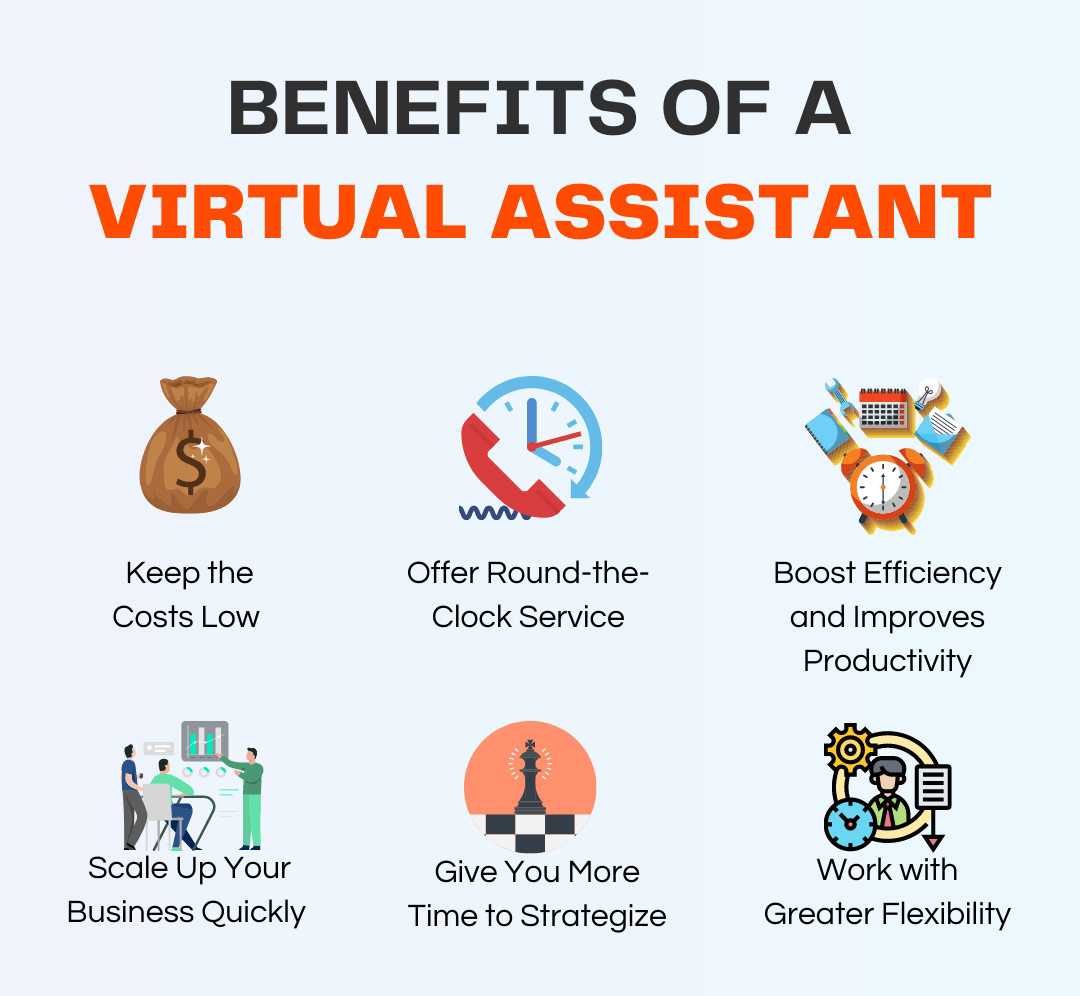
The virtual assistant industry has matured dramatically. What once meant “remote admin support” now spans high-ticket specialties like launch…

Every founder who delegates work to a virtual assistant eventually hits the same wall: the tools that worked when you were a solo operator don’t hold up…