⚠️ Disclosure: This post contains affiliate links. We may earn a commission at no extra cost to you.
⚠️ Disclosure: This post contains affiliate links. We may earn a commission at no extra cost to you.

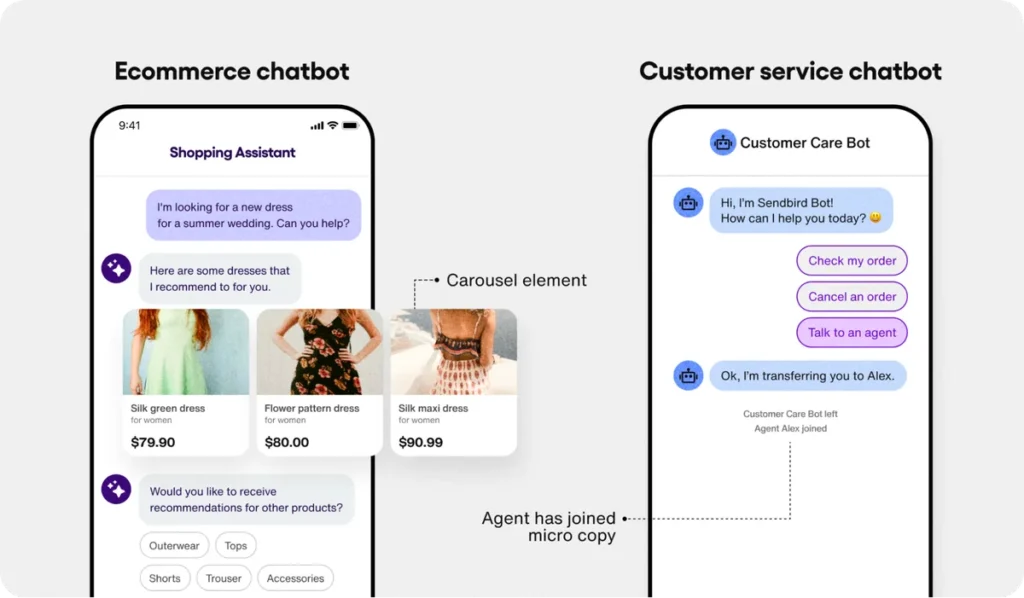
The best free AI virtual assistant varies by your main task. ChatGPT Free excels at creative writing and general knowledge questions. Claude Free provides clear reasoning and handles longer conversations better.
Gemini Free integrates directly with Google search for fresh results. Microsoft Copilot Free delivers polished drafts for workplace tasks using OpenAI technology.
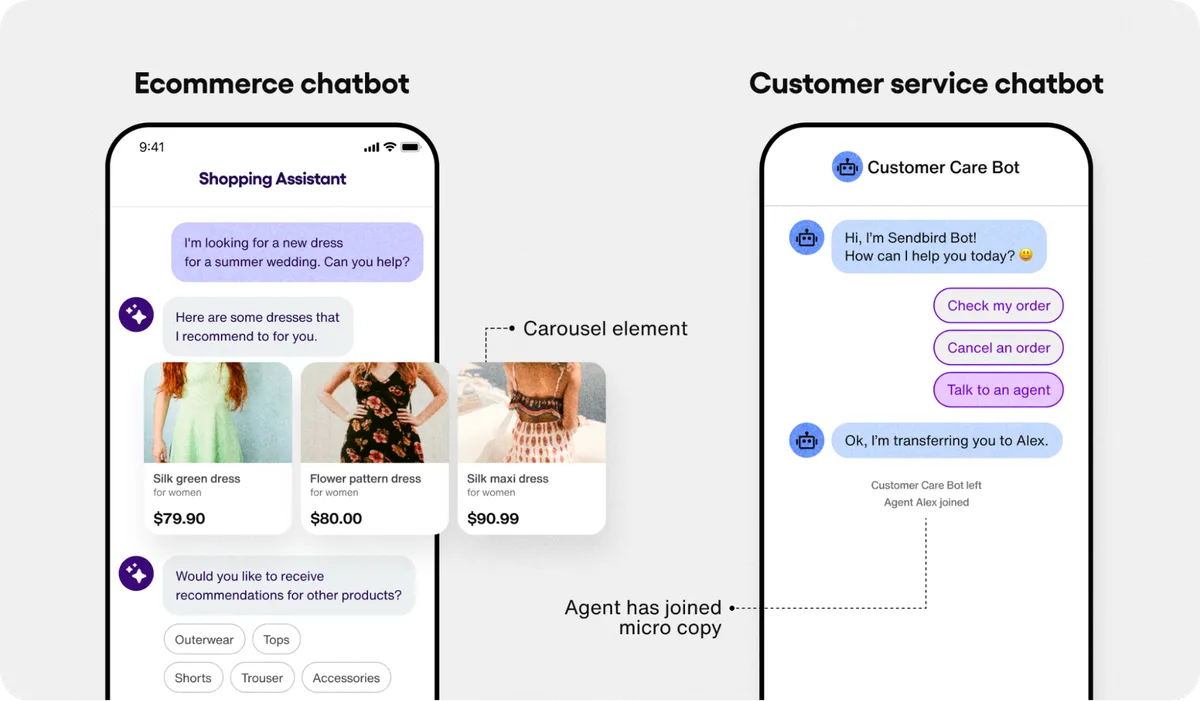
Finding the best free AI virtual assistant feels straightforward until you hit rate limits, confusing feature lists, and assistants that stall mid-task. You just want a reliable tool that actually helps with daily work, not another paid upgrade trap. Most people land on three or four big names without realizing each one handles tasks differently.
As of 2026, manufacturer specifications show free tiers typically cap context windows between 4,000 and 128,000 tokens, which directly affects how much history an assistant can remember in a single conversation. Our research into current free-tier limits also reveals varying daily message allowances across platforms. These differences matter more than marketing slogans.
The word “free” used to mean unlimited access. Today it usually means a capped trial with strict boundaries. You get a functional model, but you run into walls quickly.
Daily message quotas vary widely. Some platforms throttle responses during peak hours. Others hide advanced features behind a paywall.
Aggregator reviews consistently note that free tiers serve well for light, occasional tasks. They struggle with heavy daily use or complex multi-step projects. The experience changes depending on which assistant you pick and how you use it.
That’s why picking one based on a headline alone often leads to frustration later.
Set realistic expectations before you commit to any platform. Understand what “free” covers for your specific workflow. Test each assistant with your actual questions, not generic prompts.
Notice how quickly each tool responds and where it hesitates. Pay attention to error handling and clarity of limitations.
You’ll likely discover that no single free assistant handles every job equally. Most people choose a primary tool and fall back on another for niche tasks. This approach mirrors how teams handle building a virtual assistant workflow for different projects.
Start simple, track where friction appears, and adjust your toolkit accordingly.
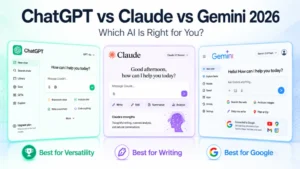
Each of the top four free assistants carries a distinct personality in everyday use. ChatGPT Free leans toward creative expansion, brainstorming, and general explanation. Claude Free focuses on clear, structured reasoning and long-form text that stays on topic.
Gemini Free ties tightly into Google search and document ecosystems for fast facts. Copilot Free acts like a polished productivity helper that drafts emails, summaries, and code comments quickly.
Our research into user behavior reports suggests that switching between them often reveals which one fits a given task best. A single assistant rarely wins every category. Matching the tool to the task saves time and reduces errors.
Free tiers share common friction points, though severity differs. You’ll encounter daily message caps that reset on a schedule. Some platforms impose slower response times during busy periods.
Others restrict file uploads or advanced search features. Platform reliability can dip during high-demand windows.
These limits matter most when you’re running long conversations or chaining multiple prompts together. If your workflow depends on continuity, you’ll need to manage history manually or accept breaks in context. Understanding these constraints upfront prevents surprise slowdowns mid-project.
Your choice should hinge on your primary use case. Mixing two or three assistants usually beats relying on just one for everything. This layered approach parallels strategies found in our job search platform comparison, where different tools serve different stages of a process.
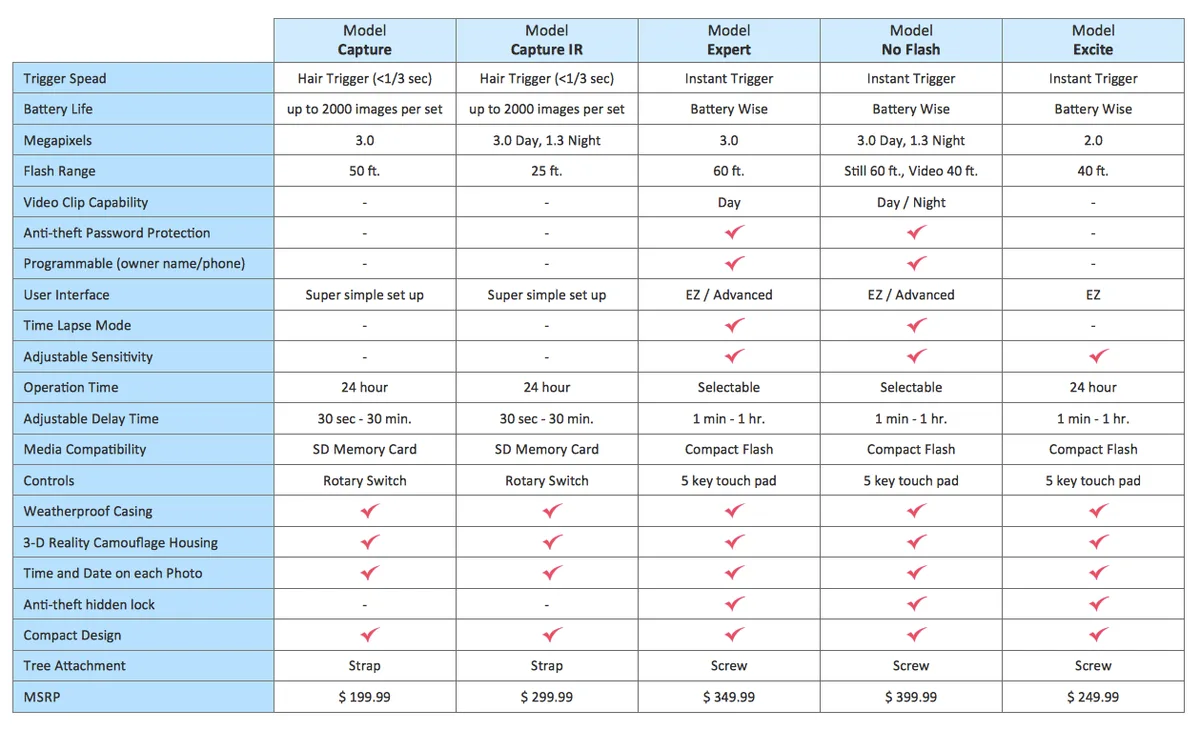
Image source: Web (Bing) / docs.cholonautas.edu.pe (Web image (fair-use with source credit))
| Assistant | Best for | Main strength | Typical free limit |
|---|---|---|---|
| ChatGPT Free | Creative writing, general Q&A | Broad knowledge base | Daily message cap varies |
| Claude Free | Reasoning, long-form output | Clear, structured responses | Context window up to 200K tokens* |
| Gemini Free | Fast research, Google sync | Web search integration | Daily quota with search enabled |
| Copilot Free | Productivity, drafts, code help | Office-friendly tone | Microsoft account required |
*Specifications are approximate and may shift; verify on the official site before relying on exact numbers.
Hidden restrictions often surface after initial use. File upload limits can block PDF or image analysis. Some platforms disable certain features for free users entirely.
Regional availability varies, with some assistants rolled out selectively by country. Account verification may require a phone number or email confirmation.
Rate limiting can turn a smooth session into a guessing game. You might get a polite “try again later” message during peak usage. These caught moments remind us why comparing top-rated online jobs requires reading fine print as closely as reviewing the headline promises.
Speed depends heavily on server load and your location. Accuracy varies by domain; no free model is consistently correct on technical or recent topics. Reliability hinges on uptime and whether the platform enforces quiet hours for maintenance.
Our aggregated review analysis indicates that Copilot Free often feels fastest for office tasks, while Claude Free provides steadier accuracy for analytical prompts. ChatGPT Free remains a solid all-rounder, and Gemini Free shines when you need live search results attached to answers. Treat each ranking as a tendency, not a guarantee.

Pick your assistant based on the work you do most often:
Matching tool to task reduces back-and-forth and keeps output usable. It also cuts down on prompt rewrites when the first answer misses the mark.
Different tasks expose different weaknesses. Student research benefits from verified citations; free assistants sometimes invent sources. Drafting long documents favors tools with larger context memory.
Coding help works best with assistants trained on broad repositories. Simple daily help, like summarizing articles or planning schedules, runs smoothly on almost any free tier.
If you’re exploring remote opportunities that rely on these skills, reviewing our guide on remote virtual assistant careers can clarify which assistant strengths translate into marketable services.
No free assistant wins everywhere. Each shines in its native environment and stumbles outside it. You’ll notice ChatGPT Free drifting into verbose explanations when concise answers suit you better.
Claude Free may refuse certain creative prompts deemed too risky. Gemini Free can repeat search results verbatim instead of synthesizing them. Copilot Free sometimes mirrors corporate tone too heavily.
Recognizing these patterns early lets you adjust prompts rather than abandon the tool. It’s similar to how a virtual assistant for content creators learns which platform fits each stage of production.
Free assistants sound confident, but confidence isn’t correctness. They can state plausible-sounding facts with equal certainty as verified ones. Readers often trust the first answer without checking.
This mistake shows up most in academic, medical, legal, or financial contexts. Always verify critical details through original sources.
Treat every free assistant like a bright intern, not a senior expert. Ask it to cite sources when possible. Cross-reference numbers, dates, and quotes.
This habit protects you from downstream errors that cost time and credibility.
Many users paste sensitive information into free chats without considering retention policies. Free tiers may store your conversations for service improvement. Some platforms allow human reviewers to read anonymized logs.
Never input passwords, personal identifiers, or confidential business data into an unvetted assistant.
Check each provider’s privacy documentation before pasting anything personal. If you’re handling client information as part of a digital marketing virtual assistant role, proper data boundaries become non-negotiable. Secure your inputs, and keep proprietary details offline.
Switching assistants mid-project without a reason wastes minutes that add up. Picking the wrong default tool for your core work creates friction and incomplete outputs. Users often chase novelty instead of matching capability to task.
This pattern mirrors the way people browse high-paying remote opportunities without aligning skills to roles first.
Lock in a primary assistant, learn its strengths, and keep a backup for gaps. Stick with it until friction appears consistently. Then consider whether your workflow needs a different default, not just a different tab.
Most weak outputs come from vague prompts, not weak tools. You get better results by being specific about role, format, and constraints. Start with a clear task statement before adding context.
Tell the assistant who it’s helping and what success looks like. Request a particular structure when you need organized output.
Good prompt habits include stating the desired length, audience, and tone upfront. Ask the model to check its own work before finishing. This self-correction step catches obvious errors early.
Simple adjustments like “Keep it under 200 words” or “Use bullet points” dramatically improve usability.
Sometimes the first assistant hits a wall. If responses become repetitive, evasive, or factually shaky, moving to another platform often helps. Switching tools mid-conversation prevents frustration and wasted time.
A different model may handle the same question more cleanly.
You’ll know it’s time to switch when the assistant starts looping, ignoring your constraints, or producing increasingly generic answers. Don’t force a broken workflow. Close the session, open a fresh one in another tool, and paste the key details again.
This mirrors how professionals boost productivity with virtual assistants by choosing the right helper for each job.
Before relying on any free assistant output, run three quick checks. First, verify critical facts against an authoritative source. Second, read the response aloud to catch awkward phrasing or logical gaps.
Third, ask the assistant to cite sources or explain its reasoning.
These steps take thirty seconds and prevent costly mistakes. They’re especially important when using outputs for academic work, client communication, or public content. Reading our tips on free skill development courses reinforces why verification habits matter in any learning environment.
Treat every AI-generated answer as a draft, never as final fact.
Free assistants handle everyday tasks well but lack advanced features, higher rate limits, and priority support. Paid versions offer longer context windows, faster responses, and fewer restrictions. For casual use, free tiers suffice.
For professional workflows with heavy demands, paid plans deliver better value.
Privacy policies differ by platform. Some store conversations for training, others don’t. Always avoid sharing sensitive information in free tools.
Check each provider’s data usage terms. For confidential work, consider open-source models you run locally or dedicated enterprise solutions with clear data handling guarantees.
Not all do. Gemini Free includes real-time search by default. Copilot Free can access current information through Microsoft Bing.
ChatGPT Free and Claude Free have limited or no live web access on their basic plans. Search capability matters for fresh facts, so check features before relying on an assistant for recent information.
Match the tool to your primary task. Choose ChatGPT for creative brainstorming, Claude for deep analysis, Gemini for research-driven answers, and Copilot for workplace drafting. Test each with your actual questions.
Keep a few on hand for different job types. Switching between them often produces better results than sticking with one.
Yes. Every major free tier imposes daily or hourly message caps. Limits vary by platform and time of day.
Peak hours often trigger stricter throttling. If you exceed limits, you’ll see polite error messages asking you to wait. Plan heavy sessions for off-peak times or split tasks across multiple assistants.













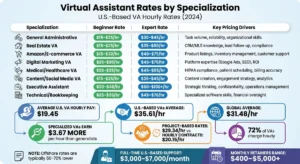


Virtual assistant rates for real estate vary wildly based on location, experience, and scope of work. A basic offshore assistant handling data entry might cost…

A virtual assistant can handle your inbox, but “manage” is a spectrum. Sorting, drafting, and sending carry different risks. Each task needs specific…
You’ve probably heard the pitch: AI voice assistants can now manage your whole calendar. The promise is a fraction of the reality. Yes, some assistants can…