⚠️ Disclosure: This post contains affiliate links. We may earn a commission at no extra cost to you.
⚠️ Disclosure: This post contains affiliate links. We may earn a commission at no extra cost to you.

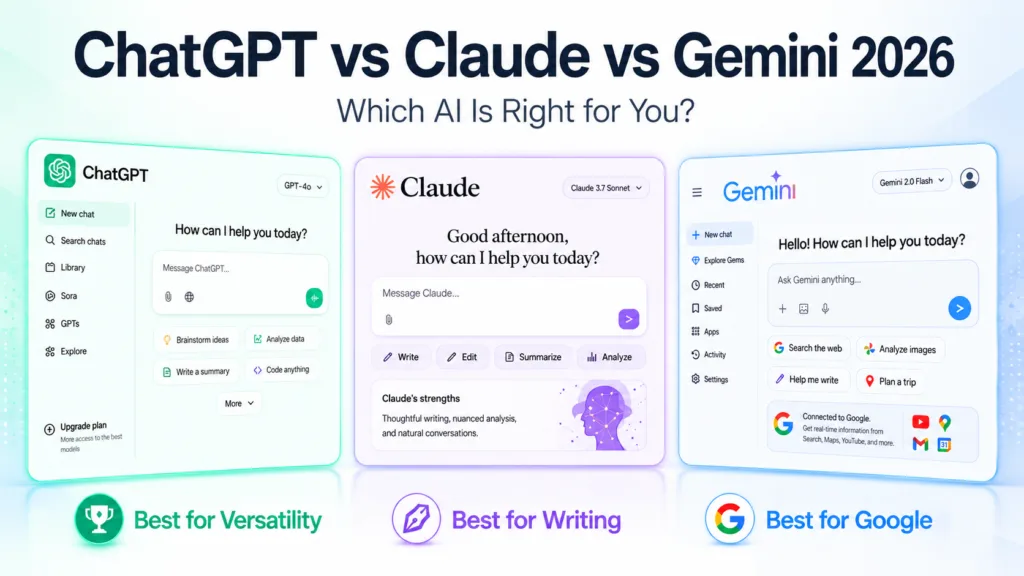
Building a routine around a free AI virtual assistant sounds tempting when you see all the marketing. Let's be honest about what you're really getting and which tool fits your actual life.
Our research across the major platforms as of 2026 shows clear winners depending on whether you need creative writing help, coding support, or straightforward fact retrieval. The differences come down to context limits, privacy policies, and which features get gated behind paywalls faster than anyone admits upfront.
A free AI virtual assistant is a conversational tool powered by large language models that handles everyday tasks at no cost. The best overall pick remains ChatGPT for general use, while Claude excels at long-form writing and reasoning. Gemini leads when you need real-time search integration.
Expect rate caps, occasional quality dips during peak hours, and varying data-retention policies across platforms. Read on to see exactly which tool matches your situation without wasting time testing dead ends.
Image source: Bing (Web (fair-use with source credit))
Each platform carves out a slightly different niche even within its free tier. Knowing those niches saves hours of frustrating trial and error.
ChatGPT remains the most widely recognised option. Its free tier delivers solid general-purpose assistance with a 128K token context window on the latest model. You can upload images and documents, generate code, and explore reasoning-heavy prompts without hitting a wall immediately.
The interface feels intuitive and the conversational flow stays consistent across sessions.
Claude stands out for extended outputs and careful reasoning. Anthropic built this model with strong safety guardrails and noticeably cleaner prose. Long documents up to 200K tokens fit comfortably within the conversation window.
Writers and researchers tend to prefer its straightforward style over more playful alternatives.
Gemini blends conversational AI with Google's search infrastructure. You receive fresh web results alongside AI-generated responses, which matters enormously for current information. Image recognition works well and PDF parsing handles dense reports cleanly.
If you already live inside Google services, the seamless login experience reduces friction significantly.
Copilot channels GPT-powered intelligence directly through Edge and Windows. The sidebar integration means you never leave your browser to consult another tab. Real-time web access keeps answers current without extra prompting.
Microsoft also bundles this capability into Office applications, which simplifies document workflows considerably.
Perplexity reimagines search by citing sources inline. Every claim comes with a reference link, reducing the risk of accepting fabricated details blindly. The free tier supports conversational follow-ups while preserving the citation trail intact.
Academics and professionals who value verifiable answers gravitate toward this approach naturally.
Meta's Llama 3 and Mistral's 7B models offer downloadable freedom if you have hardware to run them locally. These options eliminate subscription headaches entirely but demand technical setup knowledge. Projects like Ollama or LM Studio make deployment straightforward for capable users willing to invest initial time.
Local hosting also sidesteps privacy concerns since conversations never leave your machine.
Picking between free tiers requires understanding three core areas: what each platform gives openly, where restrictions quietly bite, and how they handle your personal data differently. The comparison table below captures the essential trade-offs most comparison articles miss.
| Feature | ChatGPT | Claude | Gemini | Copilot | Perplexity |
|---|---|---|---|---|---|
| Max context window | 128K tokens | 200K tokens | 1M tokens | 128K tokens | 45K tokens |
| Image input | Yes | Yes | Yes | Limited | No |
| File upload | Yes | Yes | Yes | Via Office only | Limited |
| Web search | No | Limited | Built-in | Built-in | Built-in |
| Custom memory/profile | Limited | Yes | Yes | No | No |
| Rate limit style | Soft daily cap | Hard hourly reset | Account-based | Rotational | Query-based |
Gemini's massive context window applies only to certain model variants and may require waiting in queue during peak usage times.
The hidden catches deserve equal attention because nobody reads the fine print until problems surface. Here's what actually trips people up most often.
Quality varies by task type across every platform. ChatGPT shines at creative problem solving and explaining complex ideas simply. Claude maintains sharper logical consistency throughout longer arguments.
Gemini occasionally prioritises speed over nuance when handling multi-step reasoning. Knowing these tendencies lets you route tasks to the right tool instead of blaming the technology unfairly.
Context window size determines how much conversation history stays active before older messages get trimmed. A larger window means richer back-and-forth without repeating yourself constantly. Memory features let some platforms remember your preferences across separate sessions.
Check whether your chosen tool actually stores past conversations or forgets everything once you refresh the page.
Modern assistants increasingly accept images, audio clips, and uploaded documents. Image recognition proves especially valuable for visual learners tackling STEM subjects or interpreting charts. Audio transcription helps when you'd rather dictate notes than type them manually.
Verify your preferred platform supports the media types you'll actually use regularly.
Rate limiting protects servers during heavy load but frustrates power users who need uninterrupted access. Most platforms implement soft limits that warn before cutting you off entirely. Others use hard counters that reset at set intervals like midnight UTC.
Understanding each platform's rhythm prevents awkward mid-task disconnections when deadlines loom close.
Privacy policies differ dramatically between services. Some retain conversations indefinitely for training purposes unless you opt out manually. Others erase data after twenty-four hours automatically.
Enterprise-grade tools promise zero retention by default but charge premium prices accordingly. Review each platform's data policy before feeding sensitive information into any chatbox.
Platforms routinely demote premium features from free visibility to encourage upgrades. GPT-4o access now requires subscription on many services. Custom instruction templates, advanced file analysis, and priority queues frequently moved behind payment gates.
Recognise which capabilities you genuinely need daily versus nice-to-have luxuries before committing funds.
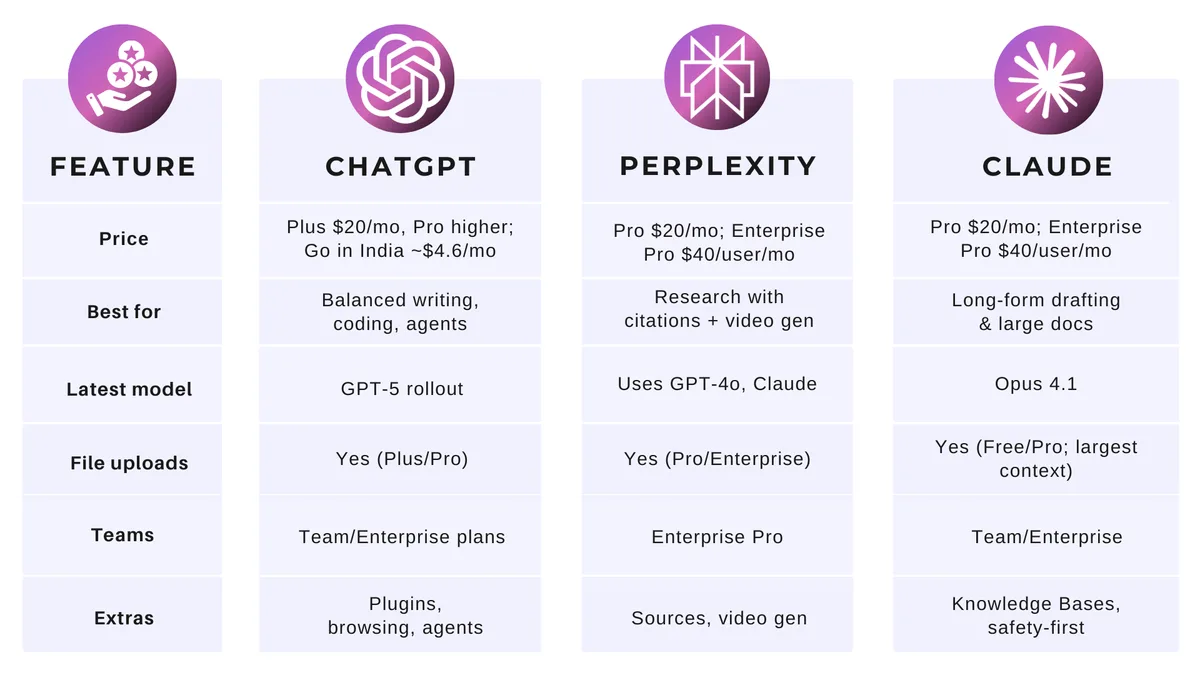
Image source: Bing (Web (fair-use with source credit))
Theory means little without practical alignment to your specific circumstances. Different users extract wildly different value from identical tools based on their goals, workflows, and tolerance for friction.
Students benefit enormously from platforms offering strong research integration. Gemini's live web search delivers current information instantly without juggling multiple tabs. Perplexity's citation system builds trust when verifying facts for papers.
Claude handles extensive textbook chapters gracefully thanks to its generous context window. Pair these tools with guidance on remote virtual assistant jobs if you plan combining studies with flexible income opportunities.
Writers prioritise voice quality, coherence, and stylistic flexibility above raw speed. Claude consistently produces the most natural prose among free options. ChatGPT offers superior brainstorming variety when generating angles or outlines.
Combine both strategically. Use one for drafting, the other for refining. Learning how to build an efficient workflow around these tools helps prevent burnout while scaling output.

Image source: Web (Bing) / jzero.com (Web image (fair-use with source credit))
Developers need accurate syntax explanations, debugging suggestions, and code translation between languages. ChatGPT handles programming queries reliably across multiple syntaxes. Copilot integrates directly into IDEs, streamlining the editing process itself.
GitHub Copilot's free allowance covers individual contributors adequately before team plans kick in. Testing generated code independently remains essential despite impressive accuracy rates overall.
Business professionals require polished communication and meeting summarisation abilities. Gemini integrates cleanly with Gmail and Calendar ecosystems for seamless productivity enhancement. Copilot assists with Outlook scheduling and Teams note capture effectively.
Both reduce manual transcription burdens while maintaining professional tone standards automatically.
Everyday helpers range from recipe generators to travel planners and gift suggestions. ChatGPT delivers broad knowledge coverage suited for casual curiosity. Gemini provides practical local recommendations when combined with Maps functionality.
Keep expectations realistic. These tools supplement rather than replace human expertise for important decisions. Start exploring gradually before building dependency habits.
Selection errors happen frequently enough that recognising them early prevents wasted frustration later. Most users repeat the same misjudgments regardless of technical comfort level.
Free tiers operate under sustainable business models requiring some restriction. Unlimited claims usually hide rate ceilings measured in messages per hour or complex queuing systems. Accept modest limitations gratefully rather than expecting unrestricted access indefinitely.
Budget your usage around peak demand periods when possible.
Submitting confidential work documents, financial data, or personal health details to unknown servers creates exposure risks. Review each platform's data retention policy before sharing anything sensitive. Some tools anonymise inputs automatically while others store raw conversations permanently.
Choose wisely based on what you're comfortable exposing externally.
More buttons rarely equals better outcomes. Packed interfaces overwhelm beginners who just want simple assistance. Match features against your actual daily needs instead of accumulating unused capabilities sitting idle.
Focus on mastering five functions thoroughly before expanding further.
AI occasionally fabricates plausible-sounding information confidently. Treat every factual claim critically regardless of delivery certainty. Cross-reference important details with authoritative sources whenever possible.
Build healthy scepticism into your evaluation process naturally over time.
No single platform excels uniformly across all categories. Rotate between assistants strategically based on task type rather than loyalty to one brand. Experiment routinely with secondary options to discover unexpected strengths hiding beneath familiar interfaces.
Flexibility beats stubborn consistency consistently.
Making your choice shouldn't require endless comparison shopping. This decision matrix cuts through the noise by matching your primary goal directly to the platform that delivers it best.
| Your Main Goal | Best Free Tool | Why It Wins |
|---|---|---|
| General everyday assistance | ChatGPT | Broadest knowledge base and most intuitive interface |
| Long-form writing and editing | Claude | Cleanest prose and strongest logical consistency |
| Research with live sources | Gemini or Perplexity | Built-in web search and citation capabilities |
| Coding and technical help | ChatGPT or Copilot | Superior syntax support and IDE integration |
| Privacy-first local usage | Llama via Ollama | Data never leaves your machine |
Use this quick guide to narrow your options before diving in. If you primarily draft emails and manage schedules, start with Gemini because of its Google ecosystem integration. Writers tackling essays or blog posts should test Claude first for its polished output quality.
Developers building applications will find ChatGPT's programming explanations consistently reliable.
Deciding between staying free or upgrading depends entirely on your usage patterns. Stick with free tiers if you occasionally need quick answers, light research help, or creative brainstorming sessions. Upgrade when you rely on daily heavy usage, need priority access during peak hours, or require advanced features like extended document processing.
Most users benefit from running two tools simultaneously rather than committing to one platform permanently. Keep ChatGPT open for general questions alongside Gemini for research-heavy tasks. Rotate between them based on what each does best rather than forcing every task through a single app.
Building a sustainable routine around your chosen assistants prevents frustration and maximises value. Learn how to build a virtual assistant workflow in 7 simple steps to structure your daily interactions effectively. Start slow, master basic prompting techniques, and gradually expand your toolkit as comfort grows.
No free tier offers complete privacy guarantees. Most platforms retain conversations briefly for service improvement purposes. Local open-source models like Llama running through Ollama provide true offline privacy since data never leaves your device.
Review each service's data policy before sharing sensitive information.
Yes, free tiers work perfectly fine for legitimate academic and professional tasks. Many students and professionals rely exclusively on complimentary versions without issues. Always verify generated facts independently before submitting work.
Check your institution's policies regarding AI tool usage to stay compliant.
The primary danger involves accepting hallucinated information confidently presented as fact. AI models occasionally invent plausible-sounding details without real basis. Cross-reference important claims against authoritative sources whenever possible.
Develop healthy scepticism toward absolute-sounding statements regardless of delivery tone.
Platforms frequently adjust rate limits and feature availability based on server capacity and business strategy. Major changes typically occur quarterly or during significant model updates. Subscribe to official announcements or monitor community discussions to stay informed about evolving restrictions before they disrupt your workflow unexpectedly.
Testing several platforms simultaneously helps identify which handles your specific needs best. Create parallel accounts on ChatGPT, Claude, and Gemini to compare responses side by side. Document which tool produces cleaner outputs for different task types.
Once you establish preferences, streamline into your preferred combination rather than juggling everything constantly.
Clear role assignment dramatically improves response quality across all platforms. Specify exactly who the assistant should pretend to be before asking your question. Request structured outputs like bullet points, tables, or step-by-step formats when appropriate.
Provide relevant context upfront instead of expecting the model to guess your intentions accurately.
















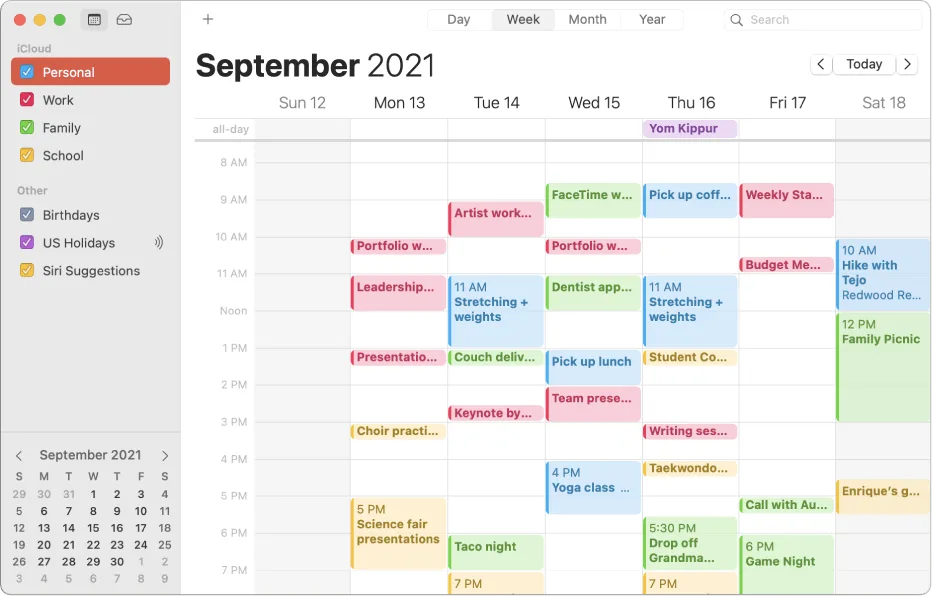
You’ve got meetings spilling across time zones, and a full inbox of scheduling requests you can’t keep up with. Virtual assistant calendar management services…
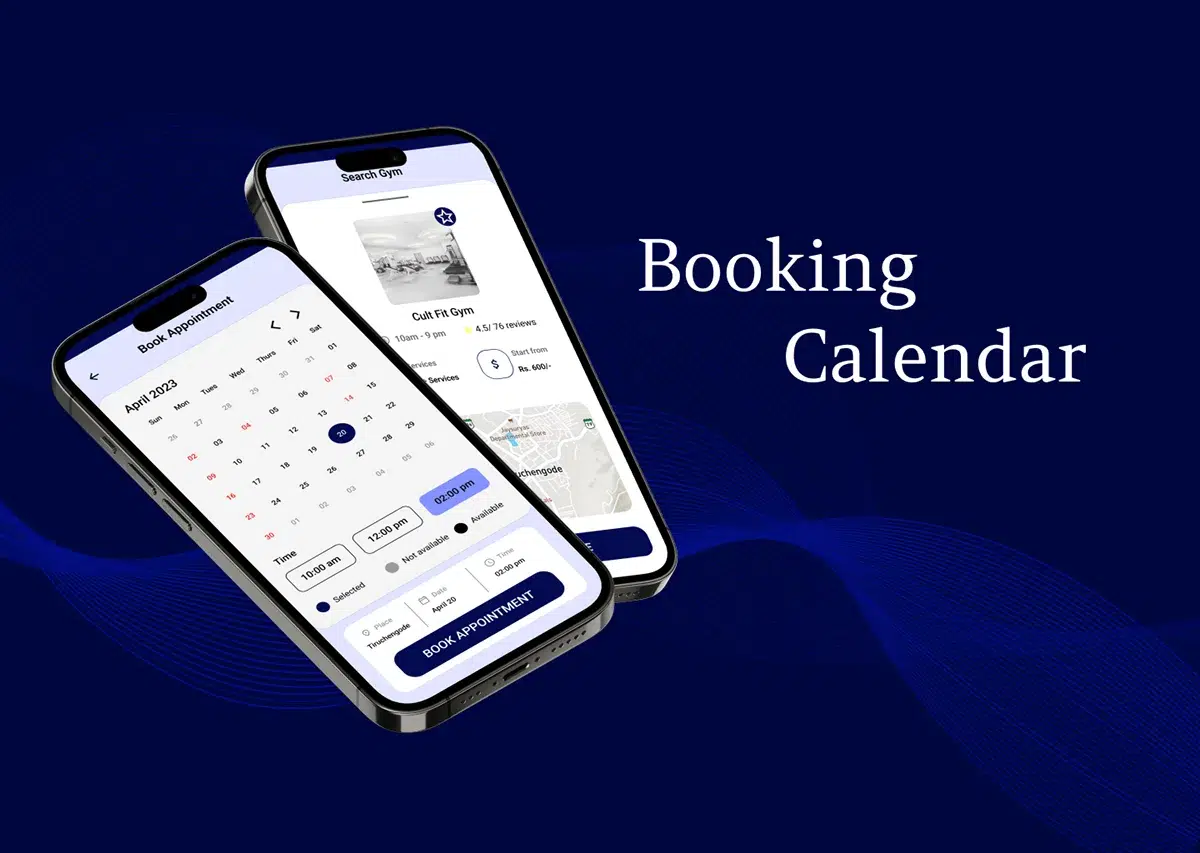
Booking meetings gets messy fast, and a virtual assistant for scheduling appointments can fix that if you pick the right type. Most people confuse a human…
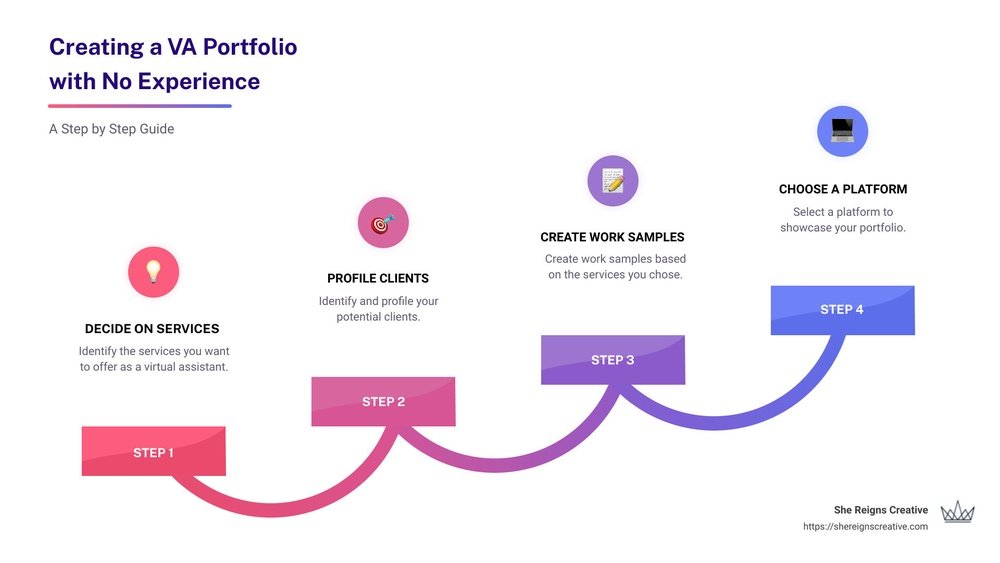
A virtual assistant portfolio is more than a collection of past tasks. It is the single most persuasive tool you have to convert a curious visitor into…